● DIGITAL KEY TELEPHONE / ATTENDANT OPERATION KD, KD/E, LKD Series
Th tt d t l t th i h l t ICM b
Intercom Box BGM Selection by Attendant (*)
A
Button
Procedure
To set ICM box music,
● Press TRANS/PGM button.
● Dial * 0.
● Dial the music channel (0~9).
● Press HOLD/SAVE button.
e a
en
an
can se
ec
e mus
c c
anne
source
o an
ox.
tendant Operat
● Press the 5th menu key from the main menu to select PROGRAM.
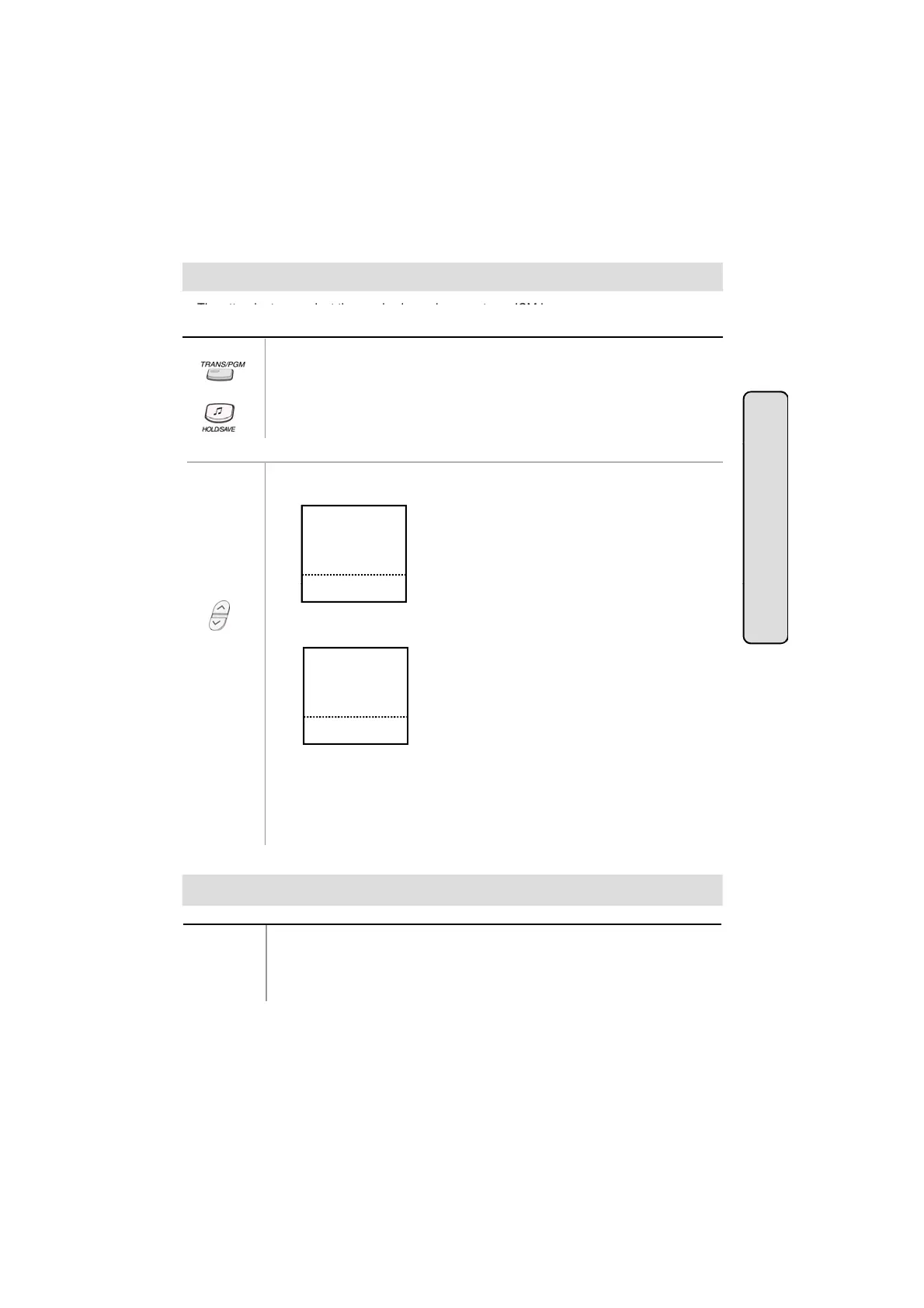
● Select the ATD PROGRAM key. On the display, you will see the following.
A>WAKE-UP SET
A>WAKE-UP ERASE
A>PASSWORD ERASE
A>CHG DATE MODE
A>CHG TIME MODE
■
■
■
■
■
■
■
■
■
■
▲
Or using display, (Only in K
33LD, KD/E
36LD, LK
30LD)
ion
NOV 02 01:40pm
▣
▼
● Press PAGE down key (▼) once.
You'll see the following.
A>DISABLE CO OUT
A>STA MSG ERASE
A>SET ICMBOX MSC
A>CLOCK SET
A>INTERCOM ONLY
■
■
■
■
■
■
■
■
■
■
NOV 02 01:40pm
▣
▼
● Select the SET ICMBOX MSC.
● Press the Music type;
0 : No music
1~9 : Music from channel 1~9
● Press HOLD/SAVE button.
Button
Procedure
● Press DSS button of the station to be overridden. (DND tone or busy tone is
heard.)
● Dial * to override the station in DND or in busy.
Overriding a Key Telephone in Do Not Disturb (in GDK-16/20W)
55



 To Next Page