● DIGITAL KEY TELEPHONE / USER’S GUIDE KD, KD/E, LKD Series
Voice Announcement (Cont’d)
Listen to the recorded message,
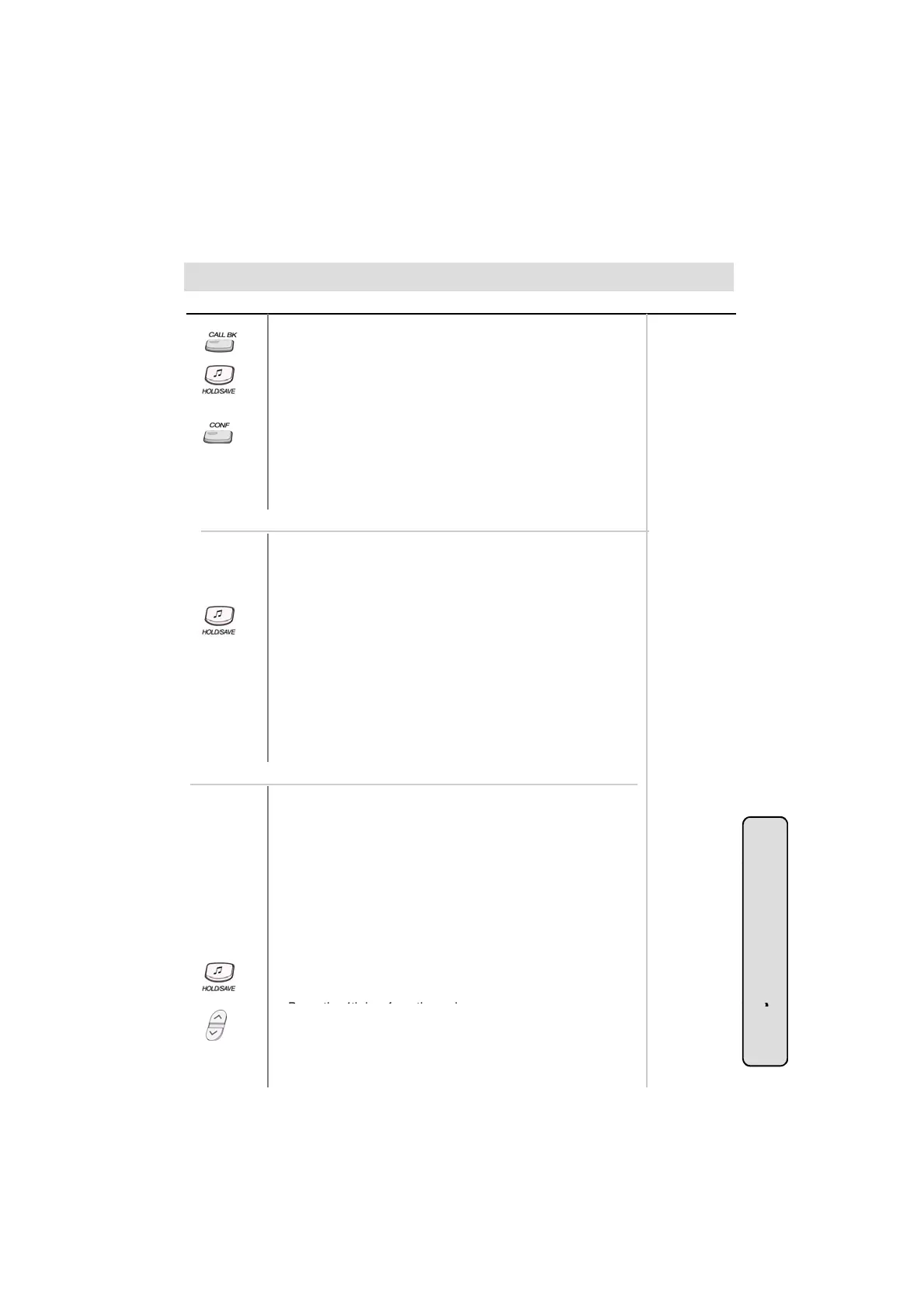
● Press the flashing CALLBK button.
● The recorded message is heard with the time and date.
● Pressing HOLD/SAVE button, the current message is saved
and the next message is heard.
● Pressing CALLBK button, the recorded message is heard from
the first message saved.
● Pressing CONF button, the current message is deleted.
On LKD-2N/S, 8D/S,
● If a DVU message is left, the MSG lamp is flashing.
● Dial 5 7 or programmed CALLBK button to listen to the
recorded message.
※ The recorded caller’s message will not be erased without pressing CONF
button. When the system power is off or system is reset, it will be erased.
※ The max. user recording time is 250sec. (Default: 20sec: it can be
programmable with admin programming - PGM 44-BTN 16)
●
e recor
e
message
s
ear
an
en
e message
s
automatically deleted when you hang up.
● Pressing HOLD/SAVE button while a message is played, saves
the message and the next message is heard.
● Pressing programmed CALLBK button, the recorded message
is heard from the first message saved.
● If you don’t press HOLD/SAVE button, the current message is
deleted.
● If you program a flex. button as a CONF button, the message
will be saved and you should press the programmed
Or using display, (Only in KD-33LD, KD/E-36LD, LKD-30LD)
Time Prompt;
● Dial 6 7 1.
● You will hear the time prompt, “Time is XX : XX PM.”
Date Prompt;
● Dial 6 7 2.
Y ill h th d t t “D t i D b 20th ”
button to delete the message (only in GDK-16).
Record paging message;
● Dial 6 7 8.
● Lift handset to record your paging message.
● Press HOLD/SAVE button after recording.
DVU station status;
●
ou w
ear
e
a
e promp
,
a
e
s
ecem
er,
.
Station Number Prompt;
● Dial 6 7 3.
● You will hear the station number prompt, “This is station XXXX.”
System Featu
35
●
ress
e
ey
rom
e ma
n menu.
● Press PAGE down (▼) key 4 times.
● Select DVU STA STATUS.
You will hear below lists (a - I).
es



 To Next Page