EasyManua.ls Logo

Lightware SW4-TPS-TX240 - User Manual

Lightware SW4-TPS-TX240
159 pages
Print Icon
To Next Page IconTo Next Page
Loading...
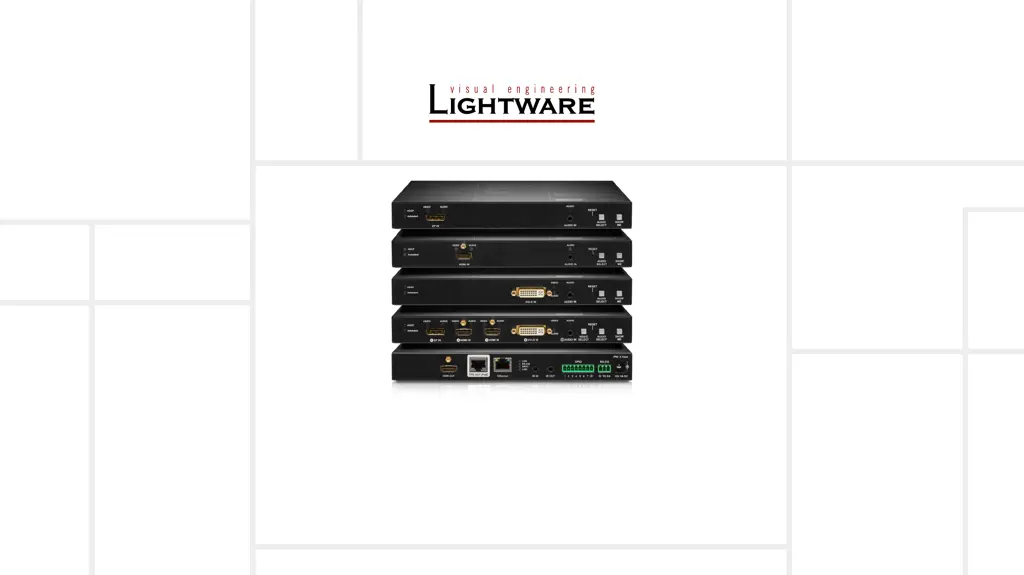
HDMI-TPS-TX210, HDMI-TPS-TX220
HDMI-TPS-TX226
DVI-HDCP-TPS-TX210, DVI-HDCP-TPS-TX220
DP-TPS-TX210, DP-TPS-TX220
SW4-TPS-TX240, SW4-TPS-TX240-Plus
User’s Manual
HDBaseT
TM
Multimedia Extender
v3.2

Table of Contents

Other manuals for Lightware SW4-TPS-TX240

Questions and Answers

  • B
    Brian EsparzaSep 12, 2025
    How to troubleshoot LAN connection issues with Lightware Transmitter?
    • C
      Cory DeleonSep 12, 2025
      If you cannot establish a LAN connection with your Lightware Transmitter, try these steps: * **IP Address:** If using a fixed IP address, ensure it is correct. Alternatively, enable the DHCP option to use a dynamic IP address. * **Factory Default:** Restore the factory default settings (with fix IP). * **IP Conflict:** Check for IP address conflicts with other devices on the network.
  • D
    delacruzchristopherSep 14, 2025
    What to do if connected serial device doesn't respond to Lightware Transmitter?
    • B
      bradleyashleySep 14, 2025
      If a connected serial device is not responding to the Lightware Transmitter, consider the following: * **Cable Connections:** Check the serial cable connectors to ensure they fit well and verify the wiring of the plugs. * **RS-232 Settings:** Check the port settings of the transmitter, receiver, and connected serial device(s). Pay attention to Link and/or Local ports. * **RS-232 Mode:** Verify the RS-232 mode settings (pass, control, or command injection).
  • A
    Amy JeffersonSep 16, 2025
    How to unlock front panels on Lightware Transmitter?
    • R
      Ricky EsparzaSep 16, 2025
      If the front panels of your Lightware Transmitter are out of operation, the front panel buttons may be locked. Unlock the buttons to restore functionality.

Lightware SW4-TPS-TX240 Specifications

General IconGeneral
Product TypeExtender
ModelSW4-TPS-TX240
ManufacturerLightware
Output Ports1
HDCP SupportYes
CategoryExtender
Input Ports4
Video ResolutionsUp to 4K
ConnectorsHDMI, RJ45
Operating Temperature0°C - +50°C
Storage Temperature-20°C - +70°C

Related product manuals