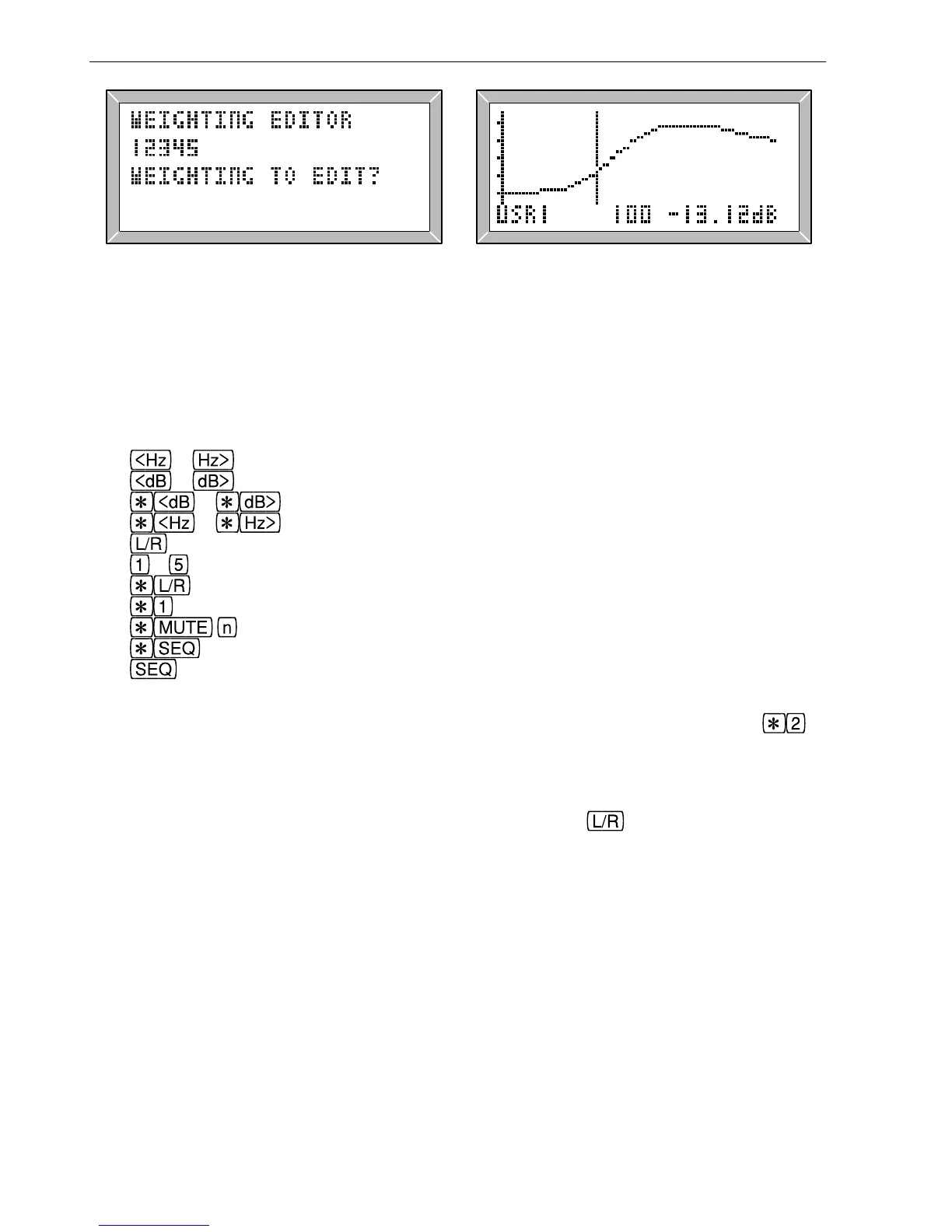
Fig. 2.25 Selecting a Weighting Curve Fig. 2.26 Weighting Curve Editor
The weighting curve will be plotted and if it has not been defined it will be a flat line. It
can be edited by moving the cursor and entering the level for each third octave frequency.
The editing keys are:
Editor keys Inverse response Inverting a weighting curve Normalise a weighting curve
& move the cursor in third octave steps
& change the weight at the cursor frequency by ±1dB
& change the weight at the cursor by ±0.01dB
& change the scale of the graph (zoom in/out)
copy the current weight to the next one for rapid entry
to preset keys set the weight to the preset level
invert the entire weighting curve
normalise the weighting curve to the cursor frequency
copy the weighting curve to user weighting curve n
select a new weighting curve to edit
exit from the editor.
To apply the user weighting set configuration W to its number (1 to 5) and press to
toggle it on/off (as described in section 2.26). When selected the actual output level will
be equal to the displayed level plus the weight for the current frequency being generated.
To clear a weighting simply set all of the weights to 0dB (this can be done very quickly
by setting the lowest frequency to 0dB and then holding the
key to copy this level to
the other weights).
Copy a weighting curve Copy a weight User weighting curves De-emphasis
36
2. Manual Operation



 To Next Page