Configuration Y will then be advanced to 2, so the next set of results will be
automatically stored in memory 2, and the LA102 will remain in sequence mode, waiting
for the next sequence. When all of the available memories have been used configuration
Y will return to 1 and the first results will be overwritten by the next sequence. Memory
0 (the current memory) always contains the latest results which can be displayed by
pressing
in the normal way, and the results can easily be identified by the cycle
character appended to the LA101’s serial number. Note that the number of memories will
depend on the setting of configuration C (see section 4.18) and whether any user
tolerances are defined.
3.21 Printout Heading Printout heading Heading on printouts Sequence heading on printouts
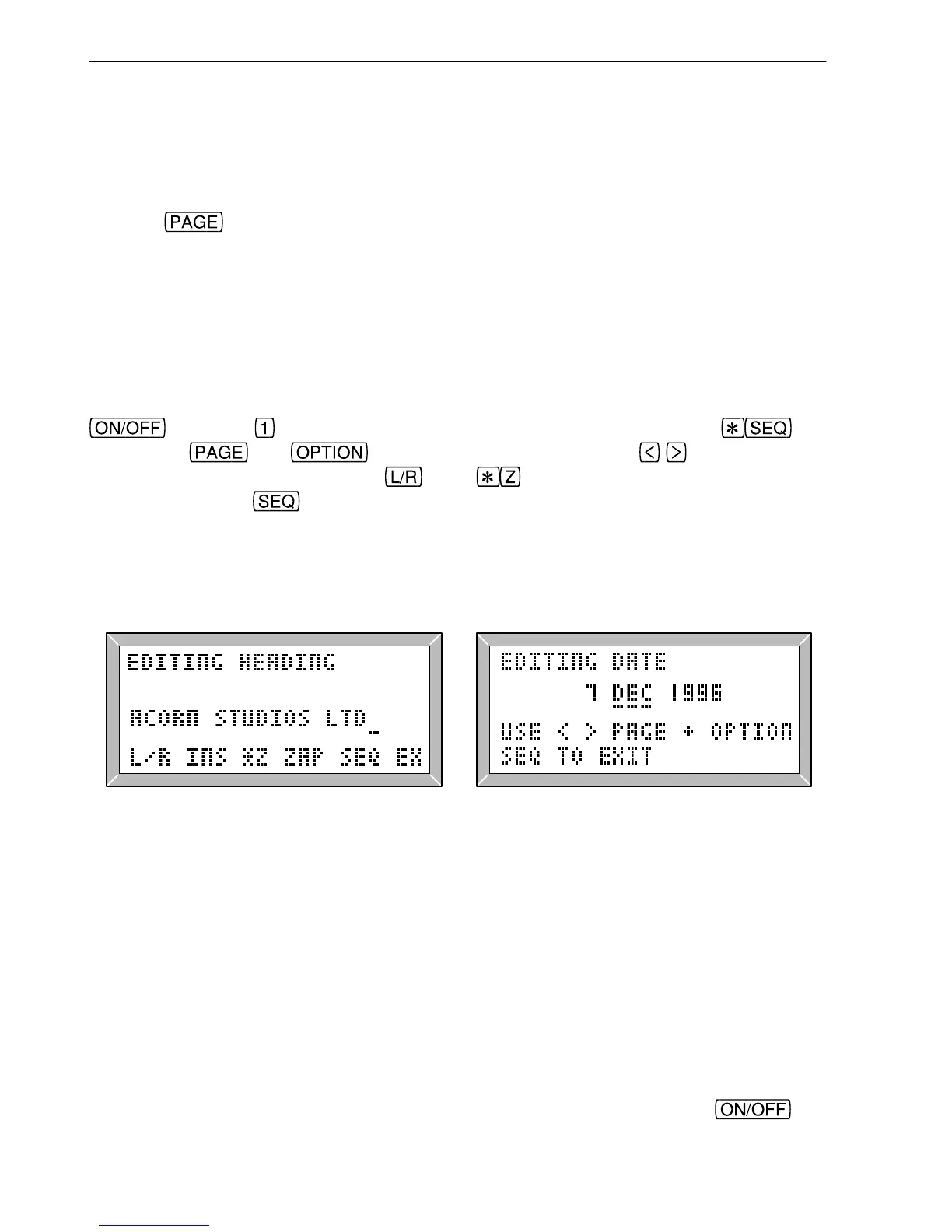
A message (up to 40 characters), such as a company name or receiving station can be
entered into the LA102 to be printed at the top of every printout (as in fig. 3.11). Hold
and press to display the Tolerance Editor Menu and then press (fig
3.25). The
and keys now move the cursor, the keys change the
character at the cursor and the
and keys insert and delete characters
respectively. Press
to exit. All of the editing keys available in the tolerance editor,
operate in this mode, and full details are given in section 5.6 while a summary of the keys
can be found in the quick reference card. The LA101 source message is edited in a
similar manner (see section 4.3).
Fig. 3.25 Printout Heading Fig. 3.26 Setting the Date
3.22 Printout Date Printout date Date on printouts Setting the date Date setting Computer support software Editing the date
It is sometimes convenient to include a date heading with results printouts and this is done
automatically if the results are printed using the Lindos Support software (see appendix
A.2). The LA102 can also print the date at the top of a test sheet (as shown in fig. 3.11),
but it does not have a real-time clock so it is necessary for the user to ensure that the date
is set correctly each day it is used.
The date is stored in non-volatile memory and can be changed manually every day or can
be made to advance by one day every time the unit is switched on. Hold
and
60
3. Sequence Testing



 To Next Page