may be mixed freely with other segments and may occur several times within a sequence
although most will usually be positioned at the start of the sequence to set output
impedance, channel and sequence test level before the test segments. Control segments
only affect the sequence while it is running, and anything which they change will be
restored when the sequence has finished.
Note for computer users: Because of the limited character set of the LA100, it is best
to use only the characters shown in section 4.2 within comments. Capital letters are
preferred. Double quotes enclosing titles and comments should be plain (") as open and
close quotes are not recognized (“”). The ± character should be entered as a vertical bar
character (|), although the Lindos Support Software will show this correctly if possible.
4.2 The LA101 Sequence Editor Defining a sequence User defined sequences Setting up sequences
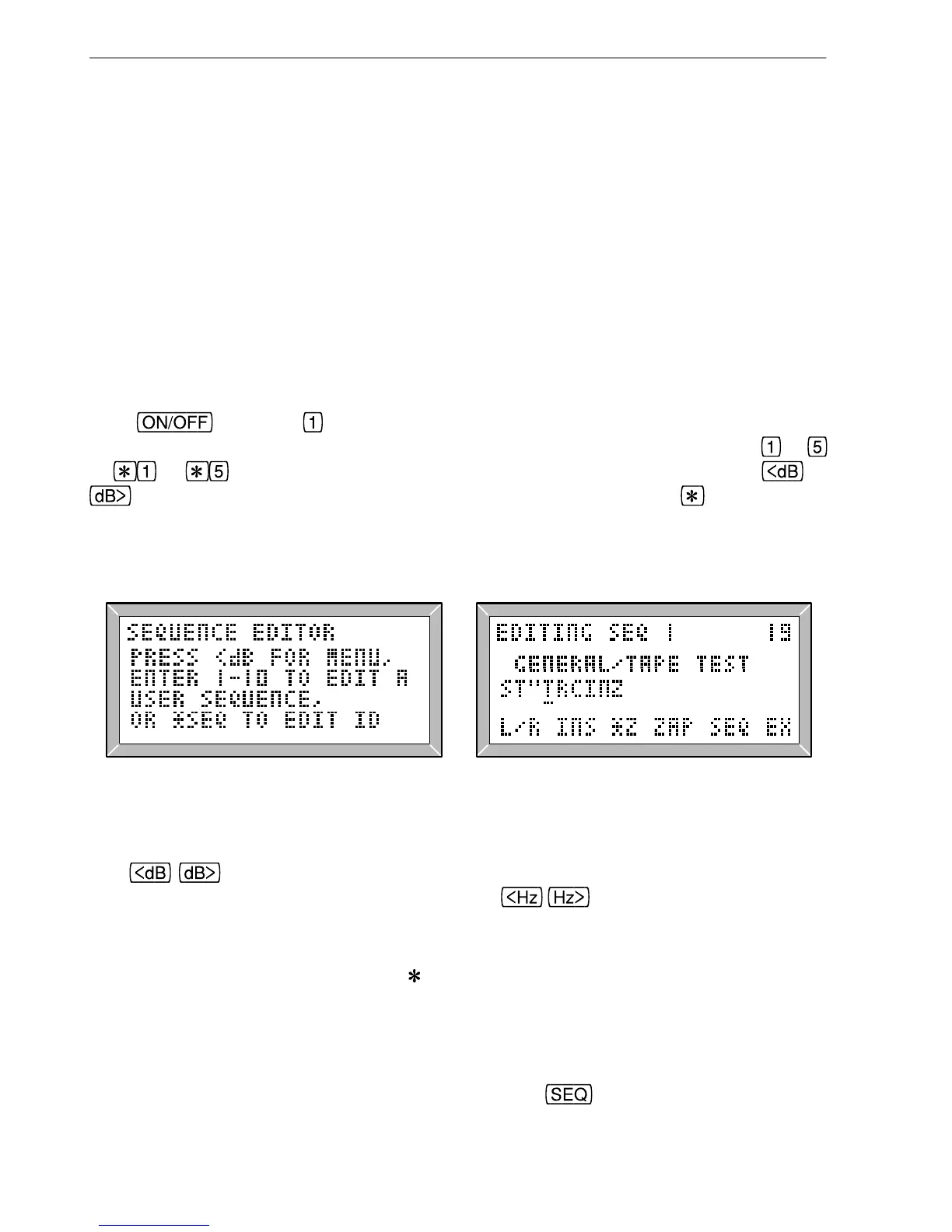
Hold and press to enter the LA101 sequence editor (fig. 4.2). The sequence
prompt will appear (see fig. 4.2) and the sequence can now be selected. Pressing
to
or to will select one of the sequences in the current bank. Pressing or
will produce a menu listing the first 5 sequences in the bank (hold to see the next
5), and pressing either of these keys again will change the bank. Whether the sequence
number is selected directly or via the menu, the LA101 LCD should be similar to fig 4.3
when a sequence is being edited.
Fig. 4.2 The Sequence Editor Prompt Fig. 4.3 Editing a Sequence
The
keys now move the cursor through the sequence definition which is a
single line of text up to 250 characters long. The
keys change the character at
the cursor and cycle through the character set:
<space> ABCDEFGHIJKLMNOPQRSTUVWXYZ
bcdhkmnoruxz @!?%<>=±
/+− . 0123456789 ,"
Note that the cursor is initially positioned after the sequence title (if there is one), but may
be moved back over the title to edit it as required. All keys repeat if held and the display
will scroll as necessary. When the cursor is under a segment letter the segment title is
displayed on the bottom line of the display. Pressing
(or resetting) will leave the
68
4. User Defined Sequences



 To Next Page