configuration C). (When creating a sequence with the Lin4Win LA100 support software
the number of results compartments required to run the sequence is automatically
calculated.)
Results compartments
For example, these sequences will all require two compartments and will therefore need
LA102 configuration C2, C3, C4 or C5 to be set before receiving them:
T D E0 G+4 2 segments from the distortion group (D and G)
T U0 U-8 D+8 D0 2 distortion and 2 sweep segments
T R C K N 2 segments from the crosstalk/user levels group
Segments with the same segment letter will be printed and displayed in the order
received, while segments in the same group with different segment letters (for example F
and G) will appear in alphabetical order.
4.19 Selecting a Tolerance (±) Selecting a tolerance ± segment (select a tolerance)
By including a ‘±’ character followed by a tolerance number in a LA101 sequence
definition it is possible to select a tolerance to be applied before displaying sequence
results. When the LA102 receives the ‘±’ segment it temporarily selects the tolerance
specified and displays
PASSED or FAILED as soon as the sequence is complete. The
Lindos Self Test sequence (sequence 16) makes use of this feature to select tolerance 16
(the Selftest tolerance) in the LA102:
"LINDOS SELF TEST" T U C D N ±16
Note that the tolerance is only selected temporarily. The temporary tolerance selection
will be cleared when another sequence is received or when the LA102 configurations are
edited (since configuration T determines the tolerance to be applied). See chapter 5 for
full details of tolerance testing.
4.20 Output Impedance Segment (%) % segment (set impedance) Impedance − setting in sequence
Output impedance can be selected from within a sequence definition using %n,m where n
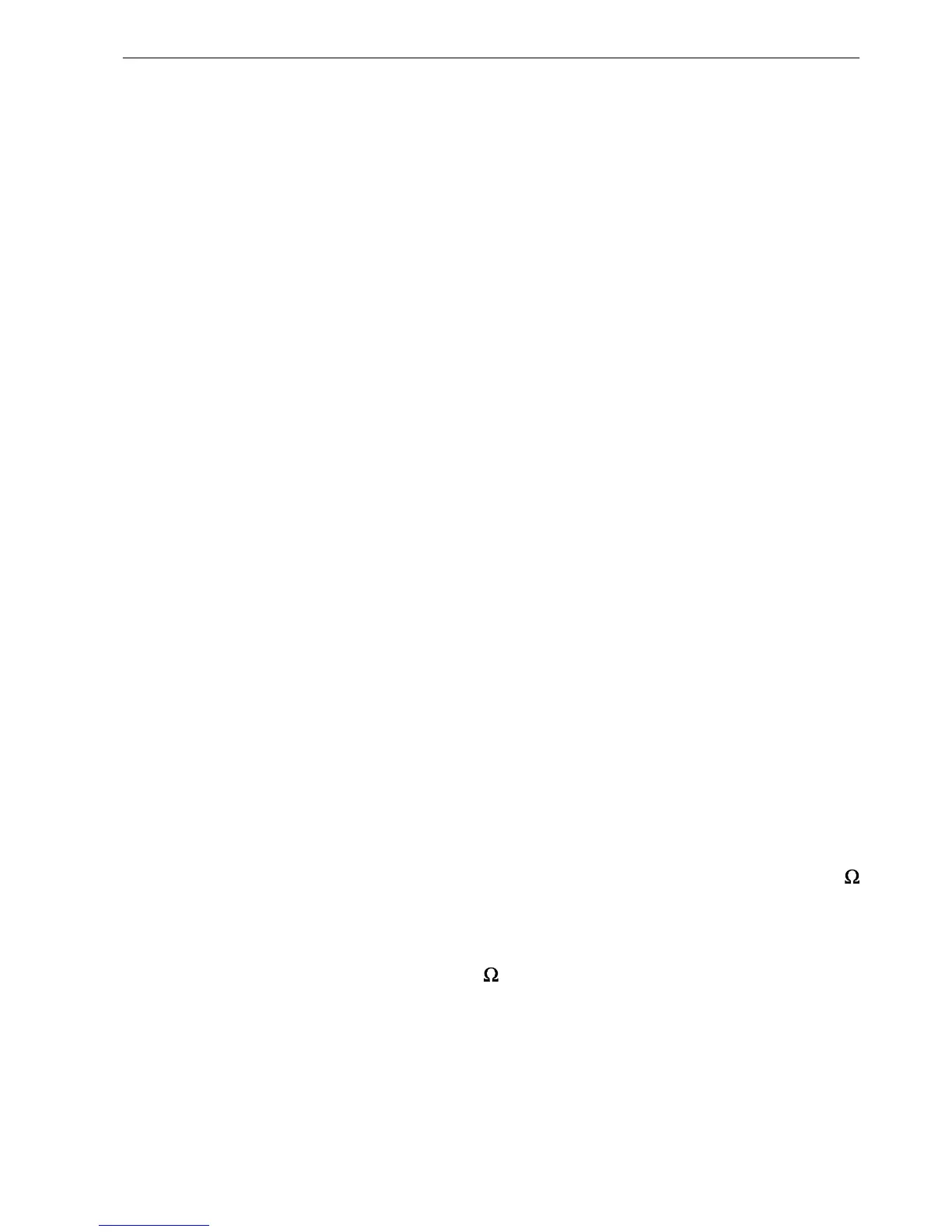
is the impedance in ohms (10, 75 or 600) and m is 0 for no level correction or 1 for 600
load impedance correction (ZC). This is equivalent to setting the impedance and
correction in manual mode before running the sequence so, when ZC is selected, the test
level the sequence runs at is also in dBm (ie segment T normally runs at 0dBu, but after
%75,1 it will run at 0dBm assuming a 600 load). If m is omitted the level correction
last used for that impedance is used. If n is omitted the current impedance is used. Use
the sequence editor to insert these characters in the normal way (section 4.2). Example:
"LINES TEST" "75OHM - 600OHM LOAD" %75,1 T O C E N Z
The LA102 input impedance is not affected by this segment. Z-correction
83
4. User Defined Sequences



 To Next Page