5.0 Tolerance Testing
Tolerance testing Pass/fail testing Limit testing Allowed range for results
For routine testing (production line testing, quality control checks etc) sequence operation
allows fast simple measurement but still requires the user to ensure that each
measurement is within its allowed range. By selecting one of the built-in tolerances listed
in table 5.3, or by entering a user tolerance into the LA102 it is possible to perform PASS/
FAIL tests, with every measurement being tested against its own tolerance specification.
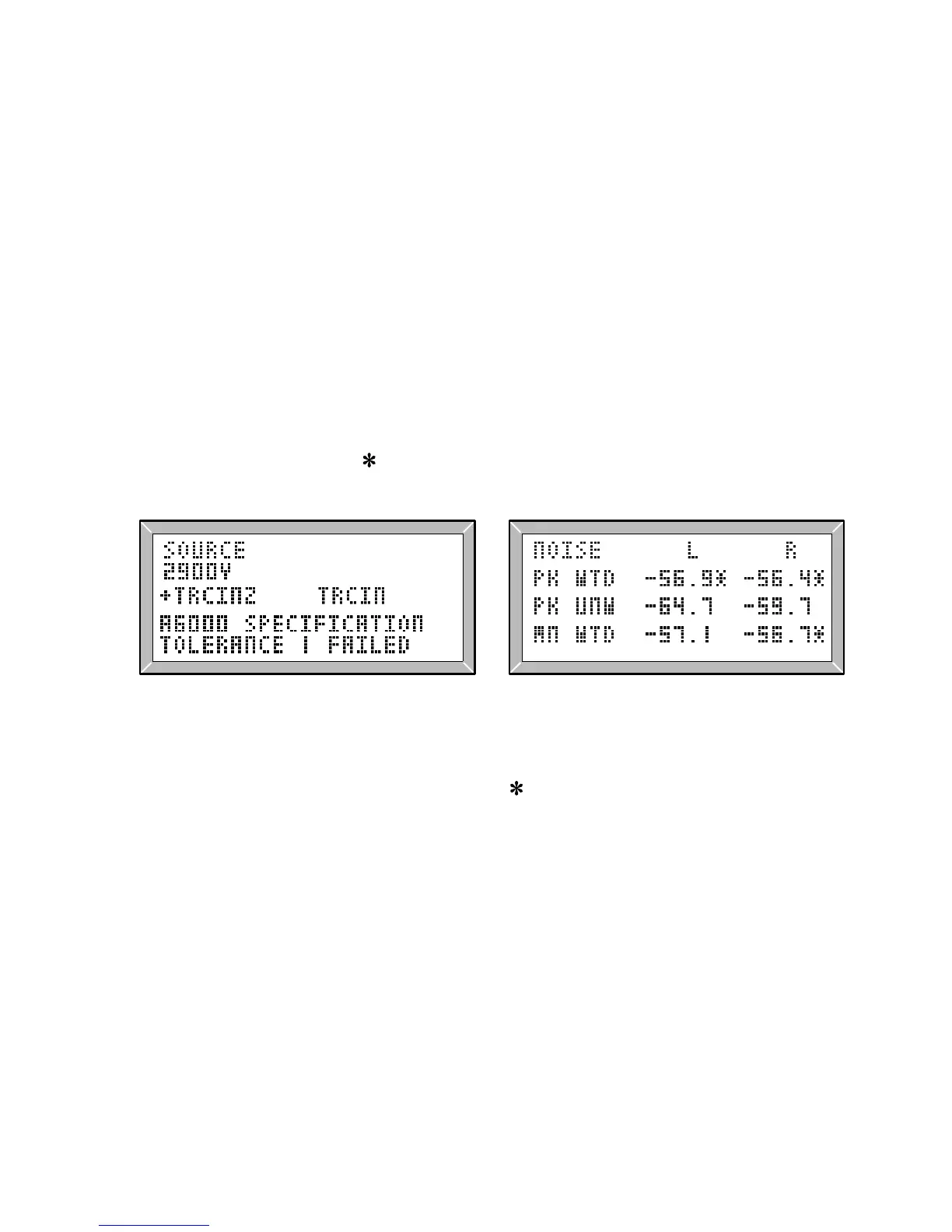
‘TOLERANCE PASSED’ or ‘TOLERANCE FAILED’ will be displayed as soon as a
sequence finishes (fig 5.1) and it will also be included in the printout header. The
printout will also show the tolerance limits for each measurement in the form of a
tolerance string (see fig. 5.4) and the format of this is explained in section 5.3.
Measurements that are not within the specified range are marked on the display and on
the printout with an asterisk (
) as shown in figs. 5.2 and 5.4.
asterisk (*)
Fig. 5.1 Tolerance Failed Fig. 5.2 Indication of Failed Values
For frequency response results the asterisk (
) on the screen only indicates that the
frequency response on the displayed channel has failed. It does not indicate which value
has failed (because it is displayed regardless of the cursor position). To see which
frequencies have failed it is necessary to print the results.
The tolerance testing system also provides some control over the format of the printout,
and it can be used to add short comments or to suppress the printing of some results
values to obtain a more concise printout (section 5.5)
The LA102 allows up to ten user tolerances to be stored in non-volatile memory using the
built-in tolerance editor (section 5.6) or by using Lin4win, the Lindos Support Software
for Windows® on a remote computer (section 5.7).
Computer support software
89



 To Next Page