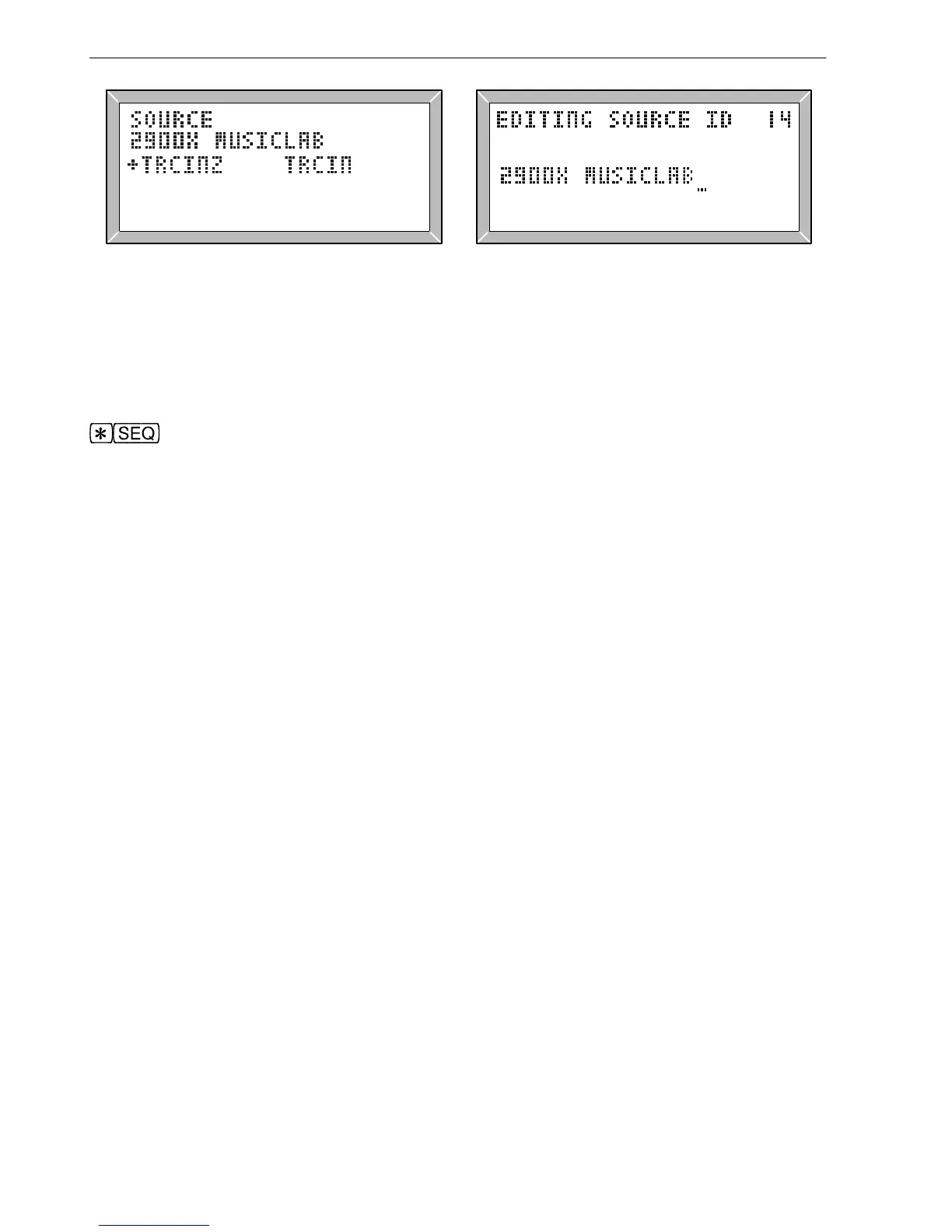
Fig. 4.4 LA102 Source ID Display Fig. 4.5 Editing the LA101 Source ID
The LA101 has a source ID which by default will be the serial number and a cyclic
identification character, A-Z (see section 3.6). This is normally sent automatically at the
start of every sequence which contains a test segment, and can be edited by pressing
from the sequence editor menu and using the normal sequence editor keys (fig.
4.5). The serial number and cyclic identification character are normally left at the start of
the source ID and the user’s text added after it, up to a maximum length of 21 characters
total.
It is also possible to make each sequence add its own message to the serial number and
cycle character by placing a source message segment (+) near the start of the sequence,
before any test segments. The message is placed in quotes after the + character, and
usually starts with a space to separate it from the cyclic identification character. Since it
is being appended to the 5 character serial number and cycle character, the maximum
length is normally 16 characters. For example:
"LINES TEST" +" RADIO SUFFOLK" T O C E N Z
The advantage of using the + segment in a sequence rather than editing the source ID is
that each sequence can have a different message on it. The LA101 will still send its serial
number and cyclic identification character, so the message received and displayed by the
LA102 will be:
SOURCE: 2834A RADIO SUFFOLK
Technical note for experienced users: It is normal to leave the serial number and cyclic
character in the source ID, but they may be changed if the extra space is needed to hold a
long message. If deleted from the source ID then the LA101 will assume that the serial
number and cyclic character are not wanted and so it will omit them from + segment
messages as well. This means that the + segment text can then be up to 21 characters in
length. However, if the source ID is deleted entirely then it will be reset to its default
value. Finally, it is possible to edit the cyclic identification character in the editor,
perhaps to restore it to ‘A’ before performing a series of tests.
70
4. User Defined Sequences



 To Next Page