Livescribe™ Smartpen User Guide 8
New Features
Double-Tap Can Be Set by You
Besides single-tapping on the Home Button, you can also double-tap on it. By default, both actions do
the same thing. However, you can assign different functionality to double-tapping the Home Button.
You can assign any Open Paper smartpen application or Quick Command. For instance, if you do lots
of calculations, you might want to go to Calc Quick Command when you double-tap on the Home But-
ton.
To set the Ho
me Button to launch an Open Paper smartpen application or perform a Quick
Command:
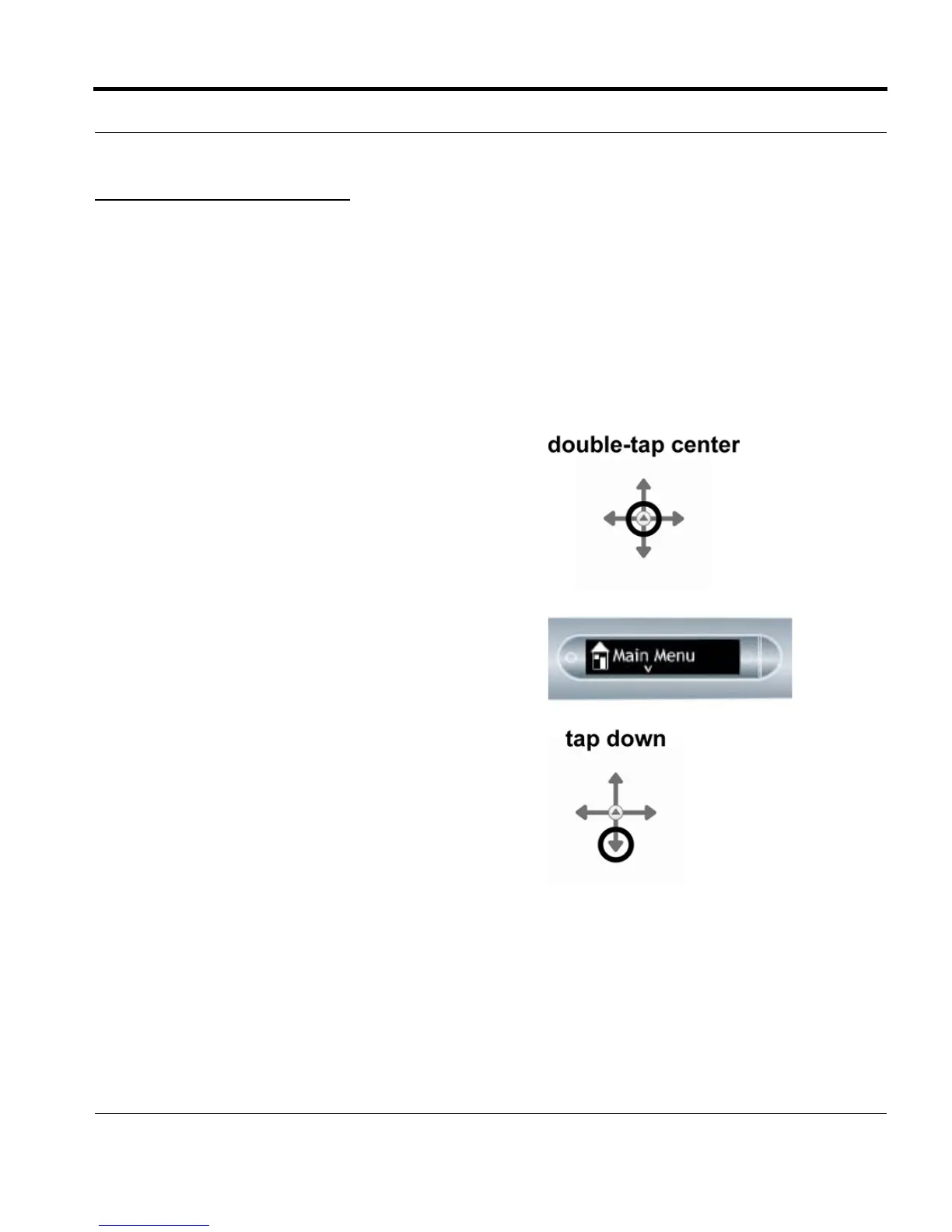
1. Double-tap the center of the Nav Plus. A double-tap
is two taps in quick succession.
2. Main Menu will be displayed on the Livescribe
smartpen.
3. Tap down on the directional arrow of the Nav Plus to
scroll through a list of applications on the Livescribe
smartpen.


 To Next Page