Livescribe™ Smartpen User Guide 9
New Features
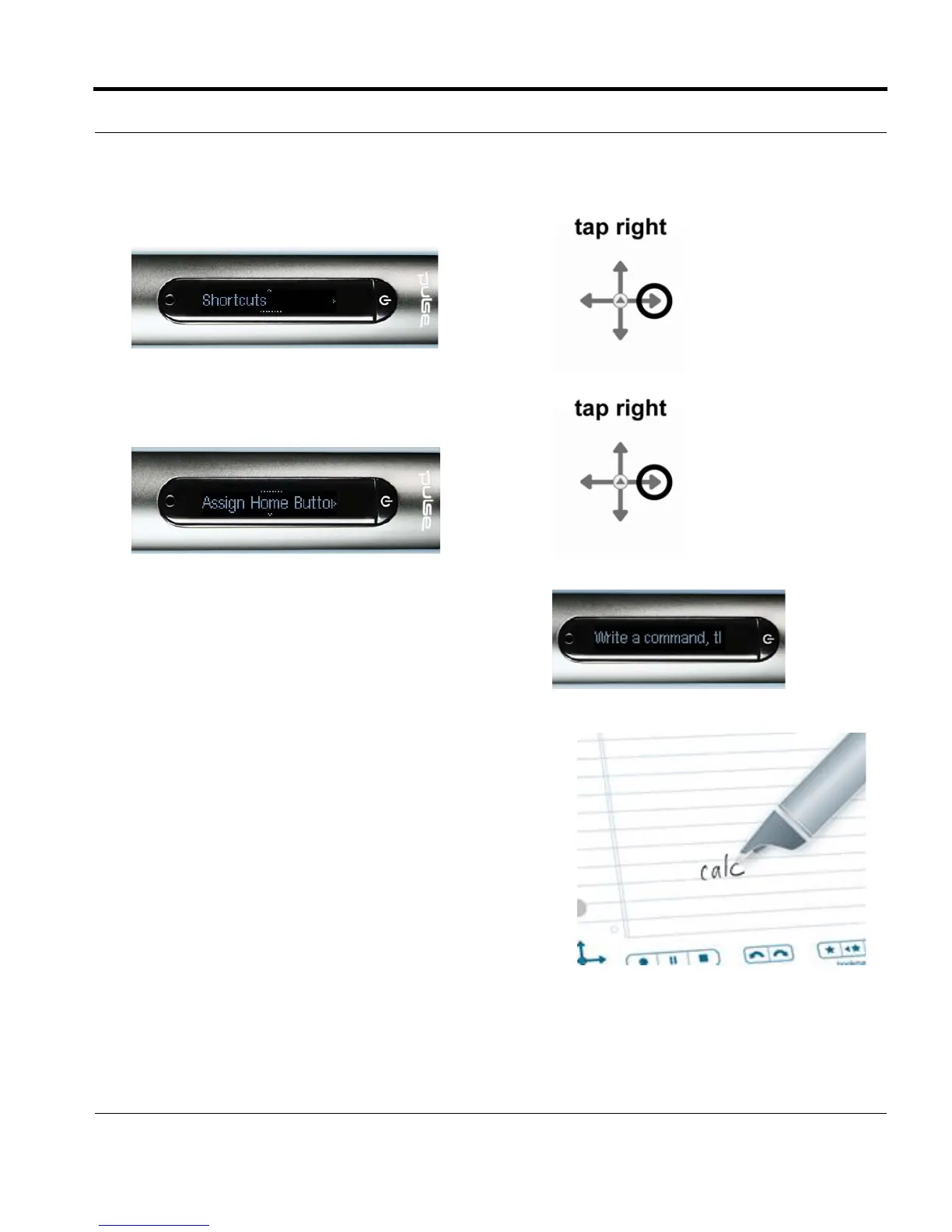
4. When Shortcuts is displayed, tap right to select it.
5. The display will scroll: Assign Home Button
double-tap. Tap right.
6. The display will scroll: Write a command, then
double-tap. You can write an application name or
a Quick Command.
7. Write any Open Paper smartpen application name
or write a Quick Command. For instance, write calc
NOTE: Do not double-tap the center of the Nav Plus or
write a doubled-back horizontal line. Write only
the letters that make up the Quick Command.


 To Next Page