4.6 Command Source Configuration
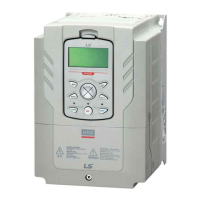
Various devices can be selected as command input devices for the H100 inverter. Input
devices available to select include keypad, multi-function input terminal, RS-485
communication and field bus adapter.
4.6.1 The Keypad as a Command Input Device
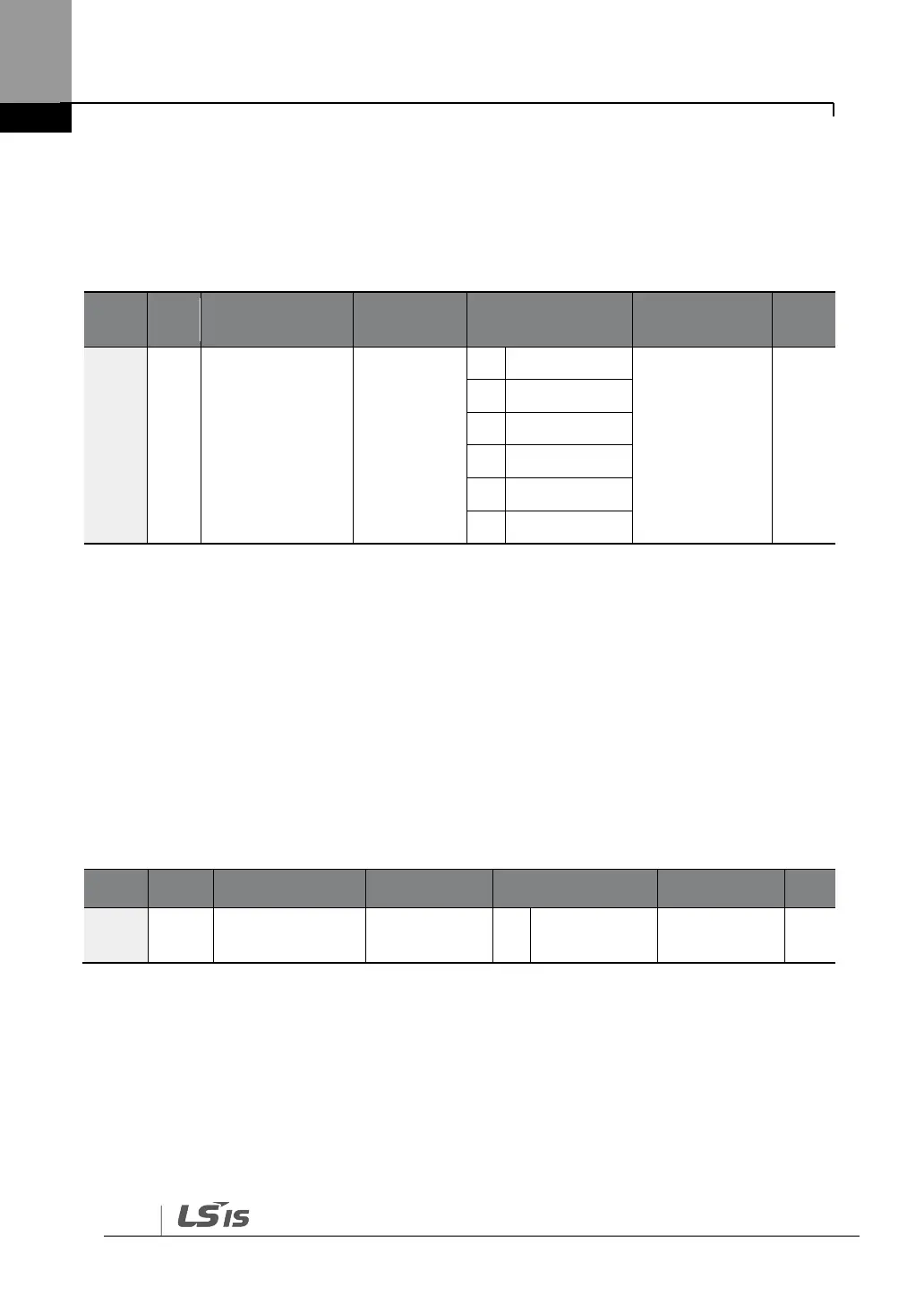
To use the keypad as the command source, press the [AUTO] key to enter AUTO mode.
Set DRV-06 to ‗0 (Keypad)‘ to select the keypad as the command source and set the
operation direction at DRV-02 (Keypad Run Dir).
Since the keypad is now the command source, operation starts when the AUTO key is
pressed, and it stops when the AUTO key is pressed again.
The OFF key may be used to stop the operation as well, but the inverter operation mode
will be changed to OFF mode.


 To Next Page