Learning Advanced Features
Standby auxiliary motor becomes operable when there is Interlock or Auto change in Operable
auxiliary motor.
5.44.3 Auto Change
The auto change function enables the inverter to automatically switch operations between
main and auxiliary motors. Prolonged continuous operation of a motor deteriorates motor
capabilities. The auto change function switches the motors automatically when certain
conditions are met to avoid biased use of certain motors and protect them from
deterioration.
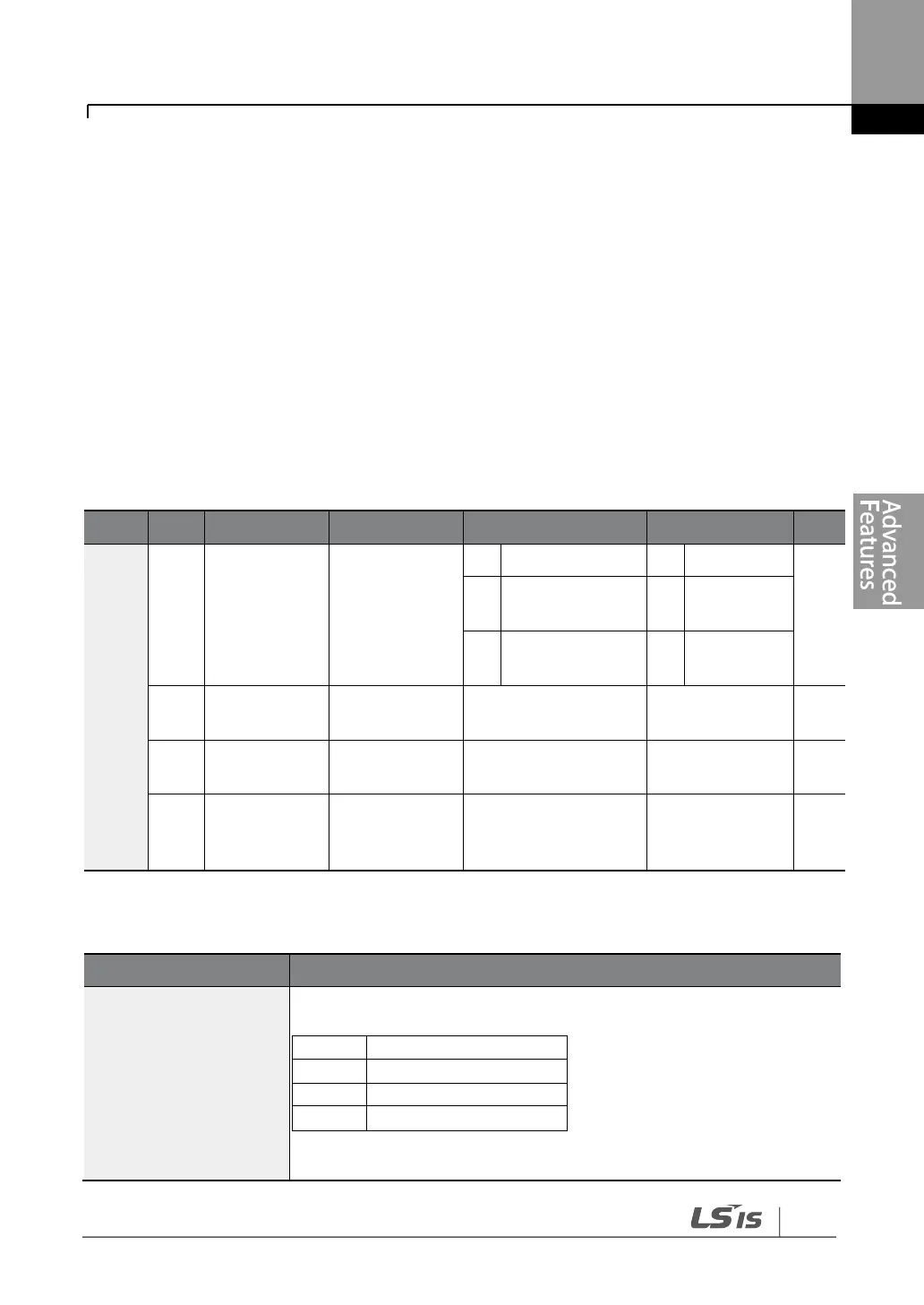
Auto change
mode
selection
Time value within the
range
Frequency value
within the range
Auto change
operation
time
Time value within the
range
Auto Change Setting Details
Select the motors to apply the auto change function.
Refer to Examples of Auto Change Sequences below for details.


 To Next Page