4.10.3 Multi-step Acc/Dec Time Configuration
Acc/Dec times can be configured via a multi-function terminal by setting the ACC
(acceleration time) and DEC (deceleration time) codes in the DRV group.
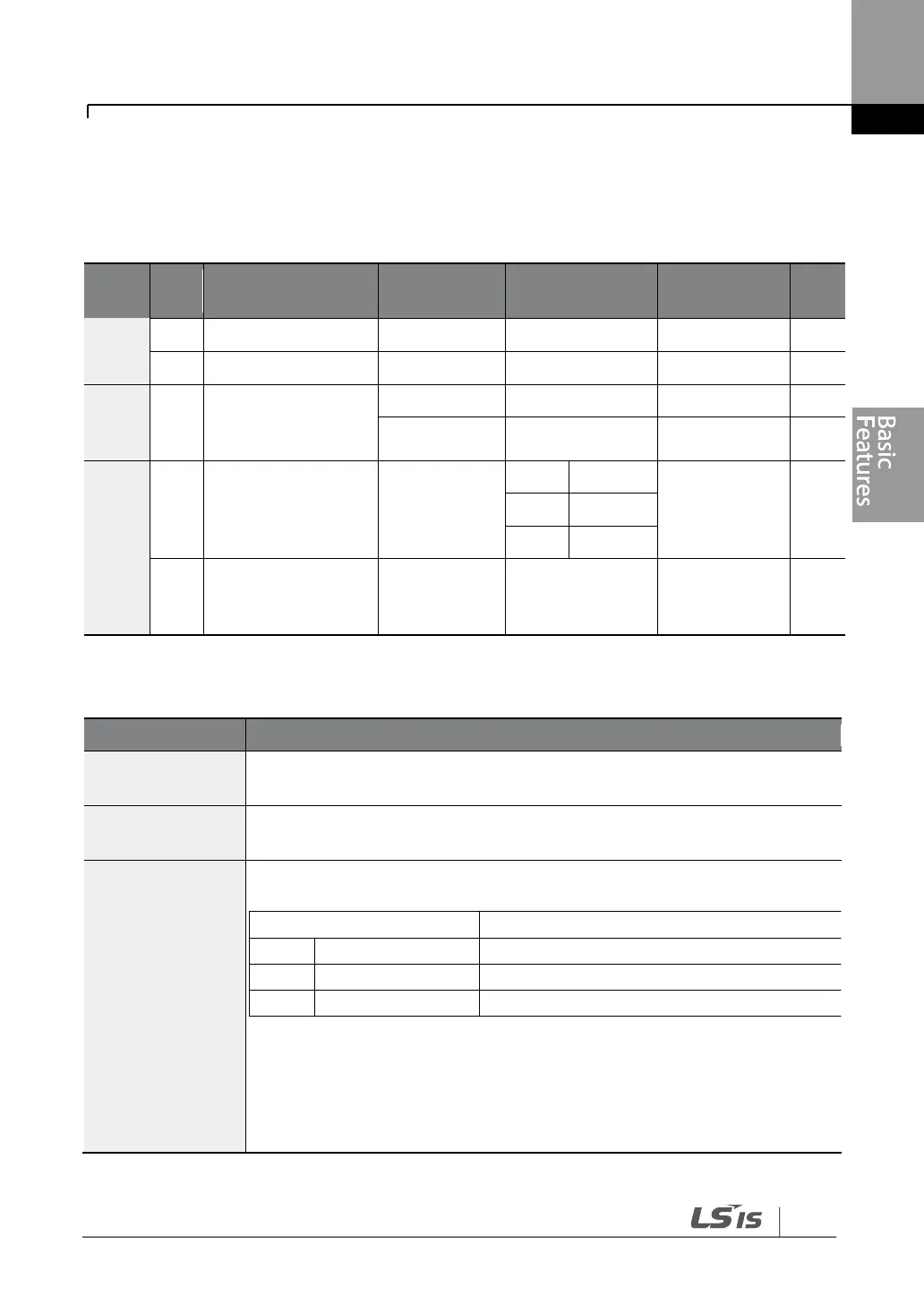
Multi-step
acceleration/Decele
ration time1–7
Px terminal
configuration
Multi-step
command delay
time
Acc/Dec Time Setup via Multi-function Terminals – Setting Details
Set multi-step acceleration time1–7.
Set multi-step deceleration time1–7.
IN-65–71
Px Define (P1–
P7)
Choose and configure the terminals to use for multi-step Acc/Dec time
inputs
Acc/Dec commands are recognized as binary code inputs and will control
the acceleration and deceleration based on parameter values set with
BAS-70–82 and BAS-71–83.
If, for example, the P6 and P7 terminals are set as XCEL-L and XCEL-M
respectively, the following operation will be available.


 To Next Page