24 - Getting Started
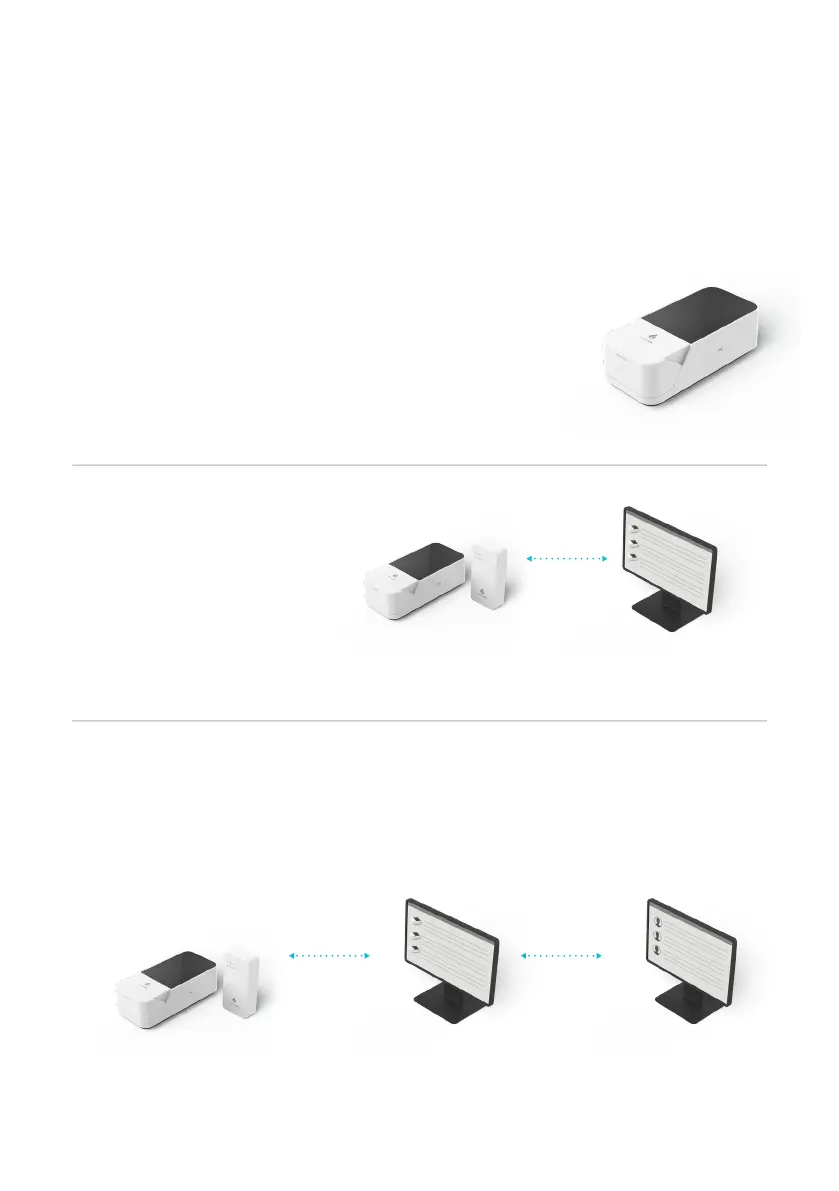
EHR Connected
Integrate with Electronic Health Record for
transfer of patient test results.
View patient results in your LIS or HIS.
Standalone
Run patient tests and quality
control tests.
Store test results together with
time, date and patient ID.
Managed
Configure single or multiple
Instruments.
Create WorkGroups and user
login credentials.
Manage compliance and
governance functions.
LumiraDx Connect
Manager
LumiraDx Connect
Manager
Electronic Health
Record
LumiraDx Instrument
& LumiraDx Connect Hub
or LumiraDx Connect App
LumiraDx Instrument
2.9 Extended Functionality and Operating Modes
The LumiraDx Instrument can be used in Standalone mode, or two Connected
modes: “Managed” and “EHR Connected” (meaning connected to the
organization’s electronic health record). Refer to the LumiraDx Connect User
Manual for further information.
LumiraDx Instrument
& LumiraDx Connect Hub
or LumiraDx Connect App



 To Next Page