36 - Instrument Operation
4.5 Display and Sound Preferences
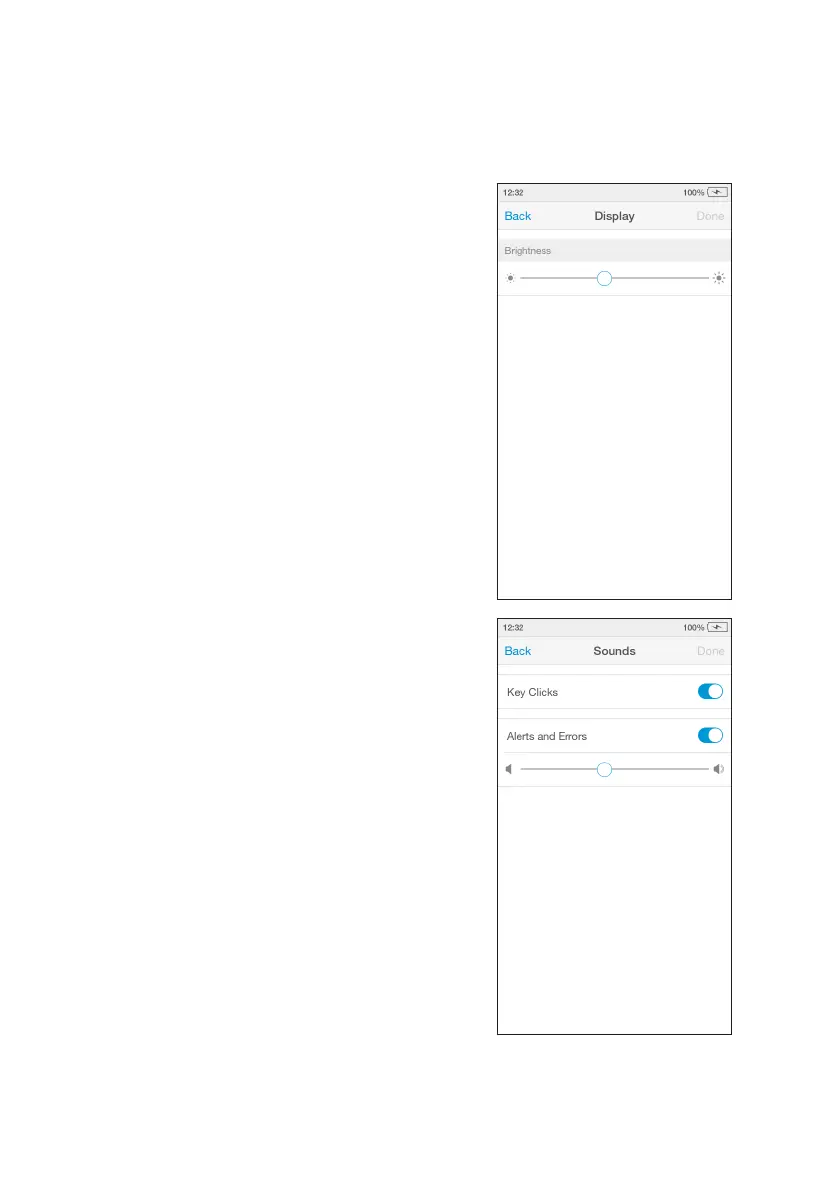
Sounds
In the Sounds menu the key clicks and
audible alerts can be turned on or off.
Go to ‘Settings’ and tap ‘Sounds’. Set sounds
on or off, or to set the volume using the slider.
Tap ‘Done’ to save and return to the Settings
menu.
All users can set display and sound
preferences in the Settings menu.
Display
In the Display menu the brightness of the
display can be set.
Go to ‘Settings’ and tap ‘Display’. Use the
slider to adjust the brightness.
Tap ‘Done’ to save and return to the Settings
menu.



 To Next Page