Preparation for Testing - 27
3.3 Sample Collection and Application
When collecting any type of sample, follow universal collection precautions and
guidelines according to your organization. Refer to Test Strip Product Insert for
information on sample collection and processing.
For collection of capillary fingerstick samples: Before lancing ask the patient to rinse their
hands in warm water and dry them. This is good practice to remove any residue and to
increase the blood flow in the finger.
Details of LumiraDx recommended transfer tubes and swabs are available at lumiradx.com.
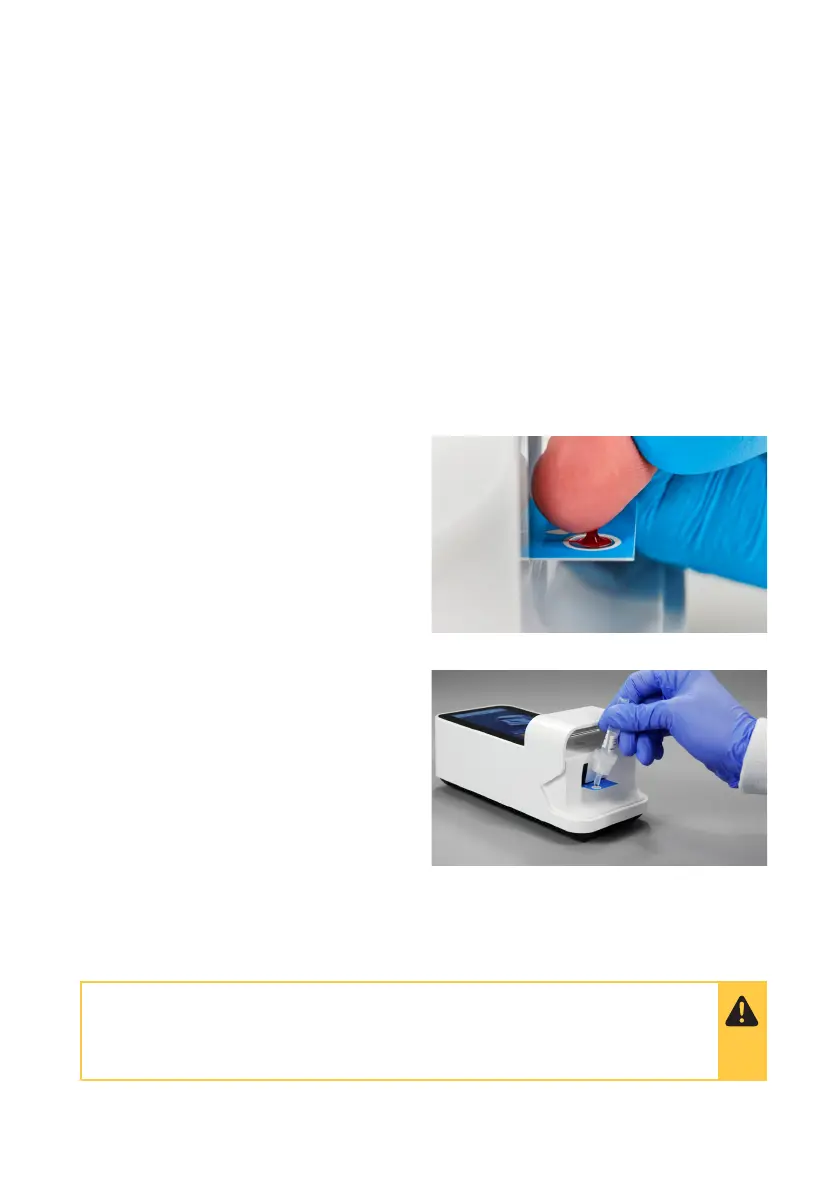
Apply one drop of the sample to the Test
Strip. Ensure that the sample is applied
centrally and completely fills the sample
application area in one clean drop.
3.4 Applying a Sample to the Test Strip
When the sample is detected the
Instrument will sound and a confirmation
message will be displayed.
The touchscreen of the LumiraDx Instrument will request the user to close the door
immediately. Sample detection can take up to 15 seconds.
Do NOT apply more than one drop of sample.
Do NOT touch the Test Strip until the test has finished and the result is displayed.



 To Next Page