34 - Instrument Operation
4.4 Connected Instrument
First Time Setup
Connected system setup should be
completed by the administrator on Connect
Manager. Refer to the LumiraDx Connect
User Manual for further information.
Power on by pressing the power button at
the rear of the Instrument. You will hear the
Instrument powering on and the display will
be blank for several seconds before starting
up. Follow the steps for Standalone first-time
setup to set the language.
To download other Instrument settings,
ensure the Instrument is within range of
a LumiraDx Connect Hub or a device
running the LumiraDx Connect App
(withinapproximately 10 metres).
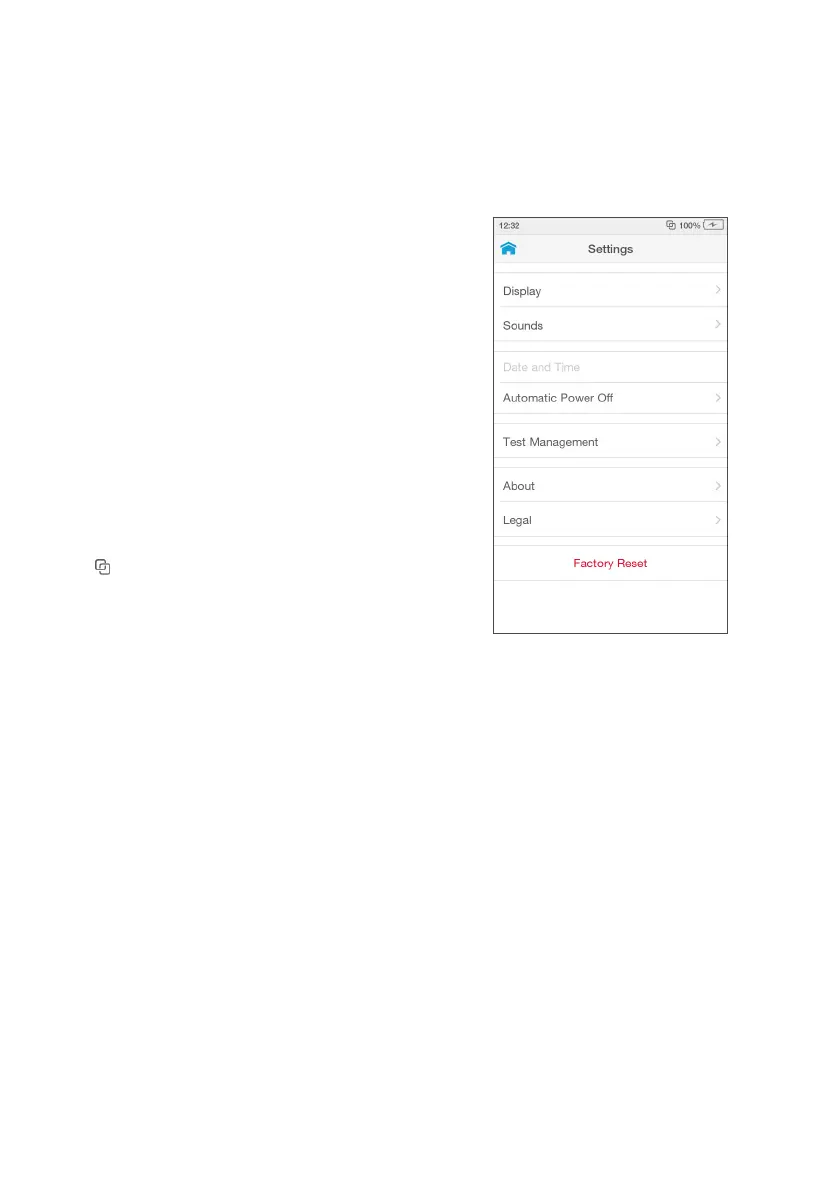
If appears at the top of the screen,
the Instrument is connected to Connect
Manager and the Instrument settings will
download and install automatically. Time,
date, and language settings will be set
automatically if the Instrument is in range of
a LumiraDx Connect Hub and these settings
will be greyed out in the settings menu.



 To Next Page