30 - Instrument Operation
4.2 Settings Menu
4.2.1 General User Settings Menu
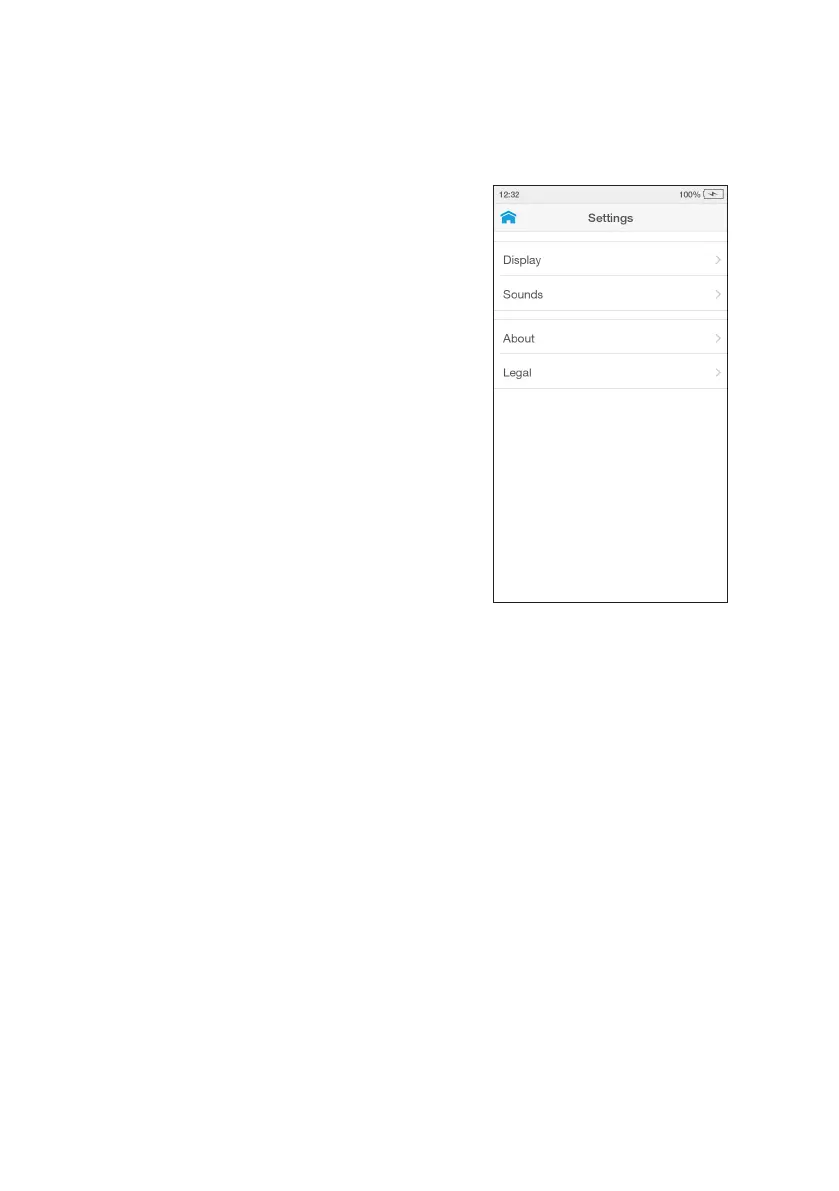
All users can set display and sound
preferences in the Settings menu.
Display
Sets the brightness of the display.
Sounds
Key clicks and audible alerts can be
turned on or off.
NOTE: For further information on display
and sounds refer to section 4.5.
About
The About screen provides information
on Instrument software and hardware
versions, and serial number. For
Connected Instruments the screen will
also display the Organization, Instrument
and WorkGroup names.
Legal
Gives details about licenses, Privacy
Statement and Warranty.



 To Next Page