Preparation for Testing - 25
3 Preparation for Testing
All samples are potentially infectious and are capable of transmitting pathogens
between patients and healthcare professionals.
3.1 Handling Test Strips
When you are ready to perform a test, select a Test Strip and check the expiry date.
Discard the Test Strips if they are beyond the expiration date. If within the expiry date
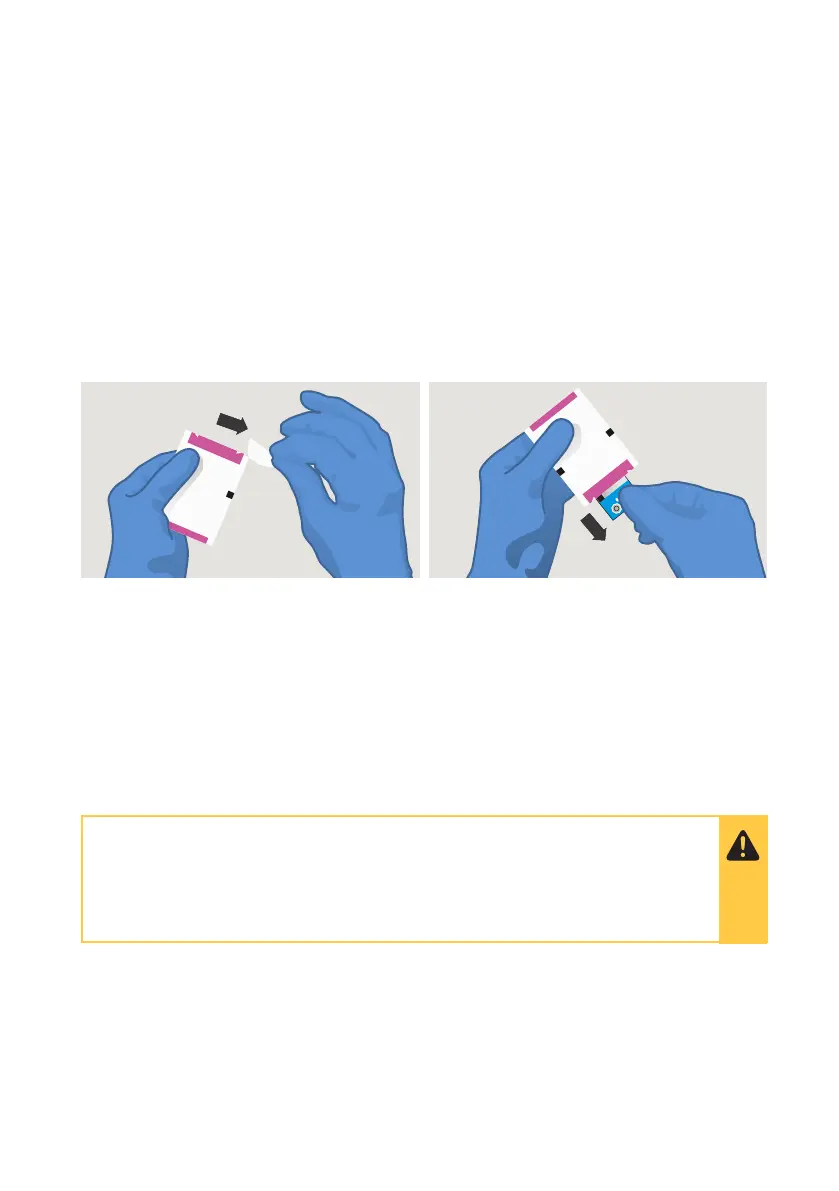
open the Test Strip Carton, take out one Test Strip, and remove it from the foil pouch from
the end indicated by the tear triangles. Refer to the LumiraDx Test Strip Product Insert for
further information on handling and stability.
3.2 Inserting and Removing Test Strips
Hold the Test Strip by gripping the blue label end with the label facing upward.
Line up the black alignment rib on the Test Strip with the black line on the Instrument.
Insert the Test Strip gently as far as it will go. The Instrument will sound when the Test
Strip is detected if sounds are turned on in the Instrument settings (see section 4.5).
To remove a Test Strip from the Instrument, gently pull the blue label and pull straight out.
Do NOT touch Test Strip Sample Application Area.
Do NOT bend or fold the Test Strip.
Do NOT touch Test Strip contacts.
INR



 To Next Page