42 - Instrument Operation
4.7 Performing a Patient Test
This Platform User Manual describes the basic patient test method for the LumiraDx
Instrument. If there are differences in the test method for a particular diagnostic test, the
Instrument will prompt at each step of the process. Please refer to the LumiraDx Test Strip
Product Insert before performing a new test for specific test information.
Important Notes
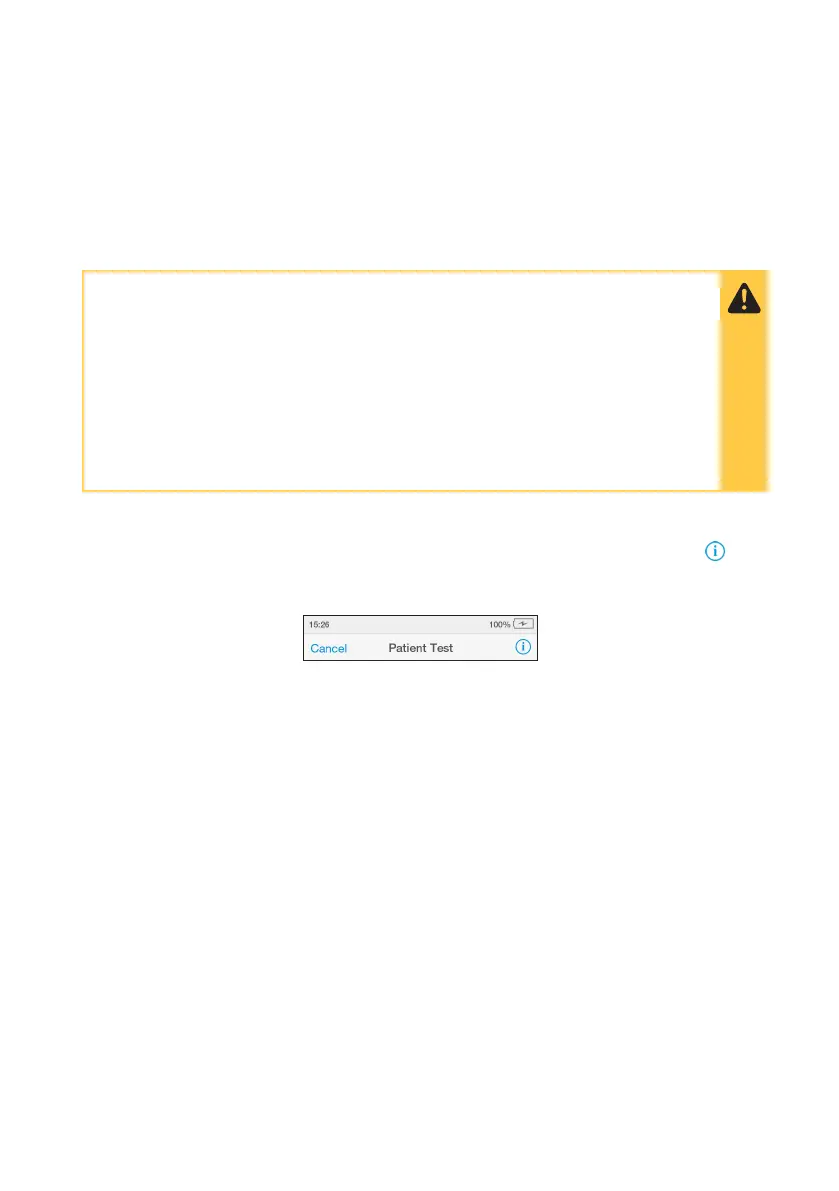
To view test information during a patient test, or on the test result screen, tap the at
the top of the touch-screen.
To cancel a patient test tap ‘Cancel’ at the top of the touch-screen and follow the
Instrument prompts.
ALWAYS
• Place the Instrument on a level, stable surface before starting a test.
• Ensure the Instrument is powered on before inserting a Test Strip.
• Apply sample AFTER inserting the Test Strip and the Instrument prompt.
• Follow the test operating conditions in the LumiraDx Test Strip Product Insert.
• Follow the information on correct handling of Test Strips in the LumiraDx
Test Strip Product Insert.



 To Next Page