Instrument Operation - 43
1. Power On and Login
Power on the Instrument by pressing the
power button at the rear of the Instrument.
You will hear the Instrument powering on
and the display will be a blank black screen
for several seconds before starting up. If the
display is dimmed tap the touch-screen to
wake up the Instrument.
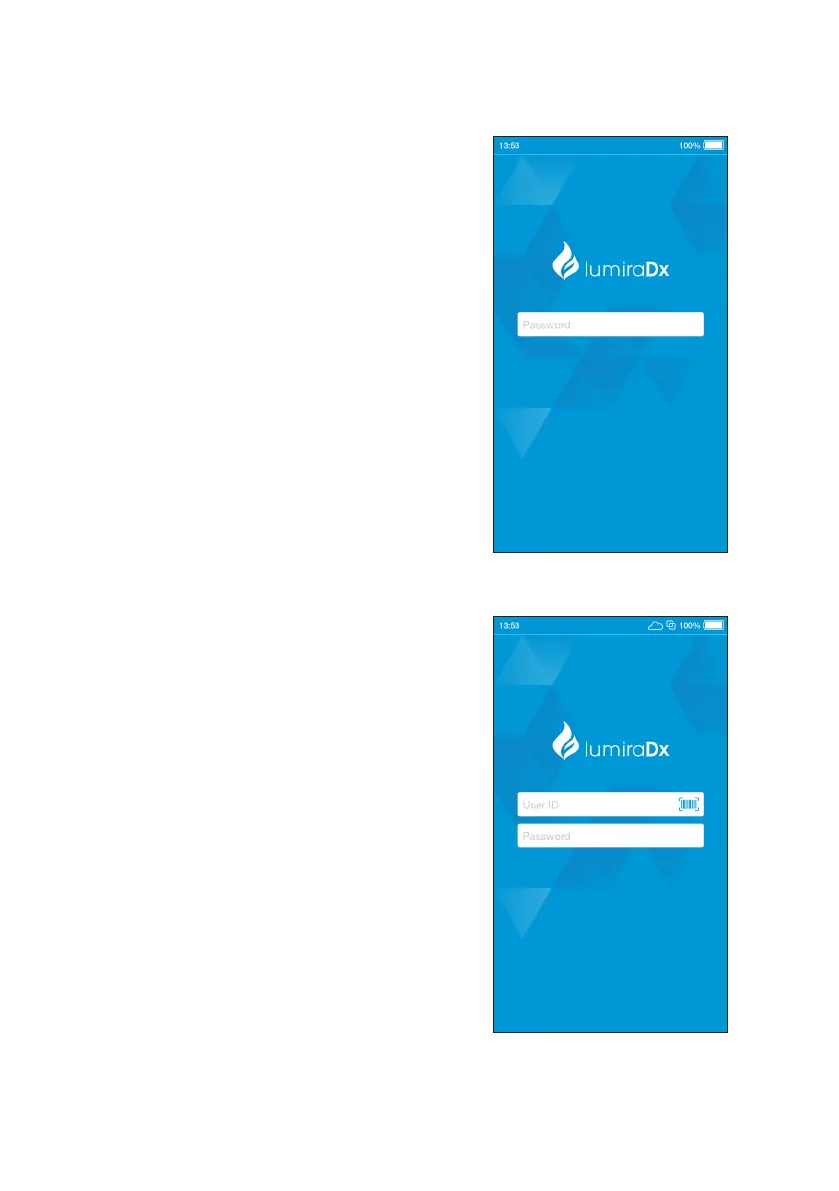
If using a Standalone Instrument with just
a password field, tap the password field to
display the keyboard.
Enter password and tap ‘Login’ to complete
the login.
If using a Connected Instrument, tap the User
ID field to use the keyboard to enter User ID.
Alternatively, scan User ID using the Barcode
Scanner. Refer to the “Ancillary devices”
chapter in this Platform User Manual for
scanning instructions.
Tap the password field to display the
keyboard.
Enter password and tap ‘Login’ to complete
the login.



 To Next Page