Instrument Operation - 49
10. Apply Sample
In order to prepare the sample to be tested,
please follow sample preparation steps in
the Product Insert and Quick Reference
Instructions.
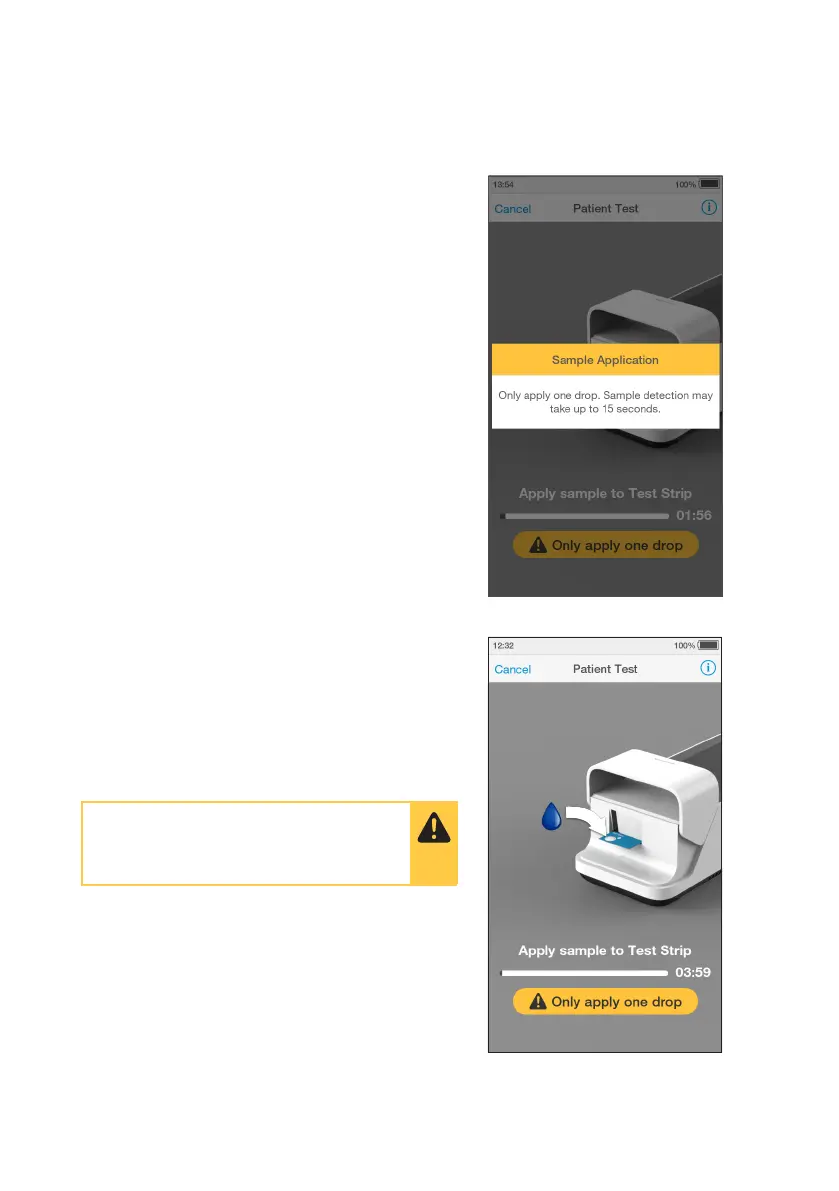
The Instrument display will show a warning
dialogue to remind the user to only apply
one drop and the sample detection may
take up to 15 seconds.
Apply one drop of the sample directly to
the circular Sample Application Area on
top of the Test Strip. The sample must cover
the entire Sample Application Area. Refer
to the “Handling Test Strips” chapter in this
Platform User Manual for sample application
instructions.
The Test Strip draws up the sample by
capillary action.
When the sample is detected the Instrument
will sound and a confirmation message will
be displayed.
Note: Pay attention to the countdown for
sample application to avoid test errors. This
will be displayed as a countdown bar, and
the Instrument will sound with 15 seconds
remaining. If the sample is not applied by
the end of the countdown the Instrument will
display an error message.
Once the sample is applied it may
take up to 15 seconds before the
sample is detected.



 To Next Page