66 - Instrument Operation
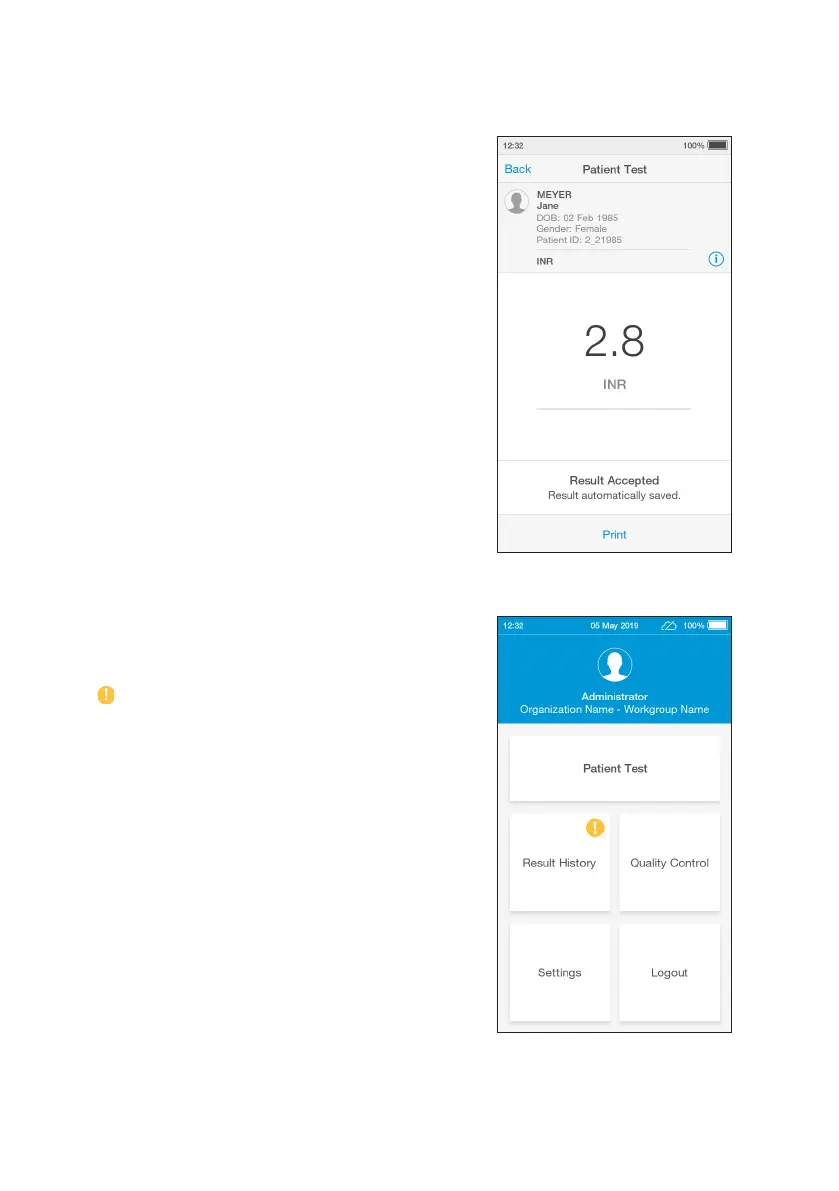
Any patient or QC test result can be printed
from the test result details screen by tapping
‘Print’ when a LumiraDx Printer is connected
to an Instrument USB port.
EHR Connected Instruments will indicate
whether a test result has been sent to the
electronic health record.
A symbol on the home screen indicates
that one or more test results have not yet
been sent to the EHR.



 To Next Page