User Manual CANopen/EtherCAT
45
[Chapter 8]
8.3 Device control objects
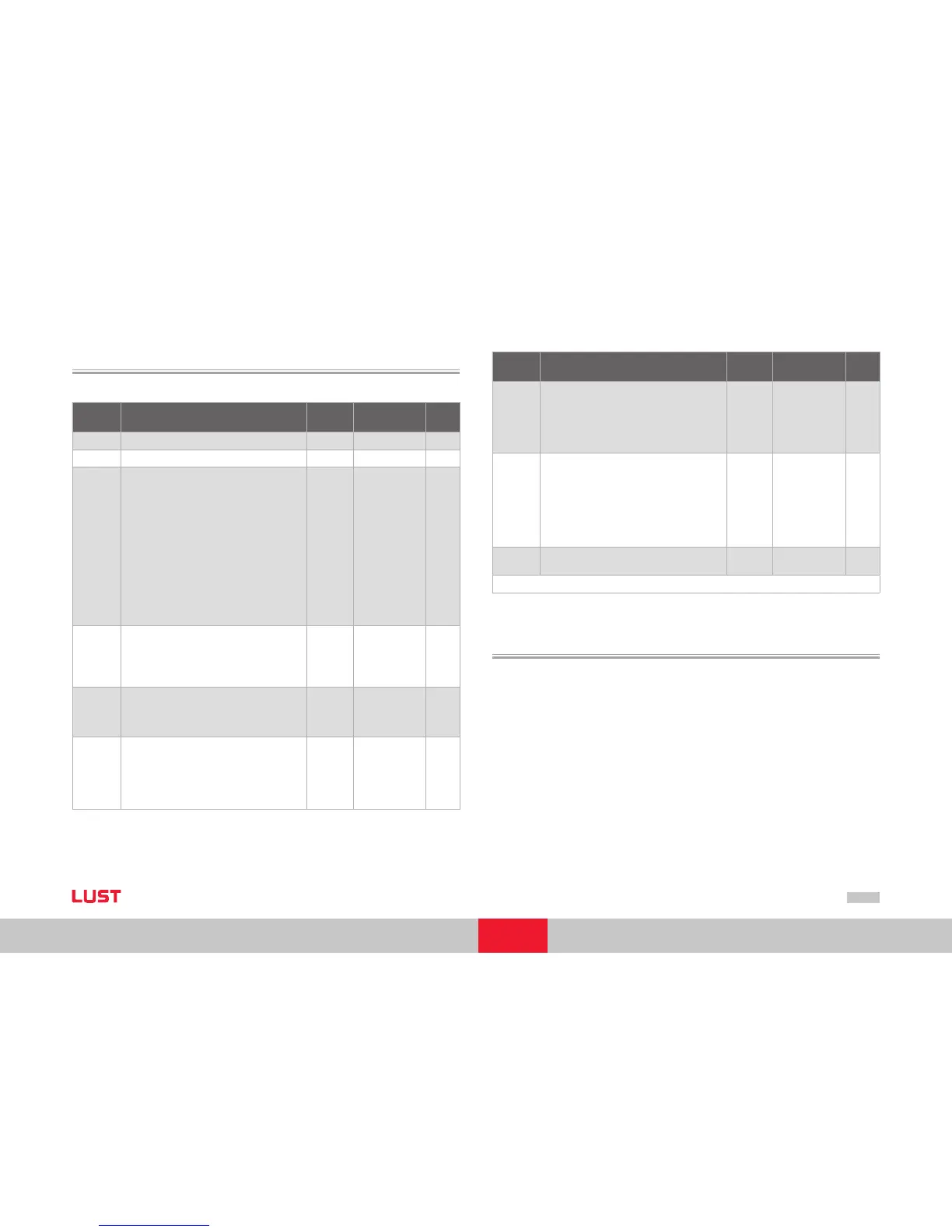
The following table lists the implemented objects to control the drive:
Object
No.
Object
Name
Object
Code
Type Attr
0x6040 Control word VAR Unsigned16 rw
0x6041
Statusword VAR Unsigned16 ro
0x605A
Quick_Stop_Option_Code
0: disable drive function
1: slow down on slow down ramp
2: slow down on quick stop ramp
3: slow down on the current limit
4: slow down on the voltage limit
5: slow down on slow down ramp
and stay in QUICK STOP
6: slow down on quick stop ramp
and stay in QUICK STOP
7: slow down on the current limit
and stay in QUICK STOP
8: slow down on the voltage limit
and stay in QUICK STOP
VAR Integer16 rw
0x605B
Shutdown_Option_Code
-1: Response as per Quick_Stop_Option_Code
0: Disable Drive Function
1: slow down with slow down ramp; disable
of the drive
VAR Integer16 rw
0x605C
Disable_Operation_Option_Code
0: Disable Drive Function
1: Slow down with slow down ramp and then
disabling of the Drive Function
VAR Integer16 rw
0x605D
Halt_Option_Code
0: disable drive, motor is free to rotate
1: slow down on slow down ramp
2: slow down on quick stop ramp
3: slow down on the current limit
4: slow down on the voltage limit
VAR Integer16 rw
Object
No.
Object
Name
Object
Code
Type Attr
0x605E
Fault_Reaction_Option_Code
0: disable drive, motor is free to rotate
1: slow down on slow down ramp
2: slow down on quick stop ramp
3: slow down on the current limit
4: slow down on the voltage limit
VAR Integer16 rw
0x6060
Modes_Of_Operation
1: profile position mode
3: profile velocity mode
6: homing mode
7: Interpolated position mode
8: Cyclic sync position mode (ONLY EtherCAT)
9: Cyclic sync velocity mode (ONLY EtherCAT)
10: Cyclic sync torque mode (ONLY EtherCAT)
VAR Integer8 wo
0x6061
Modes_Of_Operation_Display
see 0x6060
VAR Integer8 ro
Table Device control objects
8.4 Units and scalings, factor group
The DriveManager user interface offers a Scaling Wizard as a user-friendly means of con-
figuring the scaling of mechanical and electrical units of variables necessary for control.
The Wizard translates the application variables into representation of the parameters
from the DS402 factor group. The parameters from the factor group are listed below,
and can also be set directly by the user.
Correlations must be calculated externally and the final results entered in the relevant
factor group parameter.
It is generally easier to have the Scaling Wizard calculate the parameter settings.


 To Next Page