Document Name:
LX Eos user’s manual
7.1 Flarm select
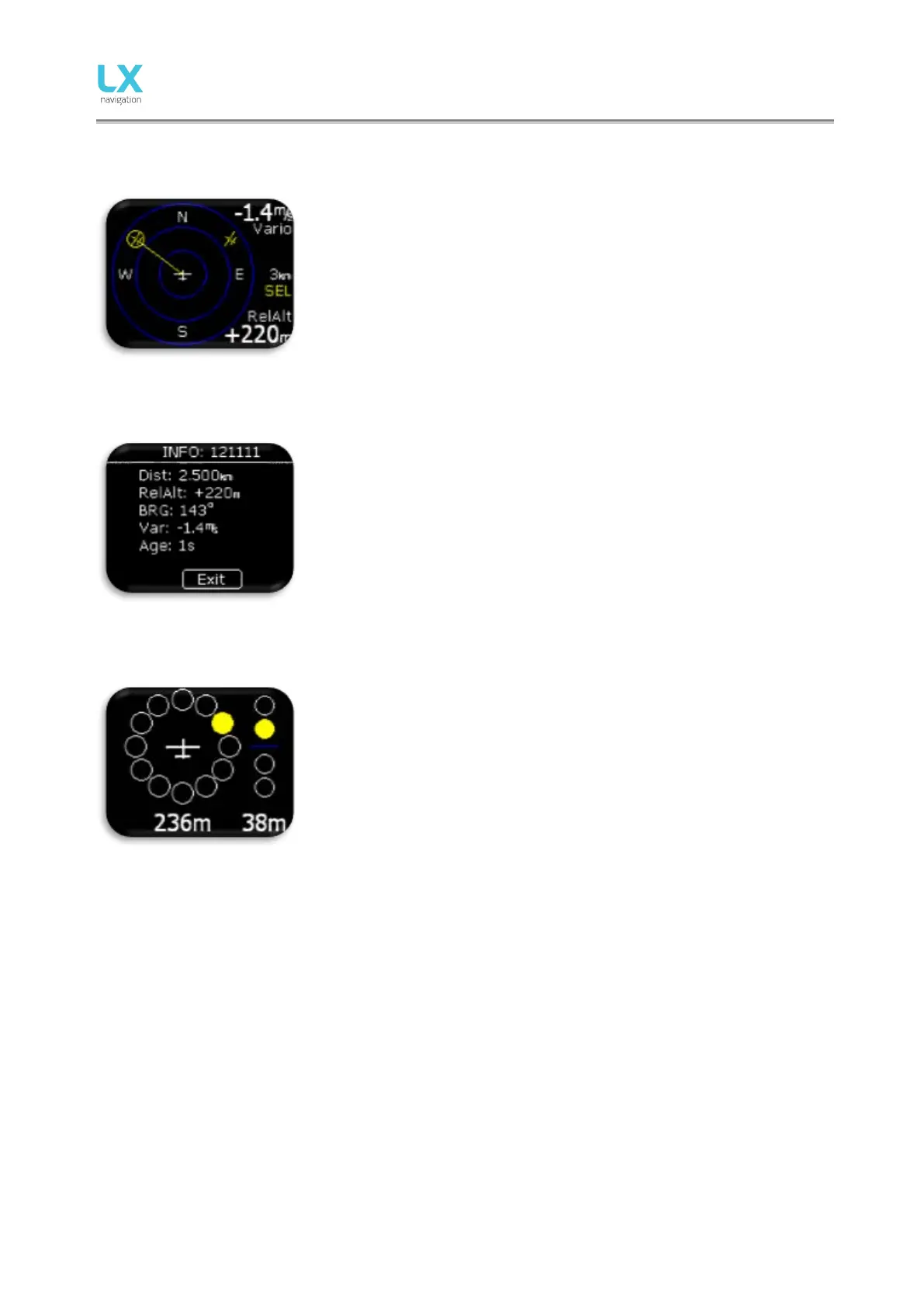
To select new Flarm object, press enter on Flarm radar page and use
“Select” option. Yellow “SEL” string will be visible under zoom information,
indicating that you are in selection mode.
Yellow line will point to selected Flarm object and it will be in yellow circle.
Use rotary switch to select new one.
Pressing enter will finish select option and Flarm radar will be active
again.
7.2 Flarm Info
To get more information about selected Flarm object press enter on Flarm
radar page and use Info option.
7.3 Flarm warning
When flarm warning is detected, Eos will show Flarm warning page with
direction, above/bellow indicator and numerical information for distance
and relative altitude.
Flarm warning se tting:
- enabled, this page will override any Eos menu / page.
- disabled, then this page will be seen only on Flarm radar page.



 To Next Page