Document Name:
LX Eos user’s manual
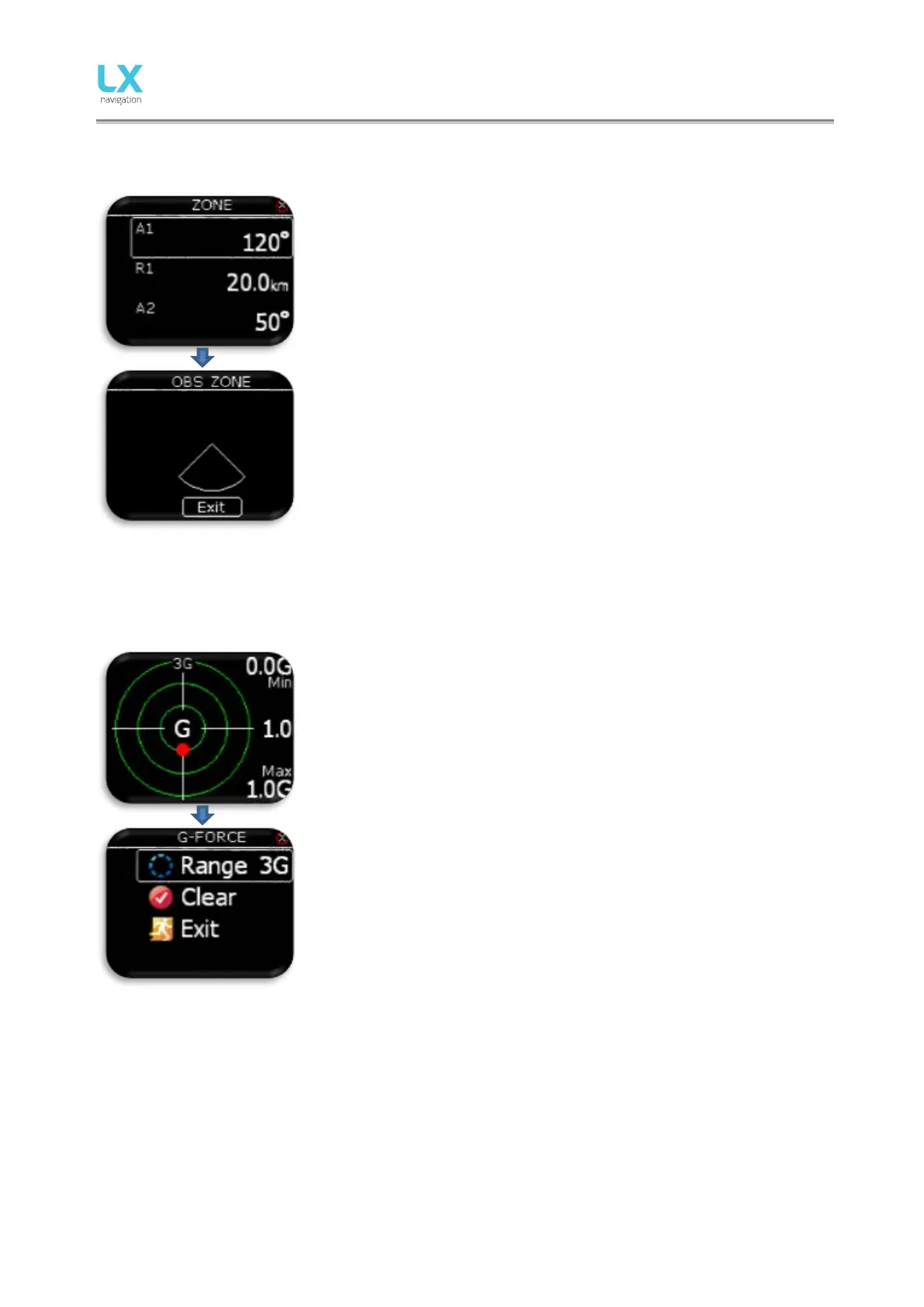
User can change A1, R1, A2, R2, zone type, A21 and auto next option.
If auto next option is enabled, next TP is automatically selected, when
pilot reaches TP zone.
Selecting “View zone” will show entered zone for the selected point.
10 G-Force page
During the flight red dot of G-force page is showing current detected G-
force. On right top and bottom corners, minimal and maximal detected G-
force during the flight are displayed. This values can be cleared anytime
during the flight in G-FORCE menu. In the middle, current G-force value is
displayed. Range setting is presented with small text on top of G-force
scale (example is showing 3G range). This range can also be set in G-
FORCE menu.
To enter G-FORCE menu, press enter on G-force page.
- Set range of G-force scale.
- Clear min/max values to 1.0G.
Configuration with LX Joy:
When LX Joy is connected to LX Eos, up/down keys will change G-Force range.



 To Next Page