Document Name:
LX Eos user’s manual
Later in manual “backup mode” will be written from time to time. Backup mode is when LX Eos is used in LX
Zeus system and while flying, system loses main power. LX Zeus will turn off, but LX Eos will use internal
backup battery to continue working. All functions of LX Eos are operational in backup mode so pilot can
safely navigate back to home or complete the task.
LX Eos can be used in two different configurations:
- a standalone: LX Eos represents vari o navigat ion s y st em and has all options active. Unit will turn on when
enter switch is pressed.
- LX Zeus configuration: LX Eos serves as vario system controlled from LX Zeus. Unit will turn on
automatically when main switch is turned on. All setup settings are set on LX Zeus. Flarm radar settings and
thermal assistant settings must still be set on LX Eos. Some of options are disabled (setup, task edit) but all
of LX Eos options will become active when bac k up mode is det ec t ed.
Unit has capability to be updated to any later FW release.
As standalone system, please refer to Setup/SD Card/Update, how to update the system.
As LX Zeus configuration, LX Zeus will automatically update LX Eos if required to latest version, so no extra
action is required.
1.1 Hardware specification
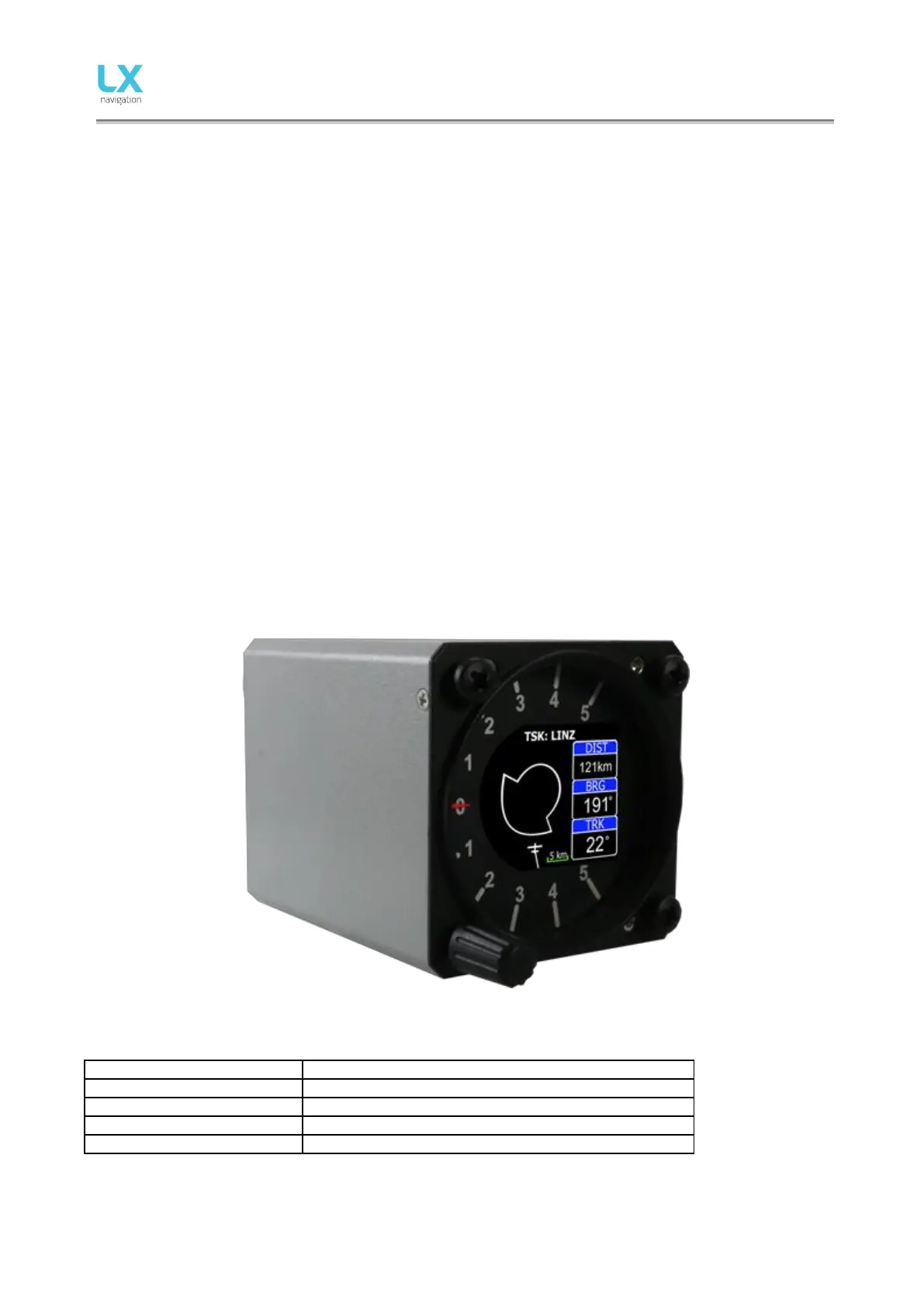
Picture shows the LX Eos unit. It is 57 mm sized all in one vario – final glide calculator, flight recorder, Flarm
display, basic navigation etc… with one rotary switch with push button for all operations.



 To Next Page