Document Name:
LX Eos user’s manual
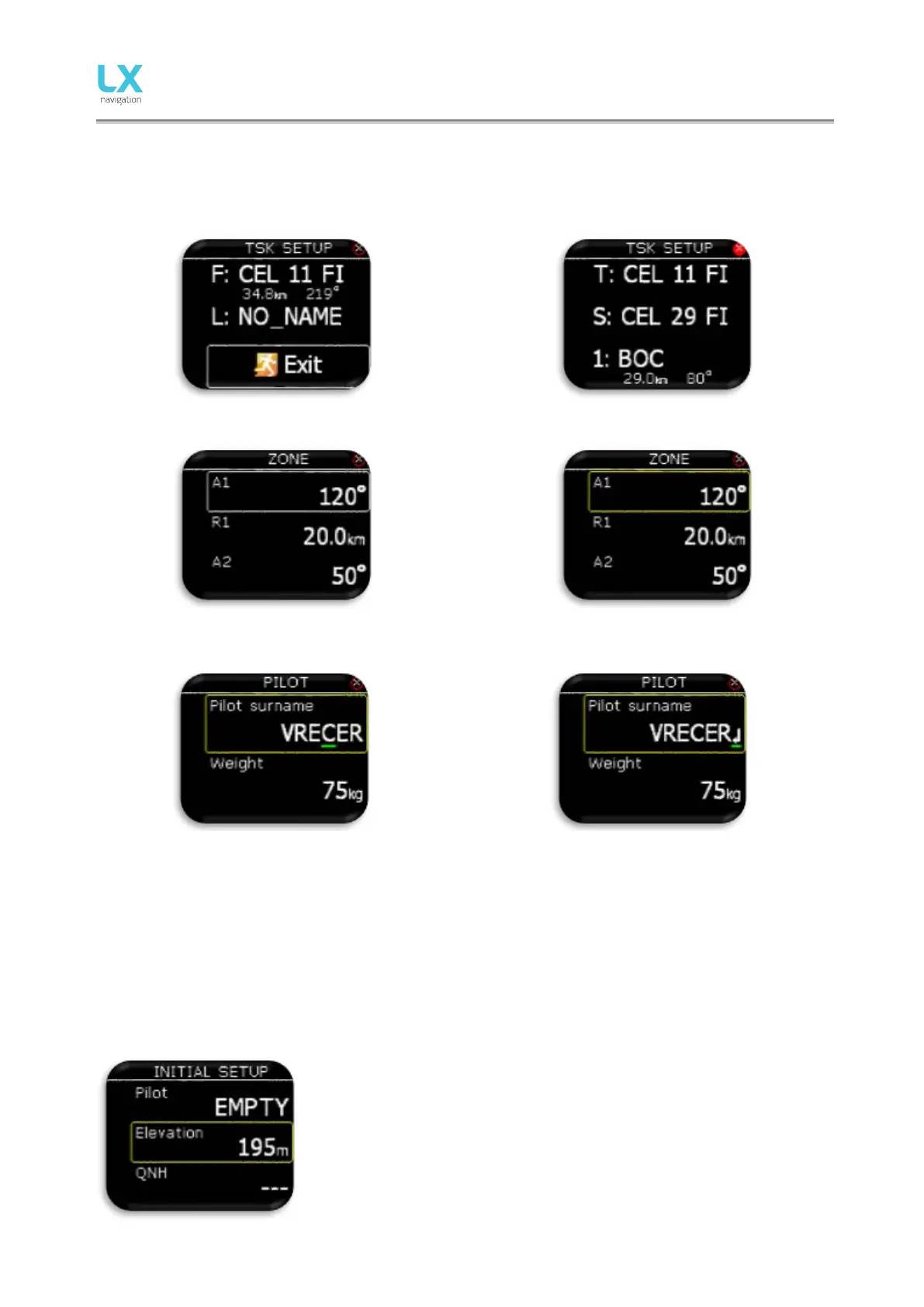
To exit from any subpage or list, pilot has 2 options:
- Select “Exit” option which is always located at the end of each page / list
- Move to the top of each page / list where red circle with white X is located. Exit option is activated,
when this circle becomes filed with red.
Value can’t be change (white frame).
Value can be changed with rotary switch (yellow
frame).
Green cursor indicates the character which is being
edited.
Edit character with rotary switch.
Pressing enter on “arrow” symbol will finish the
string.
3 Initial setup
Initial setup screen is first one after power on, where user can select pilot from internal database and set
airfield elevation with daily QNH setting. This screen is visible only as standalone version. If used in LX Zeus
configuration, all this settings are done on LX Zeus and this screen is not visible on LX Eos.
Select pilot from the internal database with rotary switch. If there is no pilot
in database, “Empty” pilot is offered and can be later edited (name,
surname,…) in Setup/Pilot menu. Code input will be required if selected
user has his profile protected with user code.
Set airfield Elevation.
Modify suggested QNH setting.



 To Next Page