Document Name:
LX Eos user’s manual
14.1 Pilot
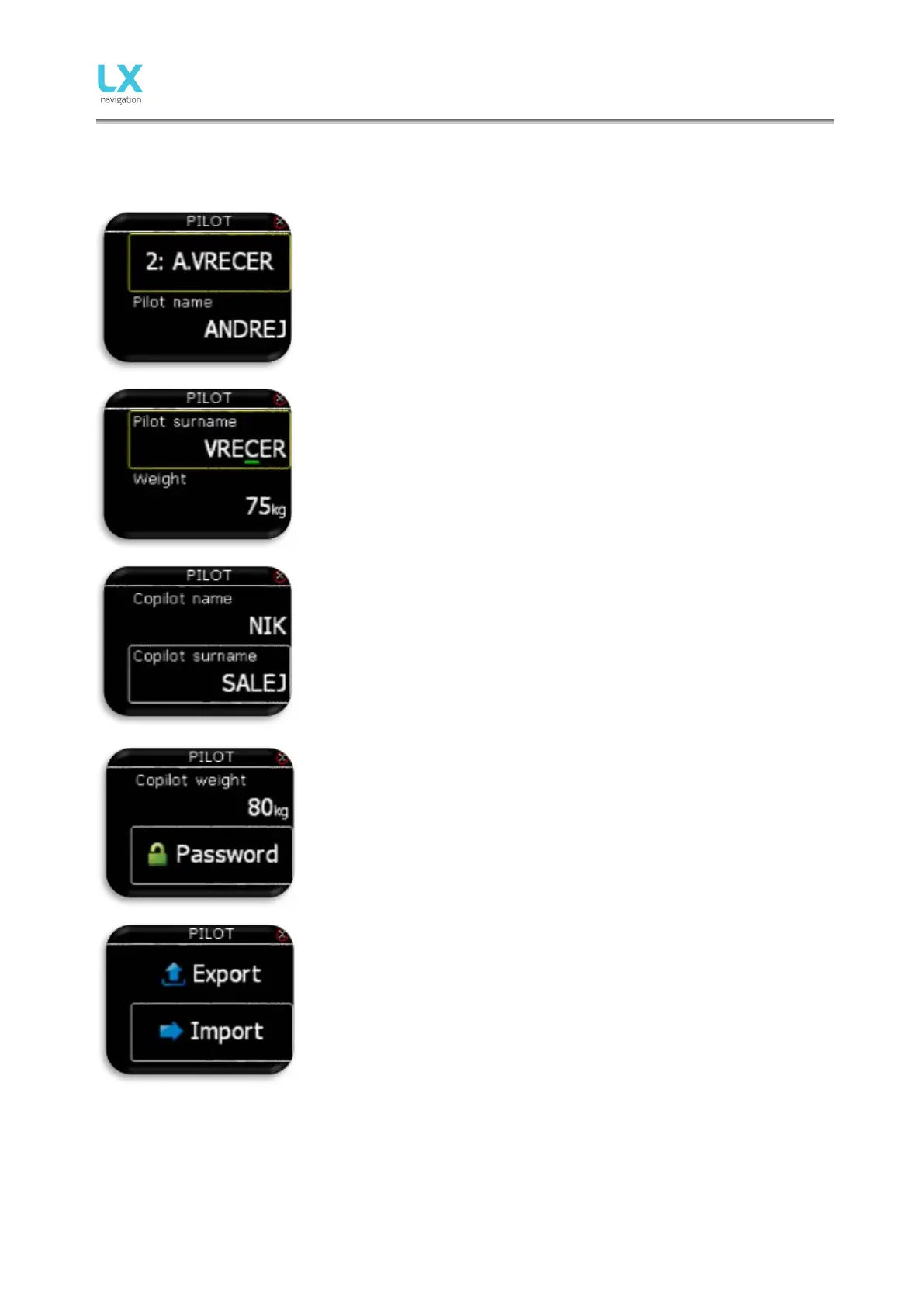
All entered data here (except for weight) will be written to flight recorder as pilot declaration info.
Pilot can either select pilot that is already saved in the database or select
“EMPTY” to create a new pilot. If pilot is already saved, name initial and
surname are shown. Pilot name or “EMPTY” is automatically shown in
the second line. Code input will be required if selected user has his
profile protected with user code.
- Pilot name: edit the name of the pilot.
- Pilot surname: edit the surname of the pilot.
Pilot’s weight is added to the whole weight of the plane to calculate actual
wing load factor.
- Weight: edit the weight of the pilot.
Co-pilot’s data is visible in flight declaration (IGC file).
- Copilot name: edit the name of copilot.
- Copilot surname: edit the surname of copilot.
Co-pilot’s weight is added to the whole weight of the plane.
- Copilot weight: edit the weight of copilot.
- Set user settings password. Password 0000 will unlock
protection!
Export/Import user profile to/from SD card.



 To Next Page