834 ActionScript classes
Availability: ActionScript 1.0; Flash Player 6 - Additional parameters spreadMethod,
interpolationMethod, and focalPointRatio added in Flash Player 8.
Parameters
fillType:String - Valid values are the string "linear" and the string "radial".
colors:Array - An array of RGB hexadecimal color values you can use in the gradient; for
example; red is 0xFF0000, blue is 0x0000FF. You can specify up to 15 colors. For each color,
ensure to specify a corresponding value in the
alphas and ratios parameters.
alphas:Array - An array of alpha values for the corresponding colors in the colors array;
valid values are 0 to 100. If the value is less than 0, Flash uses 0. If the value is greater than
100, Flash uses 100.
ratios:Array - An array of color distribution ratios; valid values are 0 to 255. This value
defines the percentage of the width where the color is sampled at 100%. Specify a value for
each value in the
colors parameter.
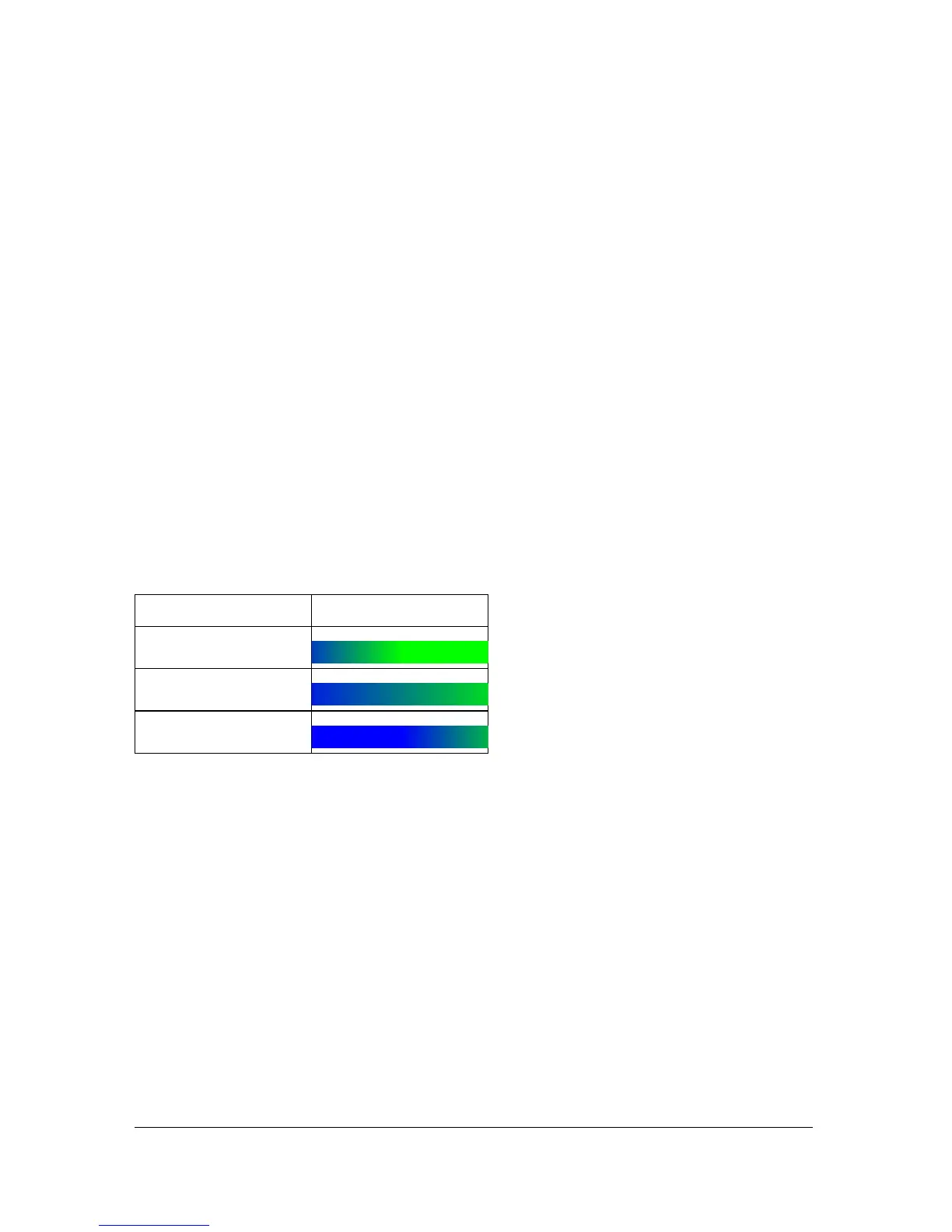
For example, for a linear gradient that includes two colors, blue and green, the following
figure illustrates the placement of the colors in the gradient based on different values in the
ratios array:
The values in the array must increase sequentially; for example,
[0, 63, 127, 190, 255].
matrix:Object - A transformation matrix that can be in any one of three forms:
■ A matrix object (supported by Flash Player 8 and later only), as defined by the
flash.geom.Matrix class. The flash.geom.Matrix class includes a
createGradientBox()
method, which lets you conveniently set up the matrix for use with the
beginGradientFill() method of MovieClip class. Macromedia recommends that you
use this form of matrix for Flash Player 8 and later.
The following example uses the
beginGradientFill() method with a matrix parameter
of this type:
import flash.geom.*
this.createEmptyMovieClip("gradient_mc",
this.getNextHighestDepth());
ratios Gradient
[0, 127]
[0, 255]
[127, 255]



 To Next Page