836 ActionScript classes
colors = [0xFF0000, 0x0000FF];
fillType = "radial"
alphas = [100, 100];
ratios = [0, 0xFF];
spreadMethod = "reflect";
interpolationMethod = "linearRGB";
focalPointRatio = 0.9;
matrix = {a:200, b:0, c:0, d:0, e:200, f:0, g:200, h:200, i:1};
beginGradientFill(fillType, colors, alphas, ratios, matrix,
spreadMethod,
interpolationMethod, focalPointRatio);
moveTo(100, 100);
lineTo(100, 300);
lineTo(300, 300);
lineTo(300, 100);
lineTo(100, 100);
endFill();
}
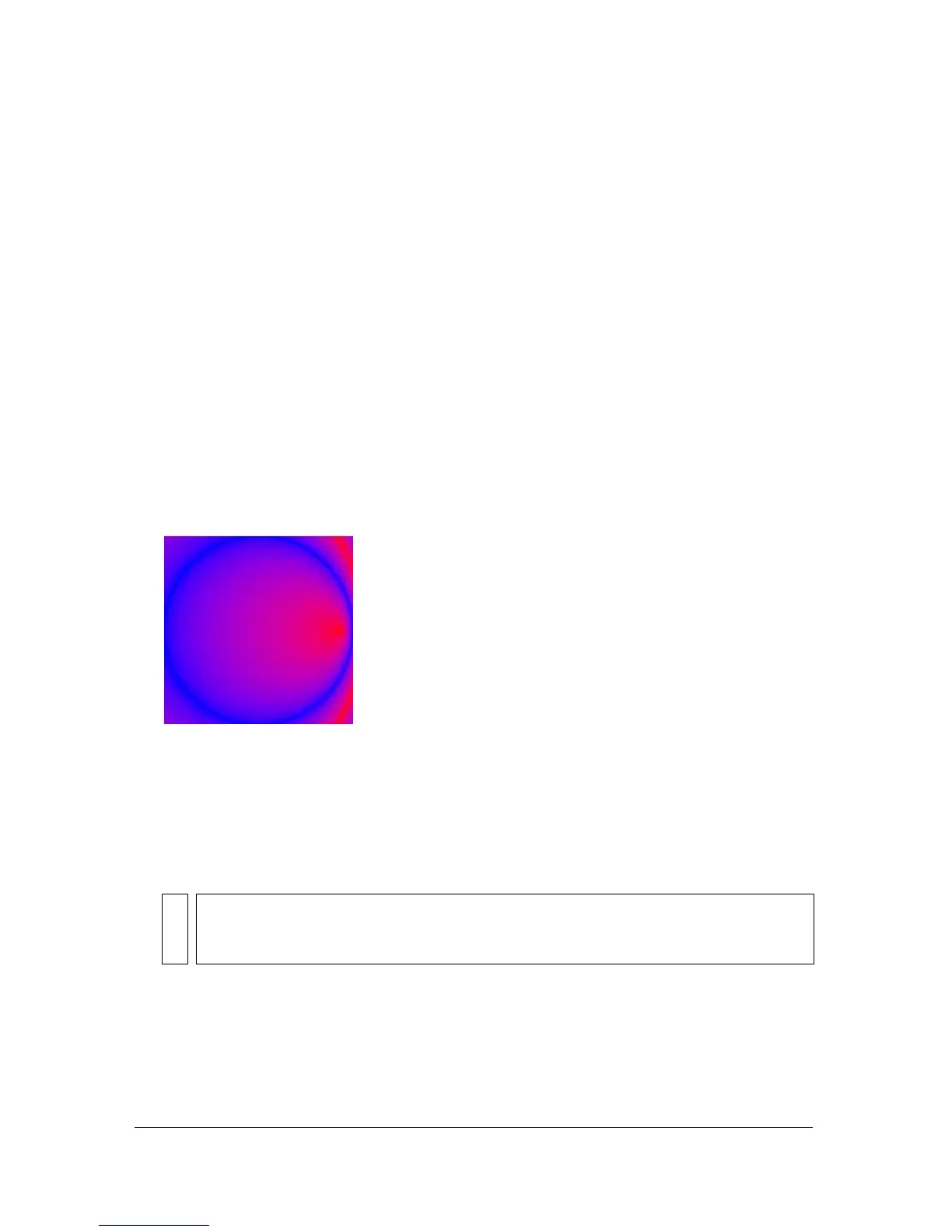
This code draws the following image onscreen:
■ An object with the following properties: matrixType, x, y, w, h, r.
The properties indicate the following:
matrixType is the string "box", x is the horizontal
position relative to the registration point of the parent clip for the upper-left corner of the
gradient,
y is the vertical position relative to the registration point of the parent clip for
the upper-left corner of the gradient,
w is the width of the gradient, h is the height of the
gradient, and
r is the rotation in radians of the gradient.
The following example uses the
beginGradientFill() method with a matrix parameter
of this type:
this.createEmptyMovieClip("gradient_mc",
this.getNextHighestDepth());
with (gradient_mc)
NOTE
For Flash Player 8 and later, Macromedia recommends that you define the matrix
parameter in the form of a
flash.geom.Matrix object (as described in the first item in
the list).



 To Next Page