148 Drawing
You can also use the straightening technique to make Flash recognize shapes. If you draw any
oval, rectangular, or triangular shapes with the Recognize Shapes option turned off, you can
use the Straightening option to make the shapes geometrically perfect. (For information on
the Recognize Shapes option, see “Specifying drawing settings” on page 154.) Shapes that are
touching, and thus connected to other elements, are not recognized.
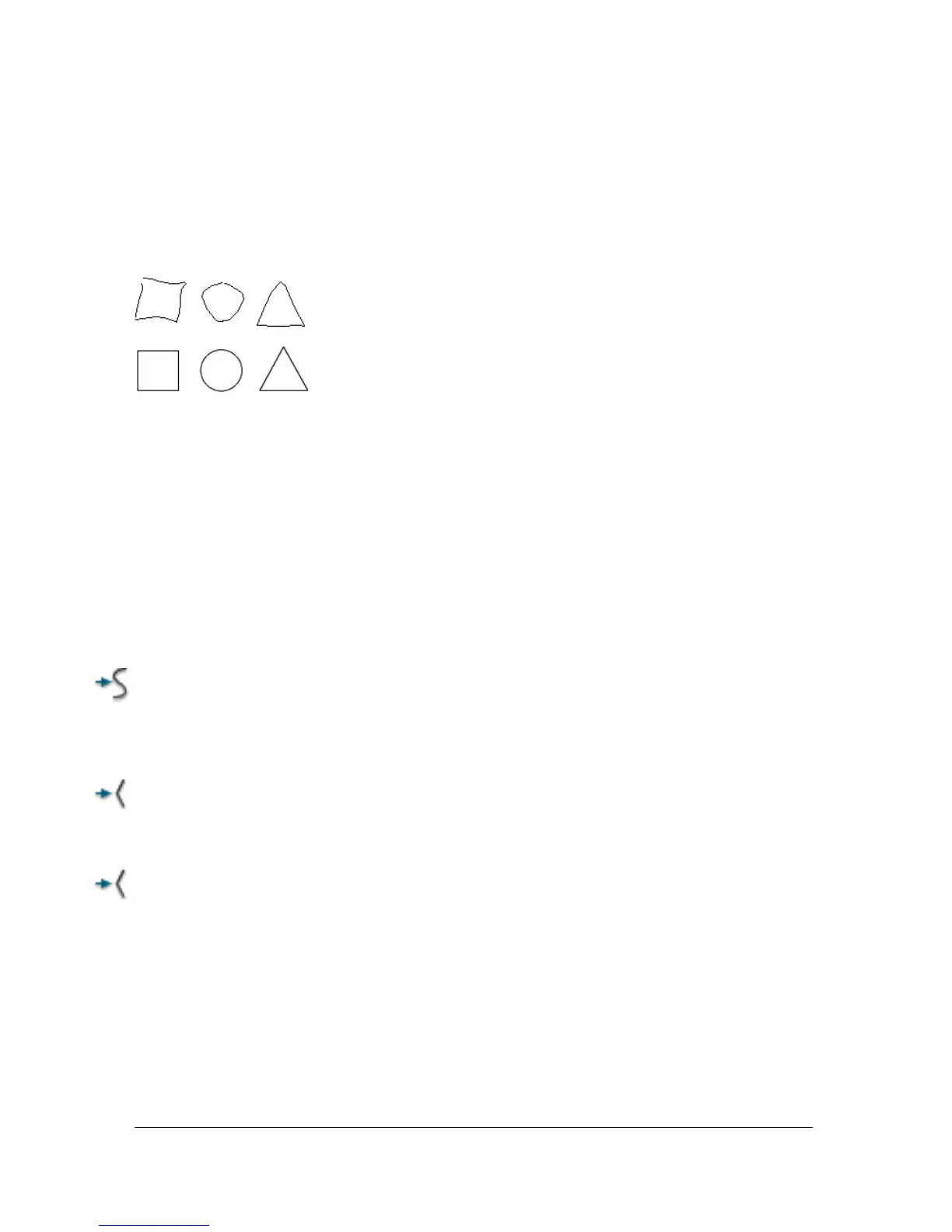
Shape recognition turns the top shapes into the bottom shapes.
Smoothing softens curves and reduces bumps or other variations in a curve’s overall direction.
It also reduces the number of segments in a curve. Smoothing is relative, however, and has no
effect on straight segments. It is particularly useful when you are having trouble reshaping a
number of very short curved line segments. Selecting all the segments and smoothing them
reduces the number of segments, producing a gentler curve that is easier to reshape.
Repeated application of smoothing or straightening makes each segment smoother or
straighter, depending on how curved or straight each segment was originally.
To smooth the curve of each selected fill outline or curved line:
■ Select the Selection tool and click the Smooth modifier in the Options section of the
Tools panel, or select Modify > Shape > Smooth.
To make small straightening adjustments on each selected fill outline or
curved line:
■ Select the Selection tool and click the Straighten modifier in the Options section of the
Tools panel, or select Modify > Shape > Straighten.
To use shape recognition:
■ Select the Selection tool and click the Straighten modifier, or select Modify >
Shape > Straighten.



 To Next Page