332 Writing ActionScript with Script Assist
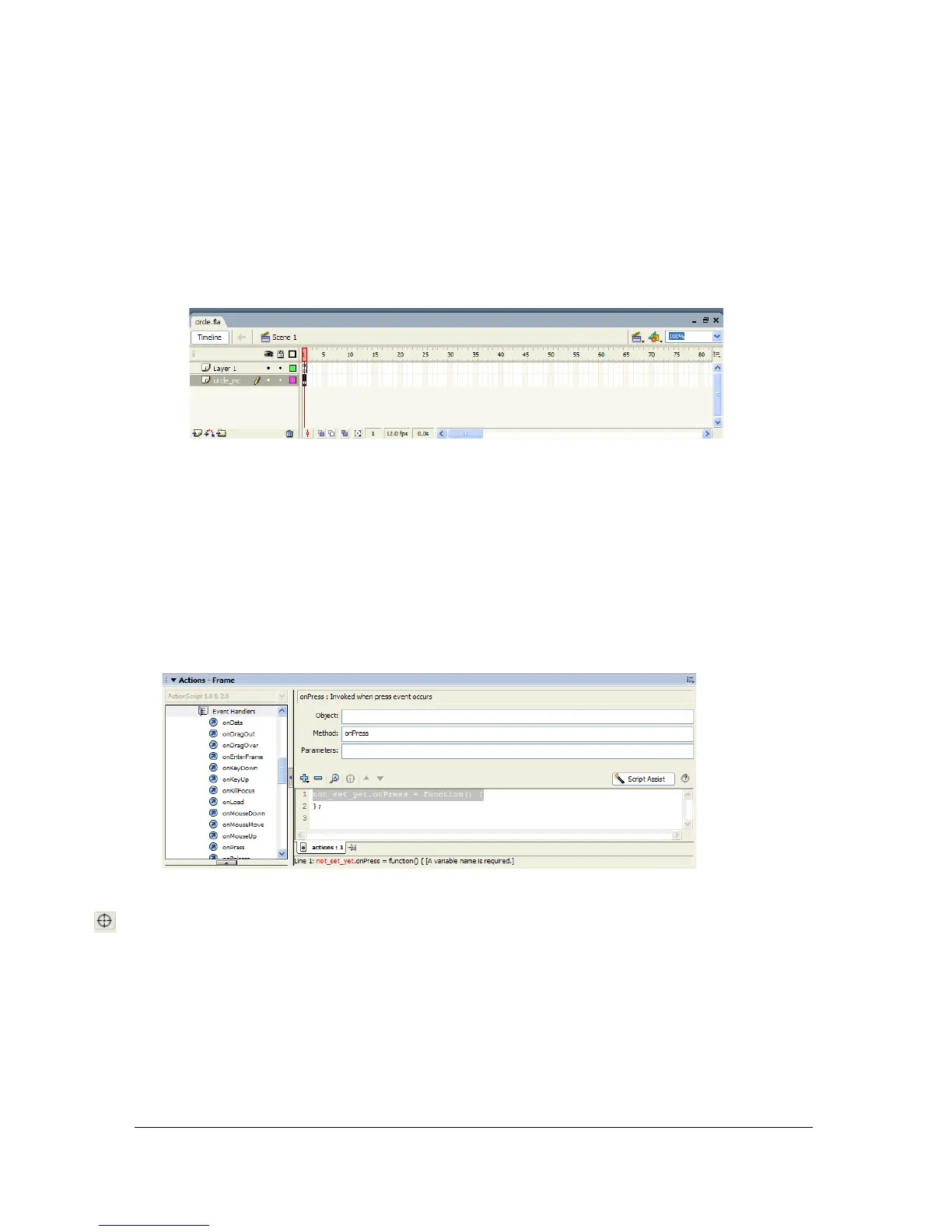
7. Place the circle_mc move clip on the Timeline. To do this:
a. Select the circle_mc movie clip on the Stage.
b. Select Modify > Timeline > Distribute to Layers. This menu command automatically
adds a layer to the Timeline and places the circle_mc movie clip instance on the
Timeline. It names the new layer according to the symbol name and places it beneath
the already existing Layer 1.
8. Rename Layer 1 by double-clicking its name in the Timeline and typing the name
“Actions” in its place.
9. Select the first frame of the Actions layers.
10. Select Window > Actions to display the Actions panel, and click Script Assist. The Actions
panel enters Script Assist mode.
11. In the Actions Toolbox, navigate to ActionScript 2.0 Classes > Movie > MovieClip >
Events > onPress, and double-click onPress. The
onPress method is added to the Actions
panel.
12. Click in the Object text box, and click the Target Path button.
13. Click the Target path button.
The Target Path dialog box is displayed.



 To Next Page