554 Creating E-learning Content
To create a quiz:
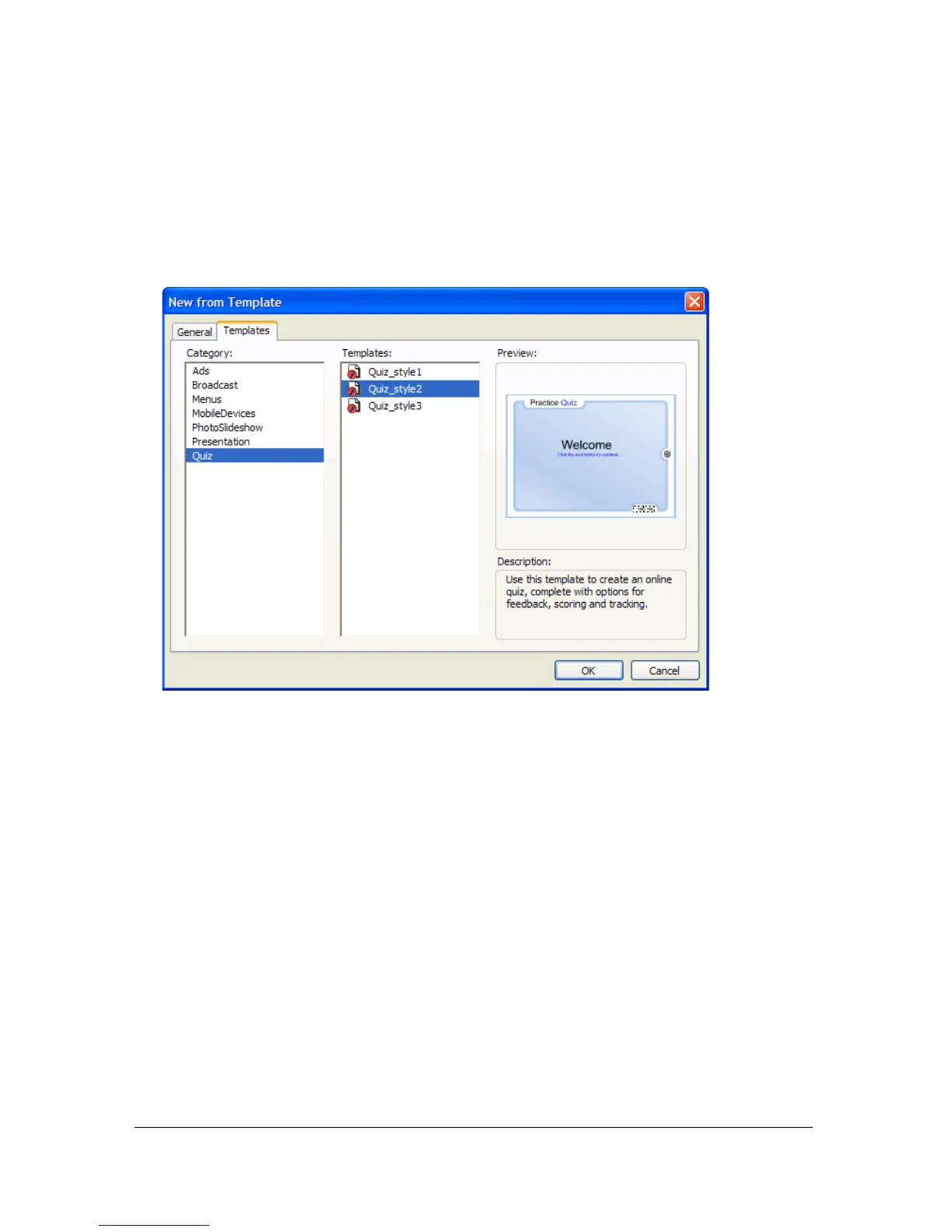
1. Create a new file by selecting File > New.
2. In the New from Template window, select the Templates tab.
3. In the Category column, select Quiz; then in the Templates column, select one of the
quiz styles.
Setting the quiz parameters
After you create a new file and select one of the quiz templates, the next step is to set the quiz
parameters. These parameters control how the entire quiz is presented to users—for example,
whether the questions are presented in a random or sequential order, the number of questions
to display, and whether the Results page appears.



 To Next Page