558 Creating E-learning Content
Configuring a Learning Interaction component
Included with each quiz template is one of each of the six learning interaction types, stored in
movie clips in the library. These movie clips are simply containers for the collection of
elements that make up each interaction. When you add an interaction (movie clip) to the
Stage, you must break it apart to edit the individual objects.
To configure a Learning Interaction component:
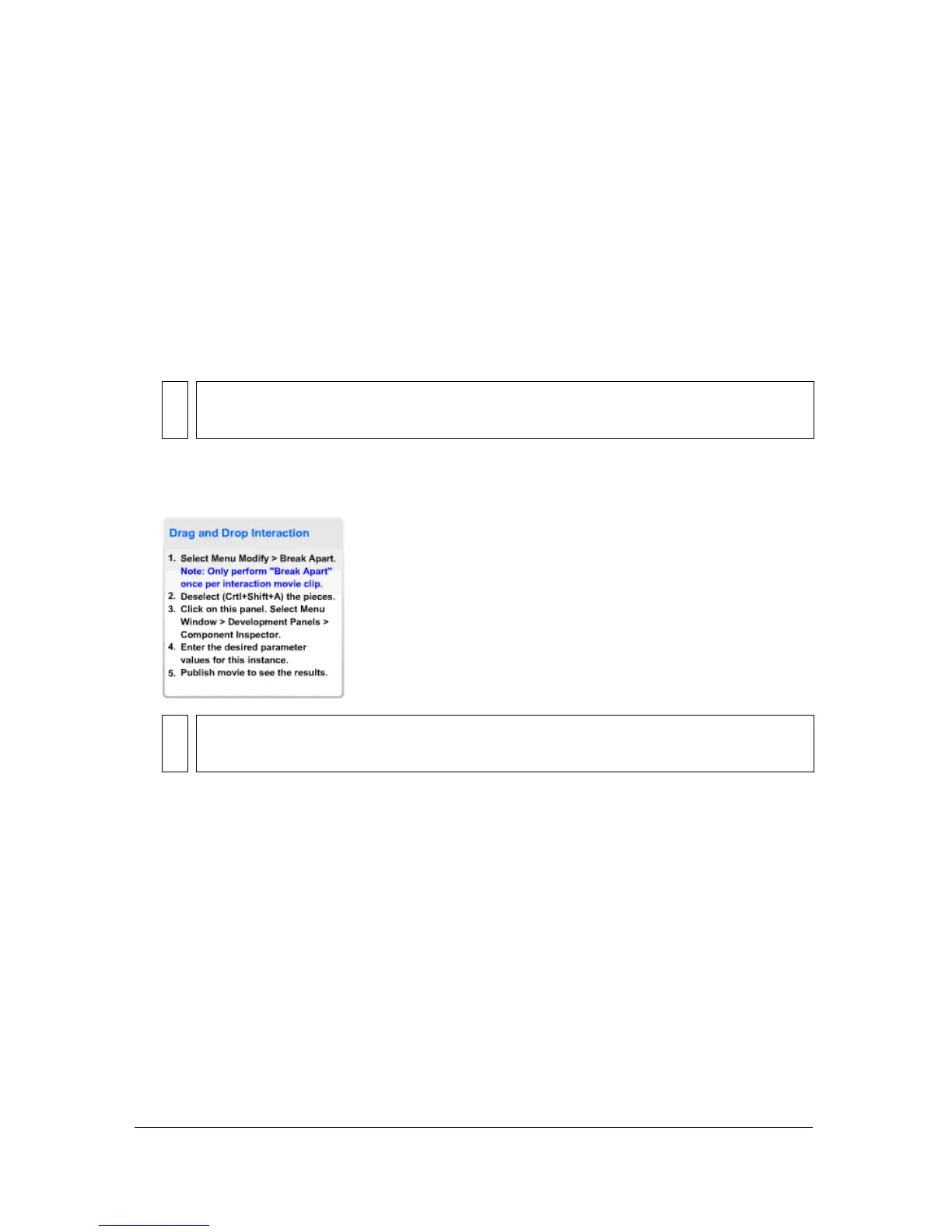
1. With the entire learning interaction selected, select Modify > Break Apart. This breaks the
interaction into individual objects that can be modified.
2. Deselect all the items on the Stage (Control+Shift+A).
3. Select the Learning Interaction component.
NOTE
Make sure that you break apart the interaction only once. See “Testing to see if a
movie clip is broken apart” on page 564.
NOTE
Do not delete these instructions from the document; they contain necessary
ActionScript code and do not appear in the SWF file.



 To Next Page