Including a Flash learning interaction in a document 559
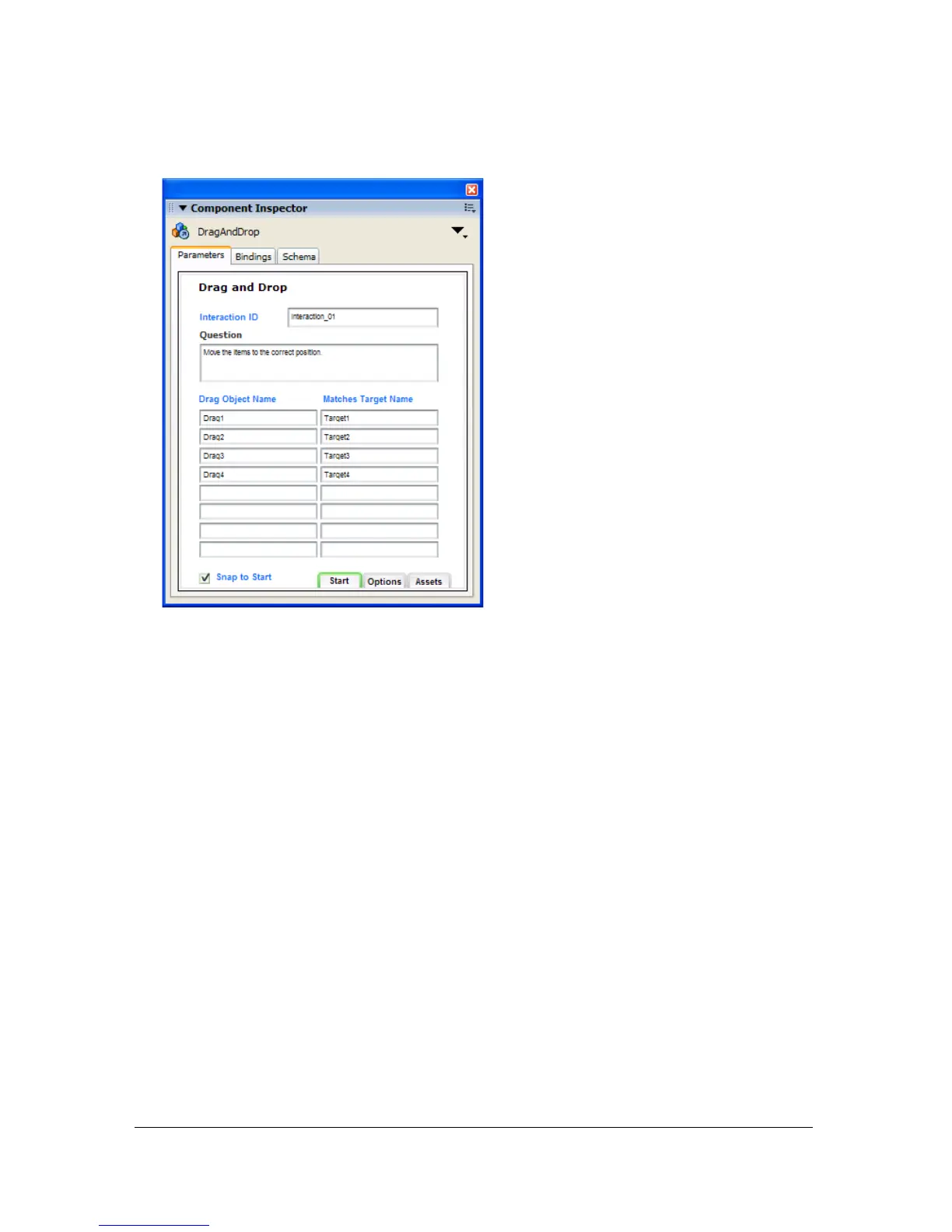
4. In the Property inspector, click Launch Component Inspector.
5. If the Flash application will send tracking information to a server-side LMS, specify a name
for the interaction in the Interaction ID text box. You should uniquely name each
interaction in the quiz as specified by your LMS. Each interaction in the quiz templates is
uniquely named. However, if you add interactions from the library or you are not using the
quiz template, make sure to uniquely name each interaction in your file.
6. In the Question text box, type the text you want the user to see. This text can be a question
and/or instructions for the user.
7. Configure the learning interaction. For more information, see the following sections:
■ “Configuring a Drag and Drop interaction” on page 567
■ “Configuring a Fill in the Blank interaction” on page 569
■ “Configuring a Hot Object interaction” on page 571
■ “Configuring a Hot Spot interaction” on page 573
■ “Configuring a Multiple Choice interaction” on page 574
■ “Configuring a True or False interaction” on page 576



 To Next Page