Including a Flash learning interaction in a document 563
About managing library assets for learning
interactions
When you drag a learning interaction from the Learning Interactions common library to the
Stage, the symbols that comprise the learning interaction are copied from the common library
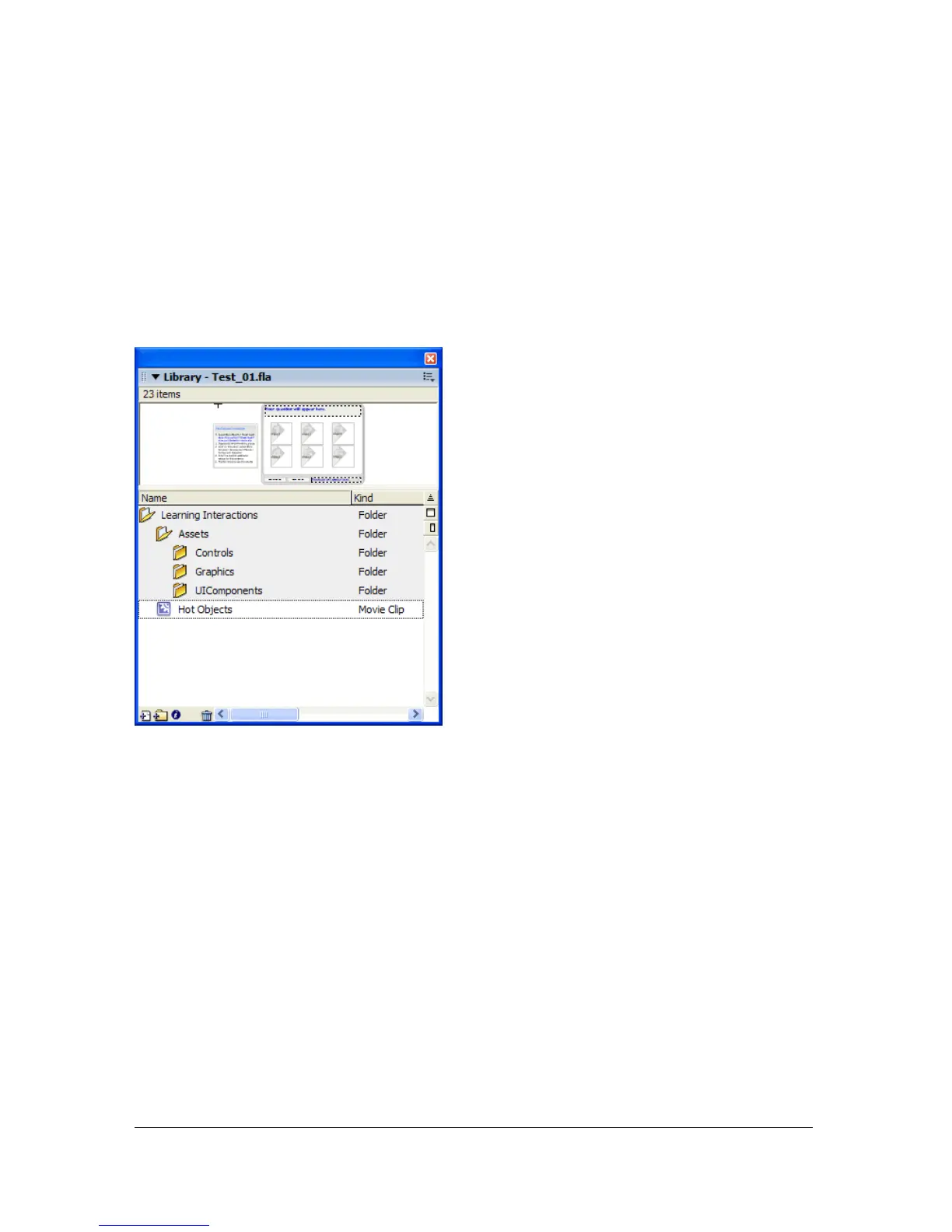
to the library of the Flash document you are creating. For example, if you copy a Hot Object
learning interaction from the Learning Interactions common library to your document, the
symbols in the following illustration become part of the document library.
If you’re using a quiz template, the learning interaction symbols are already included in your
document library.
To manage library assets, it is a good idea to create folders for each graphical interaction and
place the folders within the Assets folder. You can then keep the movie clips associated with
the interaction within the new folder.
Removing a learning interaction from the Timeline
When you remove a learning interaction from the Timeline, it is important to maintain the
sequence of learning interactions. If you remove a frame from the Interactions layer, you also
need to remove it from all other layers.



 To Next Page