616 XML to UI
Description
Layout tag; creates a separator bar that displays vertically in an <hbox> and horizontally in a
<vbox>.
Example
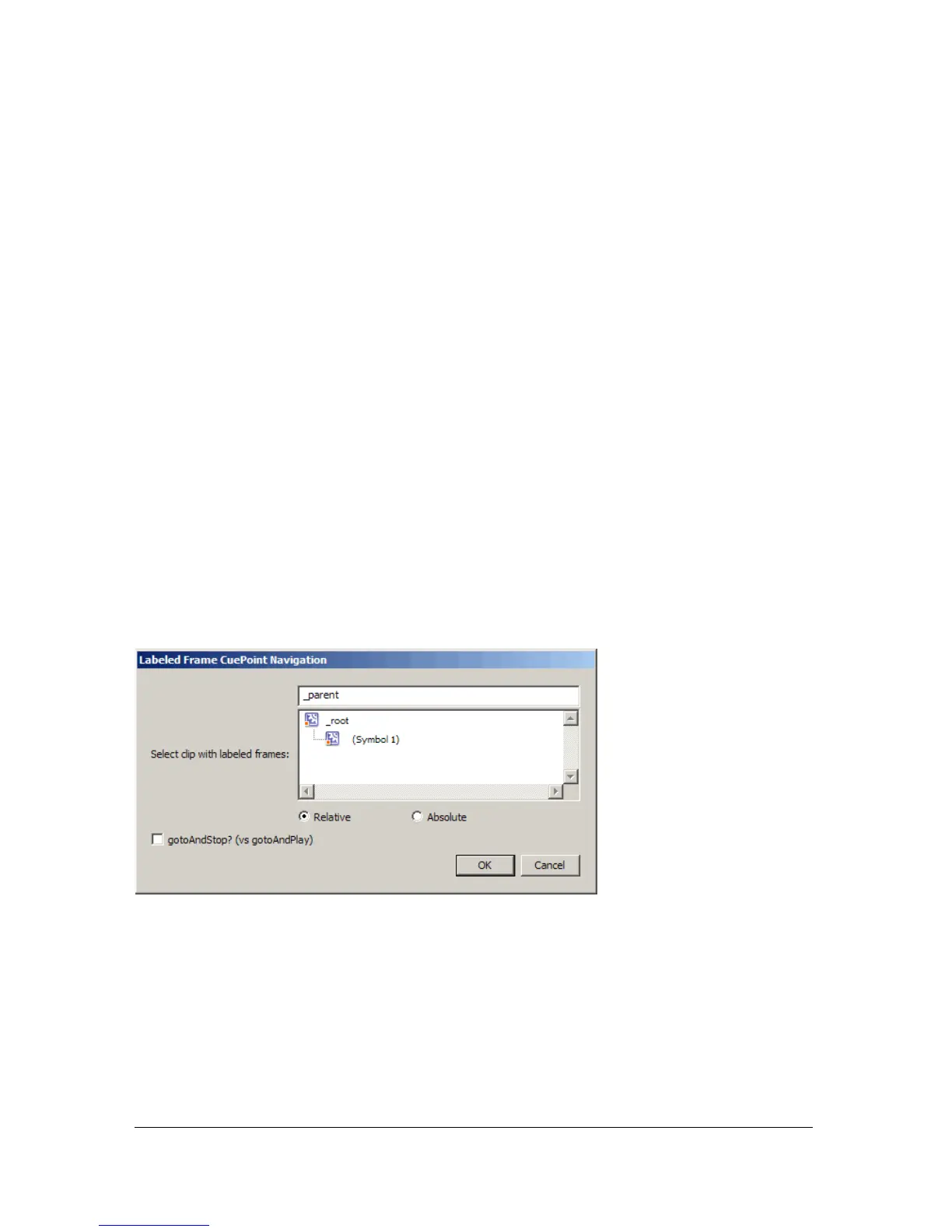
The following example adds a separator bar to the Labeled Frame Cuepoint Navigation
behavior dialog box. The current dialog box, which comes with Flash MX 2004, is defined in
the file CuePointNamedFrame.xml.
<dialog id="NamedFrameCuePointDialog" title="Labeled Frame CuePoint
Navigation" buttons="accept, cancel">
<vbox>
<hbox>
<label value="Select clip with labeled frames:" control="target"
required="true" />
<targetlist id="target" class="movieclip" />
</hbox>
<hbox>
<checkbox id="stop" label="gotoAndStop? (vs gotoAndPlay)"
checked="false" />
</hbox>
</vbox>
</dialog>
These tags produce the following dialog box:



 To Next Page