<spacer> 619
The Trace Selections command now appears on the Commands menu. If you select the
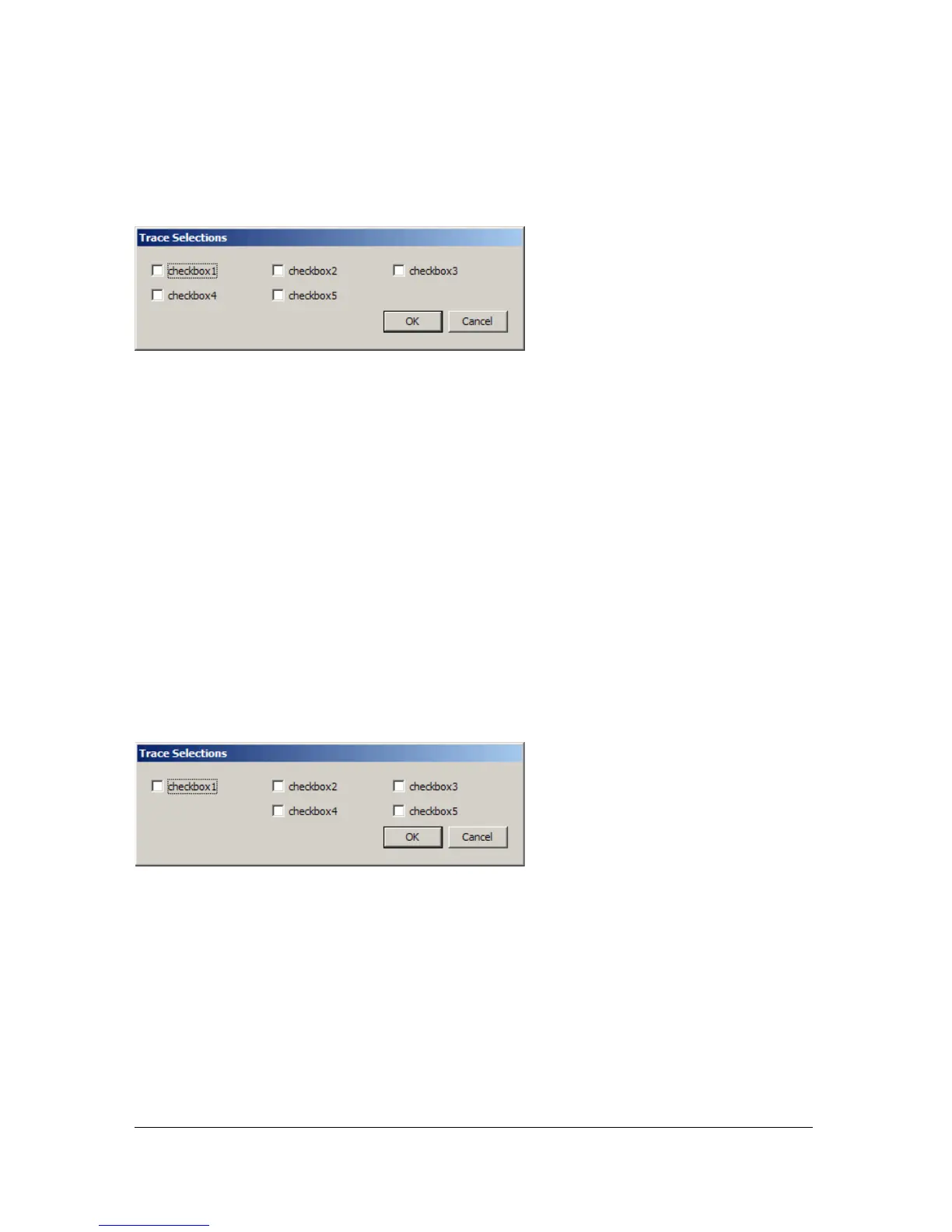
Trace Selections command from the Commands menu, the dialog box defined by Trace
Selections.xml appears, as shown in the following figure:
Finally, add the
<spacer/> tag to the Trace Selections.xml file:
<dialog id="traceSelections" title="Trace Selections" buttons="accept,
cancel">
<vbox>
<hbox>
<checkbox id="checkbox1" label="checkbox1"/>
<checkbox id="checkbox2" label="checkbox2"/>
<checkbox id="checkbox3" label="checkbox3"/>
</hbox>
<hbox>
<spacer/>
<checkbox id="checkbox4" label="checkbox4"/>
<checkbox id="checkbox5" label="checkbox5"/>
</hbox>
</vbox>
</dialog>
Adding the <spacer/> tag to the second row of check boxes pushes checkbox4 and
checkbox5 to the right:



 To Next Page