<colorchip> 627
Second, create a file named choosefile.xml and place it in your Commands folder. Place the
following code into the file and save the file:
<?xml version="1.0"?>
<dialog id="choosefile-dialog" title="Choose File Example" buttons="accept,
cancel">
<vbox>
<label value="Please select a file: "/>
<choosefile id="choosefileControl" type="open" pathtype="relative"/>
</vbox>
</dialog>
The choosefile command now appears on the Commands menu. If you have a Flash
document open, you can select the
choosefile command from the Commands menu and
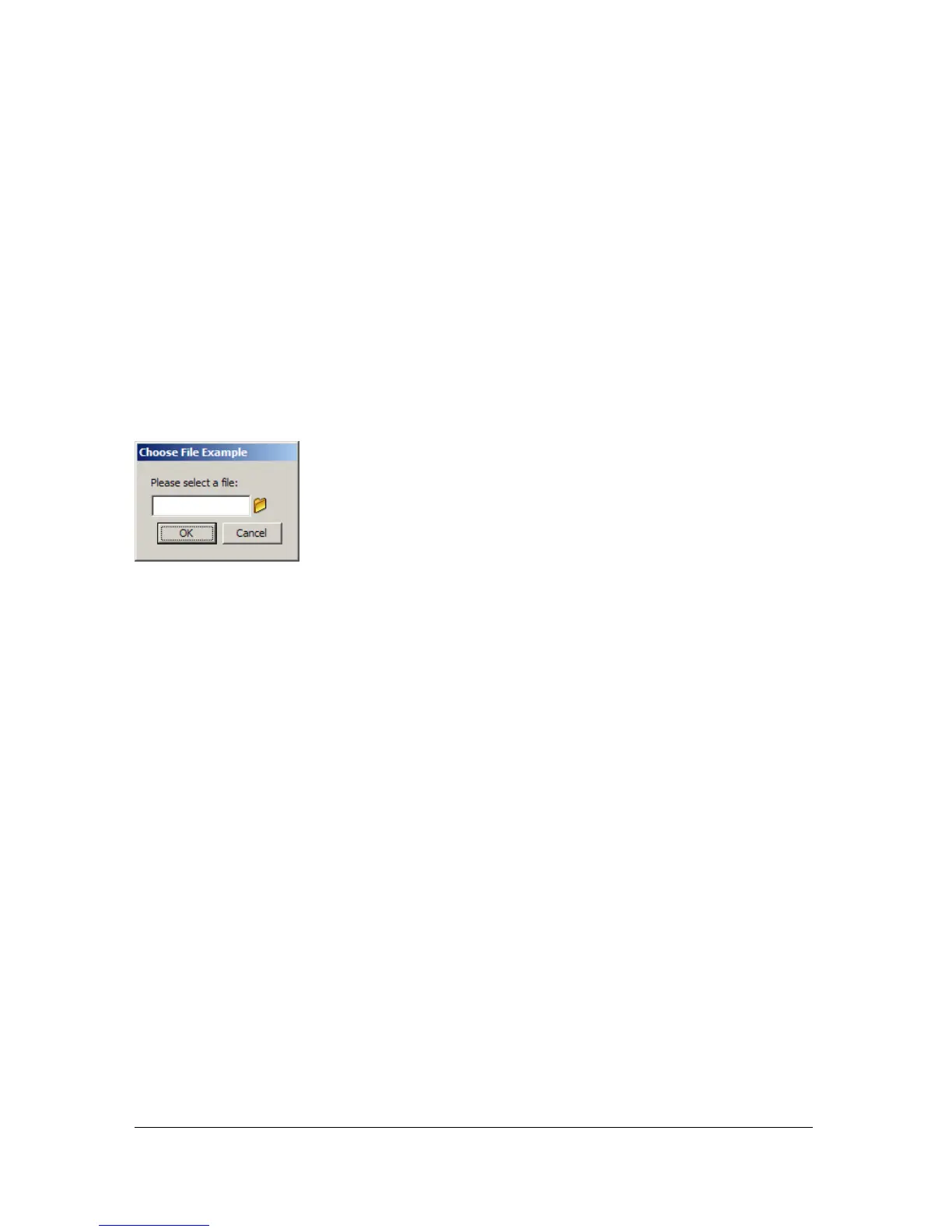
the dialog box defined by choosefile.xml appears, as shown in the following figure:
<colorchip>
Availability
Flash MX 2004.
Usage
<colorchip
id="myID"
color="myColor"/>
Attributes
id String; represents a unique identification string that is used by the extensibility features
to identify the control and access the value it returns.
color Number; hex number representing a color used as default value.
Child tags
None.
Parent tag
<dialog>, <hbox>, <row>, <vbox>



 To Next Page