<flash> 629
The setcolor command now appears on the Commands menu. If you have a Flash
document open, draw a shape on the Stage and select the
setcolor command from the
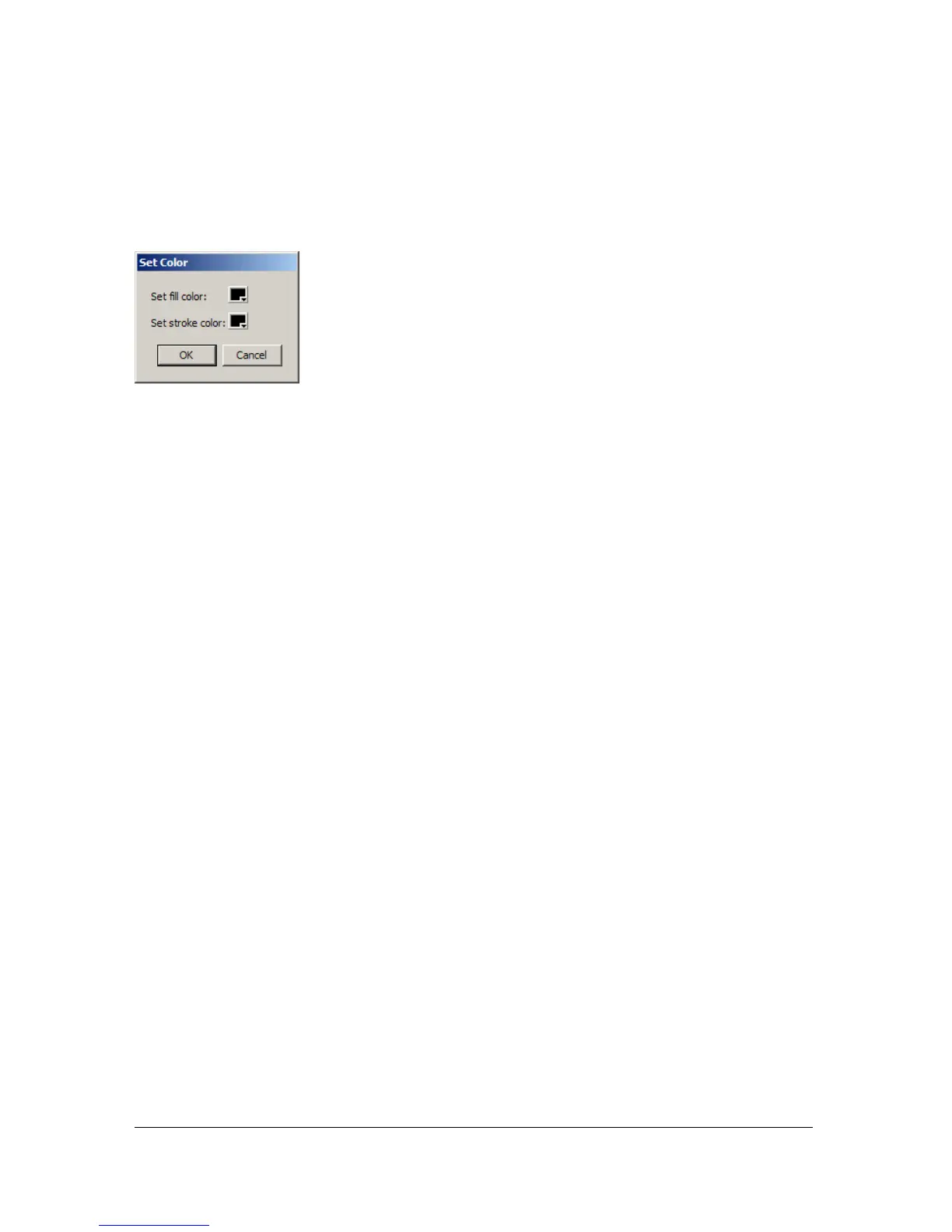
Commands menu. The dialog box defined by setcolor.xml appears, as shown in the following
figure:
<flash>
Availability
Flash MX 2004.
Usage
<flash
id="myID"
width="x"
height="y"
src="SWF file">
...
child tags
...
</flash>
Attributes
id String; represents a unique identification string that is used by the extensibility features
to identify the control and access the value it returns.
width Number; sets the width of the <flash> control measured in pixels.
height Number; sets the height of the <flash> control measured in pixels.
src String; path to the SWF file to be embedded in the dialog box.
Child tags
<property>
Parent tag
<dialog>, <hbox>, <row>, <vbox>



 To Next Page