r-net user guide
20 5940A R-net User Guide DCR1266
magicmobility.com.au
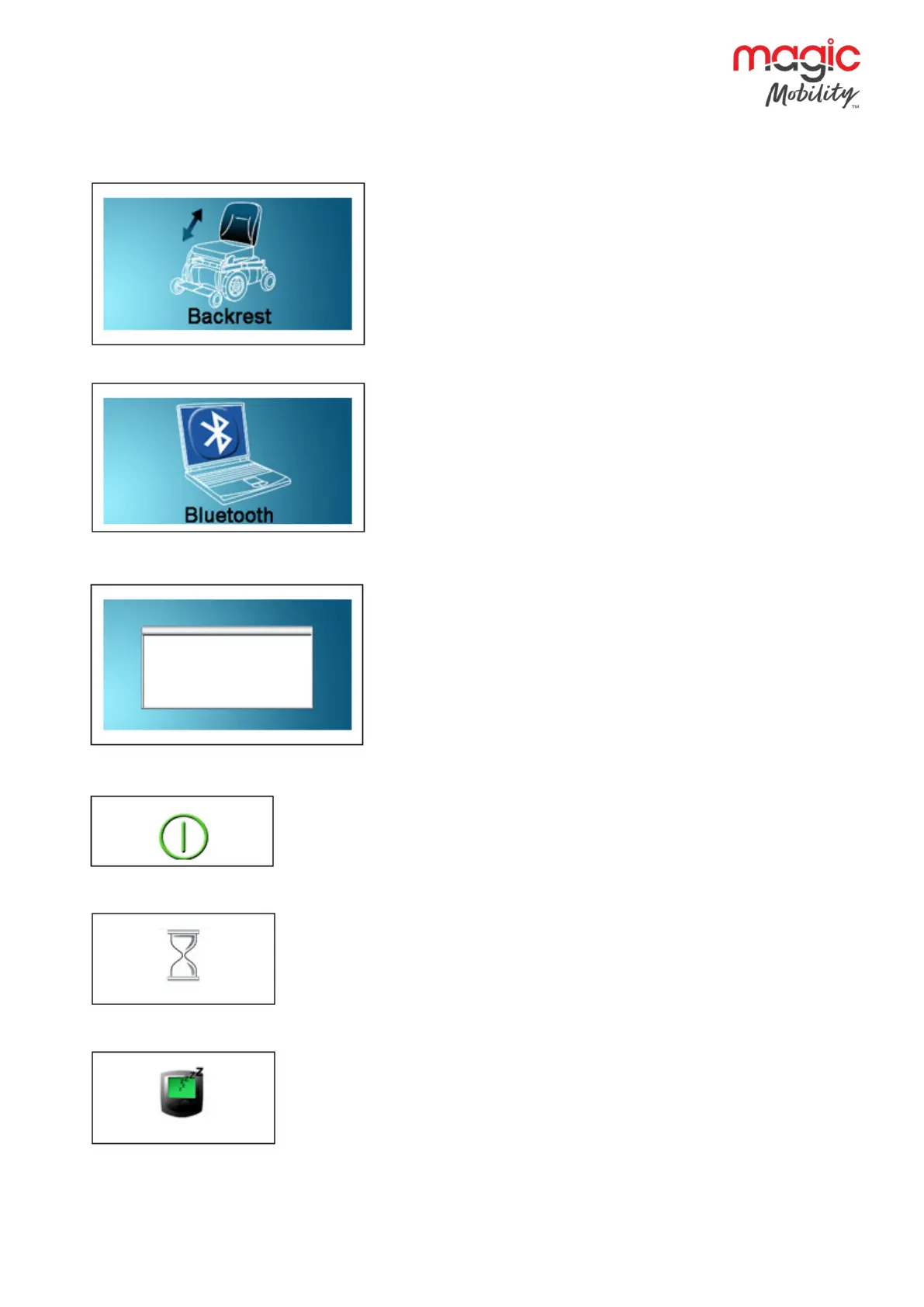
6.3.8 ACTUATOR MODE
Displays the sections of the chair currently selected for movement,
the name given to the selection and a direction arrow showing what
sort of movement is available.
6.3.9 BLUETOOTH MODE
When Bluetooth Mode is entered the following screen will be
displayed.
6.4 Message window
The R-net displays warning icons and informational messages, in a
dedicated message window.
6.4.1 RESTART
When the control system requires a reboot; for example, after a module re-
configuration, this symbol will be flashed.
6.4.2 TIMER
This symbol is displayed when the control system is changing between different
states. An example would be entering into Programming Mode. The symbol is
animated to show the sands falling.
6.4.3 SLEEP
This symbol will be displayed for a short time before the R-net enters into a sleep
state.


 To Next Page