29
MAGNAMED TECNOLOGIA MÉDICA S/A
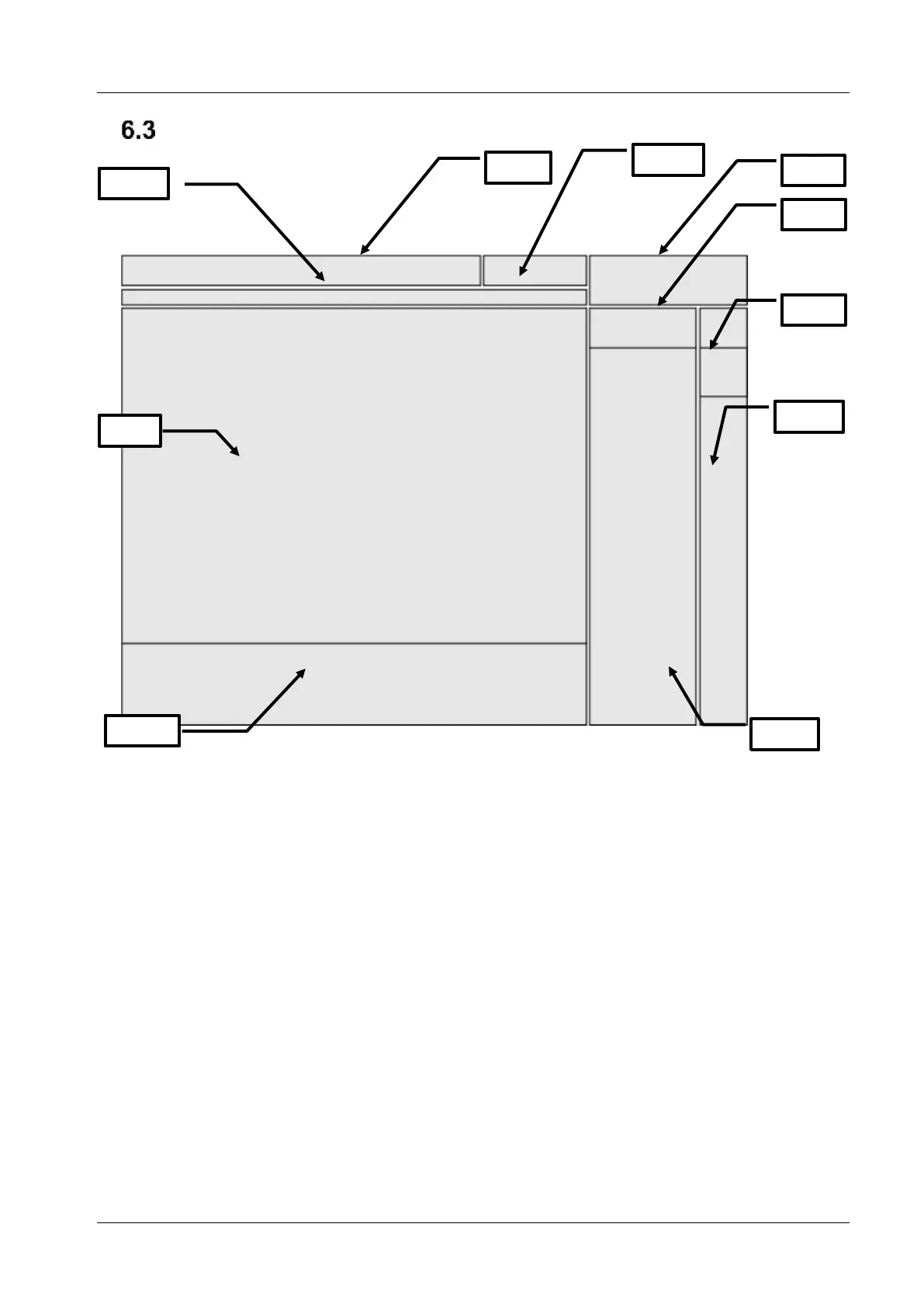
Main Screen
Figure 3 – Main Screen
6.3.1 Menus and Graphs Area
These areas are displayed graphs or some of the available equipment menus.
To alternate between the graphs options, simply tap the screen over that area, when the GRAPHIC
tab is active. In order to change the pressure mode displayed (peak, plateau or instant) above the bargraph,
tap on pressure value
6.3.2 Menus Selections Area
In this area, menus options presented are displayed on the equipment: GRAPH, MONITOR, CONFIG,
ALARM and TREND.


 To Next Page