27
MAGNAMED TECNOLOGIA MÉDICA S/A
6 Use instructions
Initial sequence
Turn on the equipment using the ON/OFF button on the rear side of the equipment
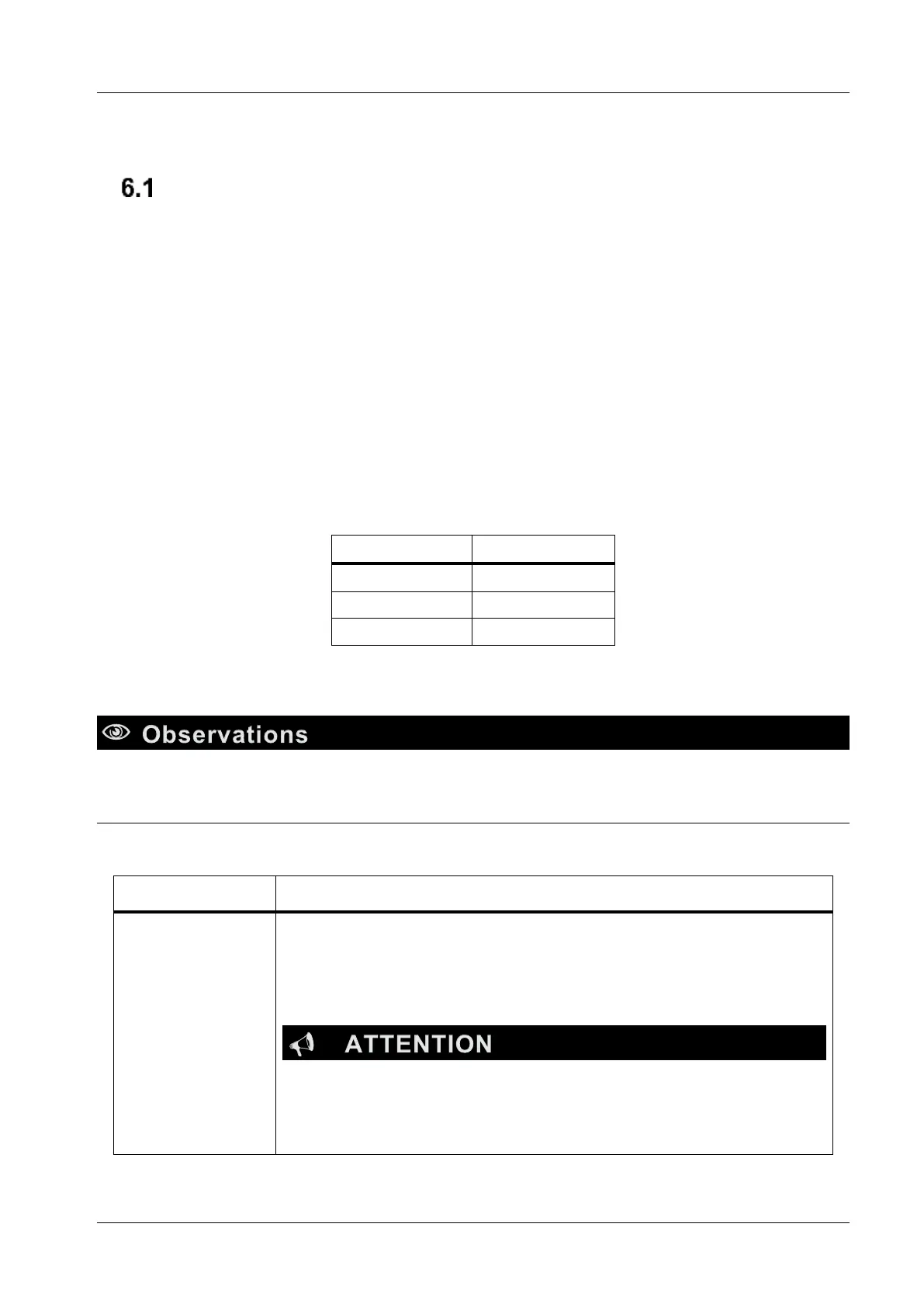
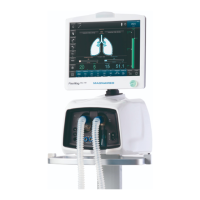
After turning on the equipment the initial screen will be presented that include the patient and services
available options, according to ventilator model.
On initial screen, select the patient type touching on the correspondent icon.
6.1.1 Patient selection
When selecting a patient option, ventilator will define the type of patient and start the ventilation’s
parameters considering the following table:
Table 4 - Patients
The main ventilation screen and the audible alarm will be pause for the
first minute.
The equipment will always start in STAND BY mode
• During STAND BY mode, patient will not be ventilated.


 To Next Page