33
MAGNAMED TECNOLOGIA MÉDICA S/A
6.3.9 Permanent Monitor Display Area
On this area are displayed up to six parameters monitored at a time, which are always visible,
regardless of which screen is selected.
To change the selection of these parameters, simply touch the screen on this area. In this case, a
page change will occur, with the display of other six parameters monitored.
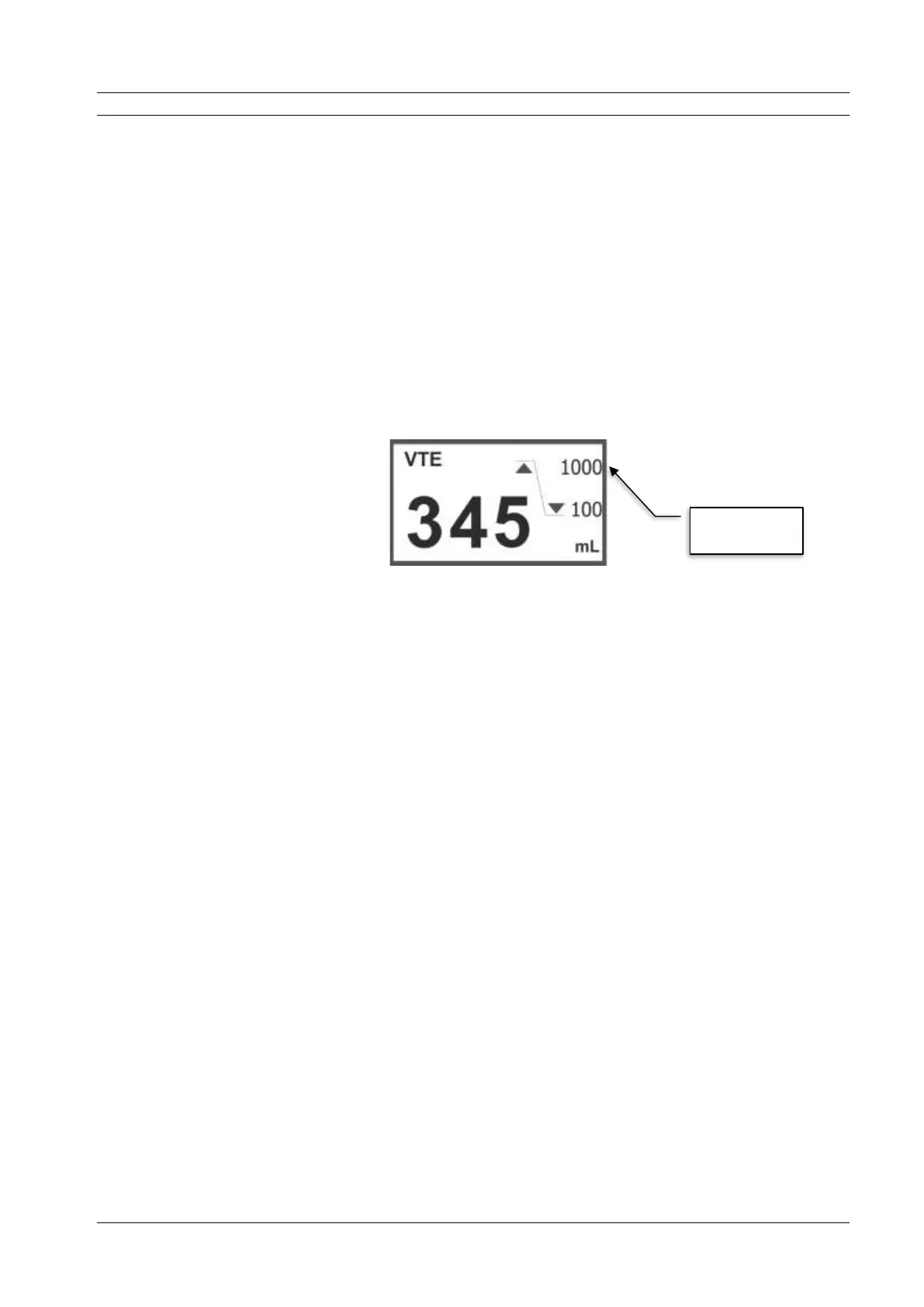
On permanent monitor, it is still possible to check the value limits of adjusted alarm for parameters
whose values are related to these alarms: volume, minute volume, maximum pressure, rate, PEEP and FiO
2
:
Figure 4 – Parameter Monitored
6.3.10 Area of adjustable parameters
In this area, the adjustable parameters are displayed as active ventilation mode. Six parameters are
displayed by page. To display the remaining parameters, simply turn the spin and confirm button, without any
active selection, and then hidden parameters are displayed.
To alternate a parameter, just tap on the parameter button desired. Once the button changes color,
indicating your selection, values changes may be performed. To do so, simply turn the spin and confirm button
clockwise to increase the value and counterclockwise to decrease it.
Confirm by pressing the button spin and confirms or by touching again on the selected button.


 To Next Page