30
MAGNAMED TECNOLOGIA MÉDICA S/A
6.3.3 Display Area of Alarm Messages
In this area the messages of possibly active alarms are displayed.
High priority alarms are displayed in a red box (danger), while medium priority are displayed in a yellow
box (attention).
6.3.4 Display Area of Alert Messages
In this area the messages of possibly active alerts are displayed, such as triggers, autotest failures
and others.
Alerts to user also can appear in this area, always it is necessary, for example, keyboard blocked, put
in Stand-by mode, and others.
6.3.5 Display Area and Ventilatory Mode Selection
The current ventilatory mode is displayed in this area. Furthermore, simply tap this button to access
the screen with the full configuration of ventilator modes and their respective parameters.
6.3.6 Information Area
The information area covers the following indicators:
• Cycling – Icon representing a lung that indicates whether the unit is cycling, i.e., sequentially
performing inspiratory and expiratory phases.
• Patient – The patient selected determines the initial ventilator settings, the available modes, the
standard mode selected, the default values of parameters and alarms, as well as their adjustment
ranges and available resources.
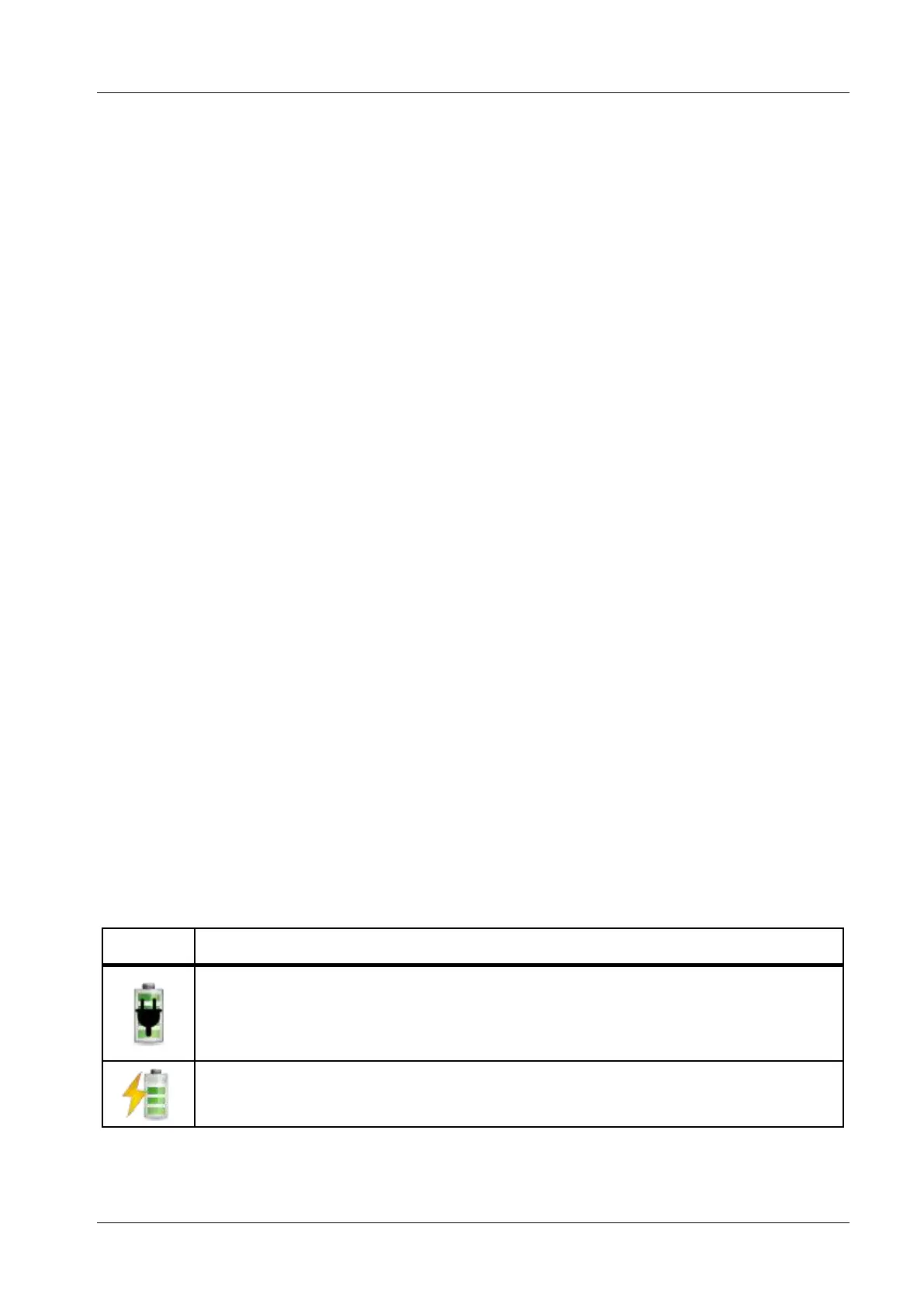
• Battery – Battery status which may vary among the following conditions


 To Next Page