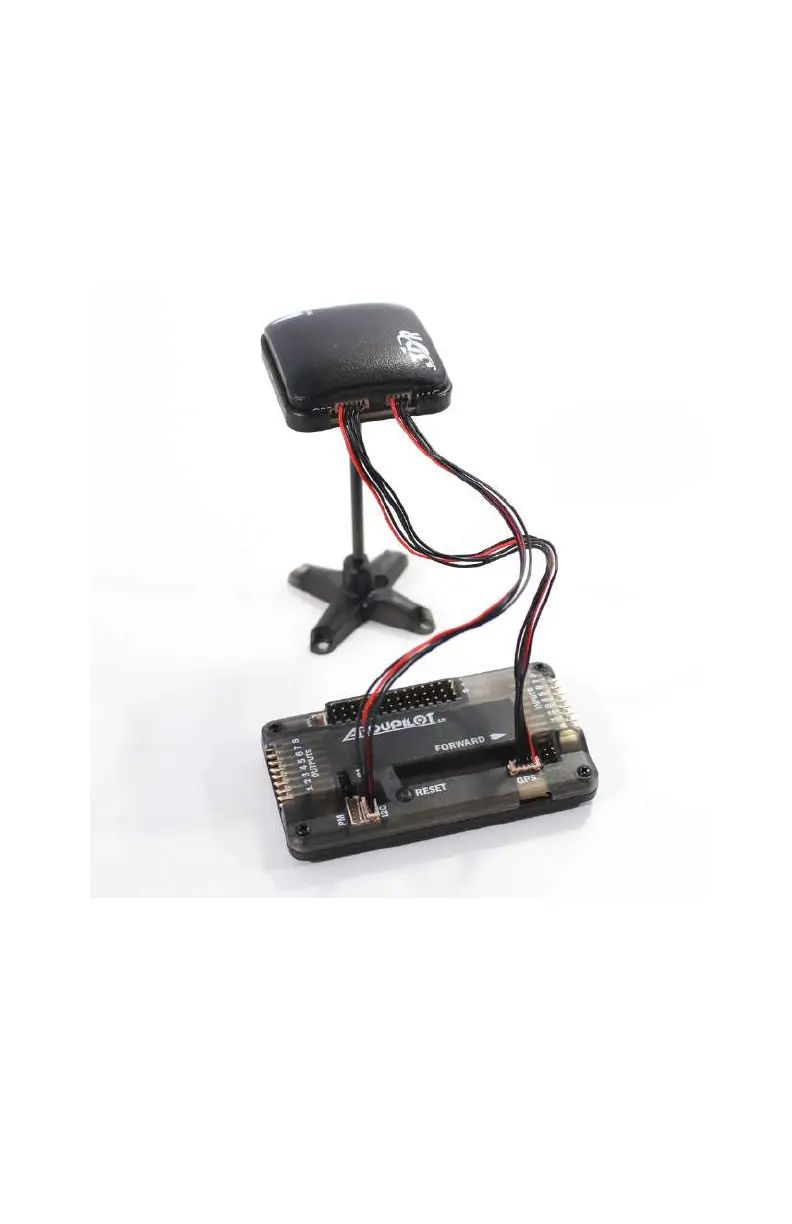
Now that we have one end of our cables plugged into the GPS
puck, let’s plug the other ends into the APM. Find the 5-position
plug that is connected to the GPS port (on our GPS puck) and
plug it into the GPS port on the APM (next to the forward arrow
on the top). Now, take the remaining 4-position plug and insert
it into the I2C port (short for inter-integrated circuit and pro-
nounced I-squared-C). Refer to Figure 5-7 for details on how
these two cables are connected.
Figure 5-7.
Our GPS and compass (magnetometer) plugged into
the APM.
GPS, Compass, and Battery Monitor 101



 To Next Page