Manitowoc Published 04-17-17, Control # 067-11 4-7
16000 HANGING MAX-ER® OPERATOR MANUAL SET-UP AND INSTALLATION
NODE-6 CONFIGURATION WITH MAST
STOP LIMIT SWITCH
See Figure 4-4 for the following procedure.
NOTE: The following Node-6 configurations only apply to
MAX-ER attachments with mast stop limit switch
and crane software version M002066 or newer.
Check the crane display to verify mast stop cylinder
position sensor information screen is no longer
available.
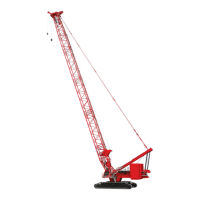
Shipping Configuration (View A)
1. Connect terminating plug (2b, View A) to Node-6
receptacle (2a).
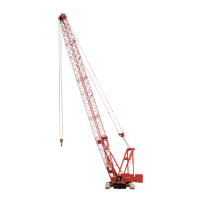
Working Configuration with Boom (View B)
1. Disconnect terminating plug (2b, View A) from
receptacle (2a). Connect the sealing cap to the end of
the terminating plug and let the terminating plug hang
freely.
2. Connect electric cable (2c, View B) from the boom butt
to receptacle (2a).
3. Connect terminating plug (2e, View B) to electric cable
(2d).
4. If equipped with a luffing hoist, connect electric cable
(3b, View B) to receptacle (3a).
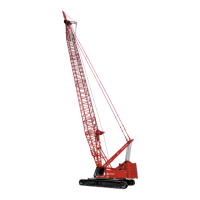
Working Configuration with MAX-ER
(View C)
1. Disconnect terminating plug (2b, View A) from
receptacle (2a). Connect the sealing cap to the end of
the terminating plug and let the terminating plug hang
freely.
2. Connect electric cable (2c, View B) from the boom butt
to receptacle (2a).
3. Connect terminating plug (2e, View B) to electric cable
(2d).
4. If equipped with a luffing hoist, connect electric cable
(3b, View B) to receptacle (3a).
5. Disconnect terminating plug (2e, View B) from electric
cable (2d). Connect the sealing cap to the end of the
terminating plug and let the terminating plug hang freely.
6. Connect electric cable (4b, View C) from the mast butt to
receptacle (4a).
7. Connect electric cable (2d, View C) to electric cable (4c).


 To Next Page
 Loading...