90-13645--2 495 6B-11POWER TRIM
Electrical System
Troubleshooting
GENERAL CHECKS
Before troubleshooting the Power Trim electrical sys-
tem, check the following:
1. Check for disconnected wires.
2. Make certain all conditions are tight and corrosion
free.
3. Check that plug-in connectors are fully engaged.
4. Make certain battery is fully charged.
Refer to the preceding four wiring diagrams for
connection points when troubleshooting the electrical
systems (Connection points are specified by
number).
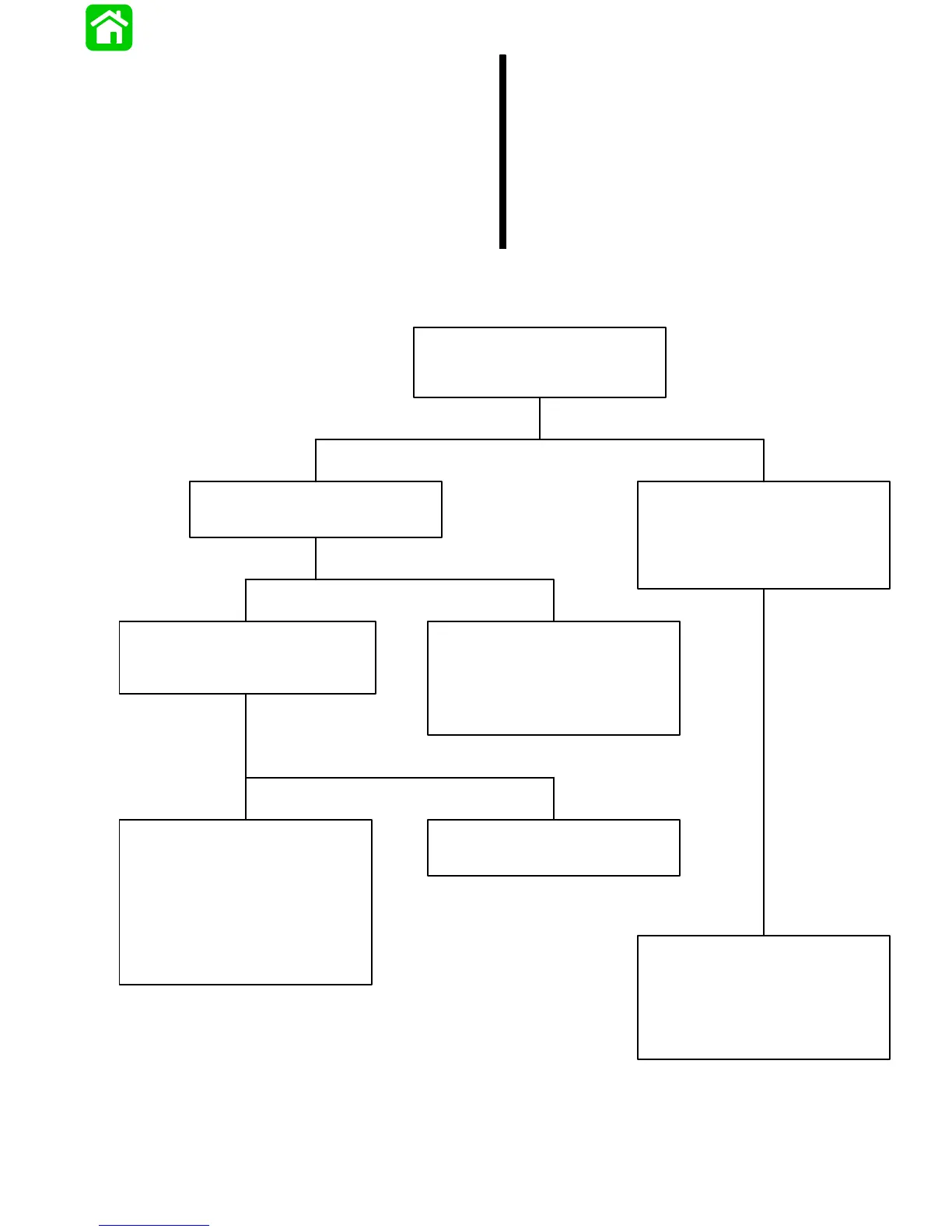
Troubleshooting the “Down” Circuit
(When “Up” Circuit is OK)
Battery Voltage Indicated:
Battery Voltage Indicated:
Battery Voltage Indicated: No Voltage Indicated:
No Voltage Indicated:
No Voltage Indicated:
Solenoid is defective.
• Connect Voltmeter RED lead to Point 2.
Connect Voltmeter RED lead to Point 9.
Connect Voltmeter RED lead to Point 4
and BLACK lead to ground. Depress
“Down” trim button. If battery voltage is
indicatied, wire is open between Points
4 and 1.
Depress the “Down” trim button.
• Depress “Down” trim button.
• Check “Down” solenoid terminals for
loose or corroded connections.
• Check BLACK ground wire (on
“Down” solenoid) for corrosion or
open.
• There is an open circuit between Point 9
and positive (+) battery terminal.
• Check for loose or corroded connections.
• Test “Down” solenoid. Refer to “Motor
and Electrical Tests”, see Index.
• Check wires for open.
No Voltage Indicated:
Connect Voltmeter RED lead to Point 5.
If battery voltage is indicated, trim
switch is faulty. If no battery voltage,
check for loose or corroded connection
at Point 5 or open circuit in wire supply-
ing current to Point 5.
Connect Voltmeter RED lead to Point 1
and BLACK lead to ground.



 To Next Page